My son, a teen, has been doing the “night-time tidying up” task; that is, tidying up, cleaning up, fluffing the pillow, all those stuffs, in the night time before bedtime.
That said, with a teen handling house chores, it also comes with some “rizzed up friends”.
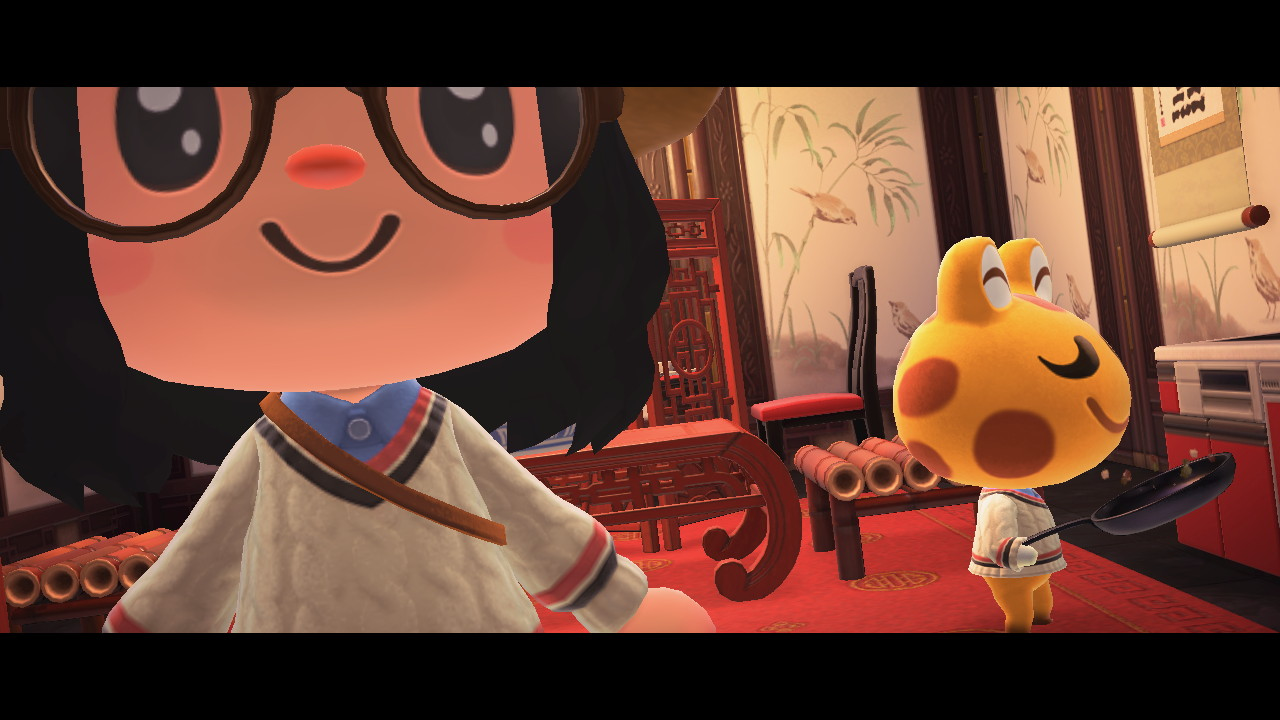
“Mom, Mr. Ducky is falling asleep in front of the TV after a party, alongside with The Ball.”
Back in February, I did something. Not exactly an extravagant thing, but still interesting nonetheless. It was this:
It was Ari (my husband) who tried it first out of curiosity, even though he felt the need to do so because his family has a history of diabetes. He then told me that he bought himself two sets of glucose monitoring device; “one for you,” he said.
The device is exactly what it says: Continuous glucose monitoring system. You will get a device that will be injected into your upper arm, and the needle will pick a blood sample from the bloodstream and read the glucose level. You will be able to see the numbers constantly, 24/7, on an app on your phone.
In case you are worried about the pain: Don’t be. I’m terrible with injections (despite me going to TCM for acupuncture every month!), and the process was really quick and pain-free. I only heard the whoosh sound when Ari injected the device, and it was done. Once the device is injected, you will need to scan the code on the pamphlet on the box to sync the device with the app on your phone.
The company is Ottai, specifically: Ottai Technology (Wuxi) Co., Ltd., which is based in Mainland China, so if you are wary of China surveillance due to the global political climate and, you know, having China-related app on your phone, you really don’t have to use this device. Since I’m generally okay with it (as my government has been doing a shitty job in protecting the citizens so the whole thing has been a “what-the-heck”-thing), I don’t have any concerns about this device and the app.
The device timeframe is 2 weeks, so you will need to replace it every fortnight should you need it. In my case, I used it for only 2 weeks and decided not to continue. Mostly because I’m satisfied with my glucose readings (it’s always within normal range) and I didn’t see any risk of diabetes for now. I did having fun in checking the graph, though!
Screenshot: February 20, 2026
You can see the spikes occurred after mealtime. Those spikes are normal (our sugar level in our bloodstream always increases after a meal), and what the doctors usually want to see is how fast the spikes go down. I also noticed that whenever I have a high-fiber meal, the sugar spikes are always within the normal range/not too high. This fact helped me in ensuring to get myself high-fiber meals and reduce my sugar intake. Also, since I wore the monitor during the month of Ramadan, I quickly learned that a simple iftar meal (iftar is the time when muslims break their fast in the evening/sundown) did wonders for my glucose level and reduced the extreme spikes.
In case you are curious, these are the meals I have been taking:
I also have been experimenting with salads, and my current favorite is tabbouleh. Also, you might have noticed in the pictures above that I’m using a portion-lunch plate. I got it from the Nitori store in Suria KLCC, and it has been SUPER helpful in maintaining a healthy food portion. The Malaysian Ministry of Health has been promoting the “Sesuku Sesuku Separuh” campaign: Divide the plate into three sections: A quarter for carbs, a quarter for protein, and half of it for veggies. I have to tell you: My meals never been this colorful (and much to the joy of my dietitian!)
I’m not sure when this “issue” started, because I know WordPress 6.9, the latest major version, was released back in December 2025, I spent quite some time in January (? February?) 2026 redesigning this blog, and I didn’t find this issue. I also checked the theme — Twenty Twenty Four a.k.a. TT4 — and its last update was in December 2025. Which means, most probably, this comes from the Gutenberg update, which just updated recently.
The “issue” was The Case of “Missing” Block. I’m not sure from where and how I should start this, and whether this is actually normal (but I guess it’s not?) but here goes.
I logged in to my blog dashboard just now, as I want to update the Content Block settings. I accessed the Site Editor as follows: WP Admin > Appearance > Editor. That one is pretty straightforward. I thus got directed to the Site Editor, as expected, and I opened the List View as usual.
I expected to see the Content Block perched nicely and quietly as part of the Query Loop Block on the List View sidebar as usual. I thought I could just… You know, work on my blog then call it a day. But no. This was what I saw.
The pattern “Header”, I get it. The pattern “Footer”, I get it. Now, the Query Loop Block is changed to the pattern “Standard”, because… I guess that’s how it works now? The problem is, when I clicked the dropdown arrow to expand the content, since I expect to see the Content Block inside that pattern, there is still no Content Block? Title Block, Post Date Block, Categories Block, and Tags Block. Where is my Content Block? 🥲
I did find the Content Block by clicking the “Edit section (on the right sidebar). Make sure you have the pattern “Standard” clicked, then click the “Edit section”.
Then, and only then, you will see the Content Block appear. For some reason, the blocks changed, too. From:
Title
Post Date
Categories
Tags
… to:
Post Template
Title
Group
Post Date
Categories
Tags
Spacer
Content
Spacer
The second one would be the expected view. I did put the Post Date Block, Categories Block, and Tags Block in one group using the Group Block. I don’t know why it’s not reflected as such prior to the template “Standard” being edited. At least, now we know what to do next (a.k.a. Click everything and pray that it works.)
Now! I wanted to edit my Query Loop Block because of this:
The block now has a filtering feature where we can choose the type of posts we want to display based on their taxonomies (categories, authors, and tags). The problem was that it used to be able to only display them, not exclude a specific category or tag. Imagine this situation: You have ten categories on your blog, and your goal is to display all posts from all categories except one category. In the old days, you needed to list the categories you wanted the posts to be visible in, instead of telling the system: “I want to exclude category XYZ.”
In order to exclude a particular category or tag from the Query Loop block, one must manually add all other categories/tags to the block, leaving the “excluded” option out. This is time consuming and laborious, and would be a better experience to have the option to exclude by taxonomy as well as include.
I supported the proposal, and commented on the GitHub post:
+1. I’m currently working on my blog, and I was hoping I could exclude a category from the main content view and treat it like a “microblogging” on the sidebar. I have been moving away from social media and treating my blog as a one-place-for-all. Having the ability to exclude taxonomies would be really helpful.
It was then in December 2025 that the plea answered and worked on: Query Loop: Exclude terms support, and it was included with the Gutenberg update on ver. 22.4. Now, everyone, let’s all say thank you to Nik Tsekouras 🫡 THANK YOU, NIK! 🙌
What does it mean? It means that you won’t see any posts under the category “Bookmarks” on my blog’s main page, but yes, you can still see them by accessing the category page: https://corianderinpho.com/category/bookmarks/ 🙂 — The same goes with the category “Aside”. This category will serve as the “microblogging” aspect of this blog.