• Budgeting v. Spending Tracker

    This is more a question rather than a financial tip. I actually wanted to ask you all here, if you have any tips or budgeting/spending format that you have been following — and if yes, please do share! Even if you don’t have any, feel free to let me know why. Maybe, unconsciously, you have certain system that works.

    So! Yeah, I guess it goes without saying that financial management is something that we learnt — and actually need to learn — since young age. Pocket money or maybe salary from part-time/summer break gigs; we learned how to ensure we don’t overspent. And when we did (stress eating and stress buying is real yo,) we can make sure that it’s still within manageable level.

    I’ve been using spending tracker for years. I’m using Money Lover app on my phone to track my spending and… As much as I love and appreciate the app, I really am too lazy to track each transaction every single day!

    I guess it goes down with the pros and cons of daily spending tracker:

    Pros:

    You are handling your financials in detailed manners. You know where goes which and which goes where.

    Cons:

    You need an immaculate set of discipline, something that I clearly lack of. And if are not super careful, you can go overboard with your spendings and overspend.

    Now, I’m interested with budgeting. So I’m planning — well, I already planned — some “posts” for each costs/spendings. For some spendings that usually go into variable cost (constantly changing — for example, electricity bill. Quite contrary with Indonesia, we still have post-payment method (you got billed based on your consumption — whereas in Indonesia, you can purchase “electricity tokens/credits” with certain amount of fee. It’s to avoid overcharging issues) by the electricity company) I “force” it to be fixed cost. I’m checking the average billings and set certain amount of money that I will pay monthly. So far, I always have extra fees on my account, which helped alleviating the billings.

    Of course, this kind of thing — forcing variable costs to turn into fixed cost — comes as I have privileges and means to do that.

    It’s pretty eye-opening to see the amounts and the priorities. What I like about budget method is, you started to think how to save more or reduce the cost. I feel this will be super useful if you have future planning and you are foreseeing the possible costs.

    Budget method calls for envelope method. So you use literal envelope and put the allocated money inside each envelope. You took it out for every spending that you have, and if the envelope is empty, then you stop.

    Now, since we are using cashless method more frequently — and due to the pandemic, it’s encouraged to use cashless method to reduce contact — I’m currently thinking what kind of “envelope” method I can use. Money Lover app has this feature where you can create “wallets” on your account, and it looks neat to use it as envelope. I also planning to cross-check it with my spreadsheet.

    Pros:

    You can get bird-eye view of your expenses and your priorities. In some cases, it can even be a wake-up call to save more.

    Cons:

    If not done properly, it might lead to overspending — which beats the initial goal of budgeting. And on some cases, it can be really depressing. You need to look at your incomes, your expenses, and your cashflow. Some folks are fortunate enough to see how to get by. For some, it might be quite hard to do so.

    Sooooo… What I’m thinking is, maybe I can combine those two (?) Every month, I create the monthly budget. Then, for specific “envelope”, I’m using spending tracker ? I’m thinking I can use spending tracker on my personal expenses since that can easily goes overboard.

    I honestly don’t know how this (managing one’s budget) will work with some of us in sandwich generations. I have been hearing personal stories where it’s really really hard for my generations to have savings since they need to take care their family and they need to take care of their parents. There are also economical issues, workforce issues, and many external factors that makes people really reluctant to look at their financial conditions. Some folks even living paycheck to paycheck, and having savings is considered a luxury.

    How about you? Do you have specific methods on handling your budget? Feel free to share!

  • Billie Eilish and AM/FM memory

    When I first heard Billie Eilish, I thought her voice is unusual — and I was on the unsavory side.

    But as I listen to her songs, it brings certain memory.

    When I just started university, I had this small AM/FM radio from my dad. I usually listened to it before bedtime, with low volume, and fell asleep as I listened to the songs and the radio DJ. Some nights, I was wide awake, typing my papers. We didn’t have Spotify or even rich enough to subscribe to streaming service. It was the days of MP3s, where college students found MP3s from each other’s USB stick. Either radio or your Winamp MP3 player on infinite loop.

    The crackles from the radio and the white noise afterwards when the broadcast ended had a soft spot on my mind and my heart. I guess that’s the reason why I like lo-fi genre so much — and I found myself listening to Billie more recently.

    Billie Eilish ‘everything i wanted’.

  • 2020: Halfway

    As we are skeptically looking at the end of August and the rest of 2020, I wanted to see how far we have gone — or didn’t go at all because travel restrictions and all that.

    Early 2020, when we were such sweet summer children — not realizing the horror descended upon us.

    Then… Everything stopped.

    There have been so many pain and tears and anxieties. However, it didn’t deter so many humor and encouraging words.

    “Stay at home. Don’t be afraid of getting weight, because you can always getting slim again. If you died, you can’t go back alive again.”

    And somehow, friendships and connections are reformed through video calls and chats.

    We appreciate more folks, the frontliners — pandemic or not, they are always out there, taking care of our needs. No, I’m not accepting your apology because you have done more than needed and we know you are putting yourselves out there to ensure we are okay. I’m sorry, and thank you.

    Please don’t be sorry! It’s okay! Thank you for your hard work!

    We appreciate small things now — as simple as a haircut.

    Slowly but surely, we starting to build and regain our lives back. It haven’t happened yet on some places, but all of us are working on it.

    Stay safe and stay healthy, folks. We can do this.

    Obligatory KL sunset pic
  • This post will sound pretty technical-ish, but I just realized something about it and I wanted to write it here and hopefully it can give some insights or info with you folks.

    Soooo… Huh, I forgot exactly when, mid-2019, early-2019? I guess? Yeah, so during that time, we got some questions from folks on why they unable to upload images from their computer to their WordPress.com website.

    Image upload issue can varied from file size, server issue, Internet connection, and file format. On my previous blog post about doing Support, I mentioned about “replication” — Support team usually asking for details from users to see if they themselves can replicate the issue and narrow down the possibilities. Now, at that time, I was able to upload sample images so I mentioned that I couldn’t replicate the issue. So I asked for more details.

    Then the details started to pour in. “Images from my iPhone…”, “it’s greyed out when I tried to upload it…” — and soon we found the common thread: Apple OS.

    HEIC/HEIF (High Efficiency File Format) was introduced by Apple in 2017 alongside with iOS 11. The format said to be able to store high-quality image with half the storage space. I feel this is pretty expected, knowing how Apple has been selling their iPhone photo quality — and I’m sure they want some efficiency on the file size to ensure no backlash coming from the users.

    Problem is, there is no browser supports HEIF/HEIC format natively as of now — and this including WordPress.com website. The file format is not yet compatible, and the only way to open it is to convert it to JPEG, JPG, PNG, or others.

    So! A bit of tip. If you want to upload/use your photos from your iPhone to your WordPress.com website, do not open the Media Library modal (Media Library > Add New) directly on Photos (if you have your Photos app synced between your Mac and your iPhone.) It will give the greyed file icon and you wouldn’t be able to upload it. What you need to do is, drag-and-drop the photos from the Photos app on your Mac (given the photos are synced between two devices — your Mac and your iPhone) to your Mac desktop or folder. You would see that the image files converted automatically to JPEG. From there, you can upload your images to your website.

    Another alternative is: Use WordPress app. I seriously don’t know how to explain this, but it just works.

    (I wish I could grab a developer from Mobile division and let them share their workflows and the details here because good gosh, it’s really awesome.)

    For some reason, WordPress for iOS works with HEIC file format and you can add the images directly from your phone (or maybe most — or even, all — apps are able to? ?) This is definitely helpful and if you are comfortable in using app for blogging, I definitely recommend this approach (me myself is still pretty 50-50. I like the app, and I like the sit-down-in-front-of-your-laptop-and-type.)

    I hope this helps. This is applicable to many (if not, all) website services out there. If you find some image files can’t be uploaded/greyed out, check the file format and see what it is. You can convert the images using any image processing softwares/apps or using online converter. You can also check Apple’s Support guide related with HEIC/HEIF file format.

  • Plants update!

    A couple of weeks ago, we had painting job on our building exterior — and the workers asked us to protect the plants on the balcony so it won’t get paint splatters on it as they worked.

    Since most of the plants are the resilient ones, they were put under the balcony table and protected by plastic.

    While the bigger ones — bayleaf plant and lime plant — had to go inside the house. As for the chili plant, uh, it… passed away (I don’t have the heart to mention a death, okay.)

    It has been pretty warm and humid recently in Malaysia — tropical rain (monsoon?) arrived every afternoon, and as Malaysia as can be, the aftermath of the storm usually a 80-90% humidity. As you open the window or the balcony door, a stifling heat and humidity covered your cheek as you tried to find a glimpse of cool breeze (no, there isn’t any) along with Kuala Lumpur’s usual traffic sounds.

    And it seems the lime plant has been enjoying it very much.

    “Happy” would be an understatement. Knowing my track records with plants, to see something actually growing other than leaves and, possibly!, multiplying or having offsprings is exciting. Look, ma! I grow something other than human beings and it won’t yell if their iPad time has up!

    The painting job has finished and I have put the plants back to their place. Thus, came the second task: Re-potting.

    Some of the plants have been too big or too many so I decided to propagate them and put them on the bigger pots.

    I had to change the pot on the right in such short time as I found I didn’t mix the soil properly, causing a bit of puddle when I watered the plant.

    I also changing the watering time for the plants. I found many of them becoming really leggy with less leaves. I found that it’s due to lack of water. At first, I was confused since watering them once every 1-2 weeks is the “proper way” to do that. However, I found that it’s the proper way for indoor plants since they are, well, indoor. Since my plants are, uh, outdoor? Technically? So they have ample of external factors such as wind, air, and sunlight. I now watering and misting them pretty often.

    I’m keeping an eye on my pothos plants. Their growth has been stunted for the past one year; from what I read on the Internet, it seems the cause is lack of water too. I’ve been increasing the watering frequency too, so lets hope they will grow fast.

  • Saw this site mentioned the other day on Slack: neocities.org.

    Scroll down and you will see “Featured Sites”. Never knew it brings back early 2000s, and it makes me so, so happy.

Nindya. Kapkap. she/her. Indonesian in Malaysia. Millennial. Lo-fi. Animal Crossing: New Horizons. Murder mystery genre.

Currently feeling:

The current mood of retnonindya at www.imood.com

Part of blogroll.org

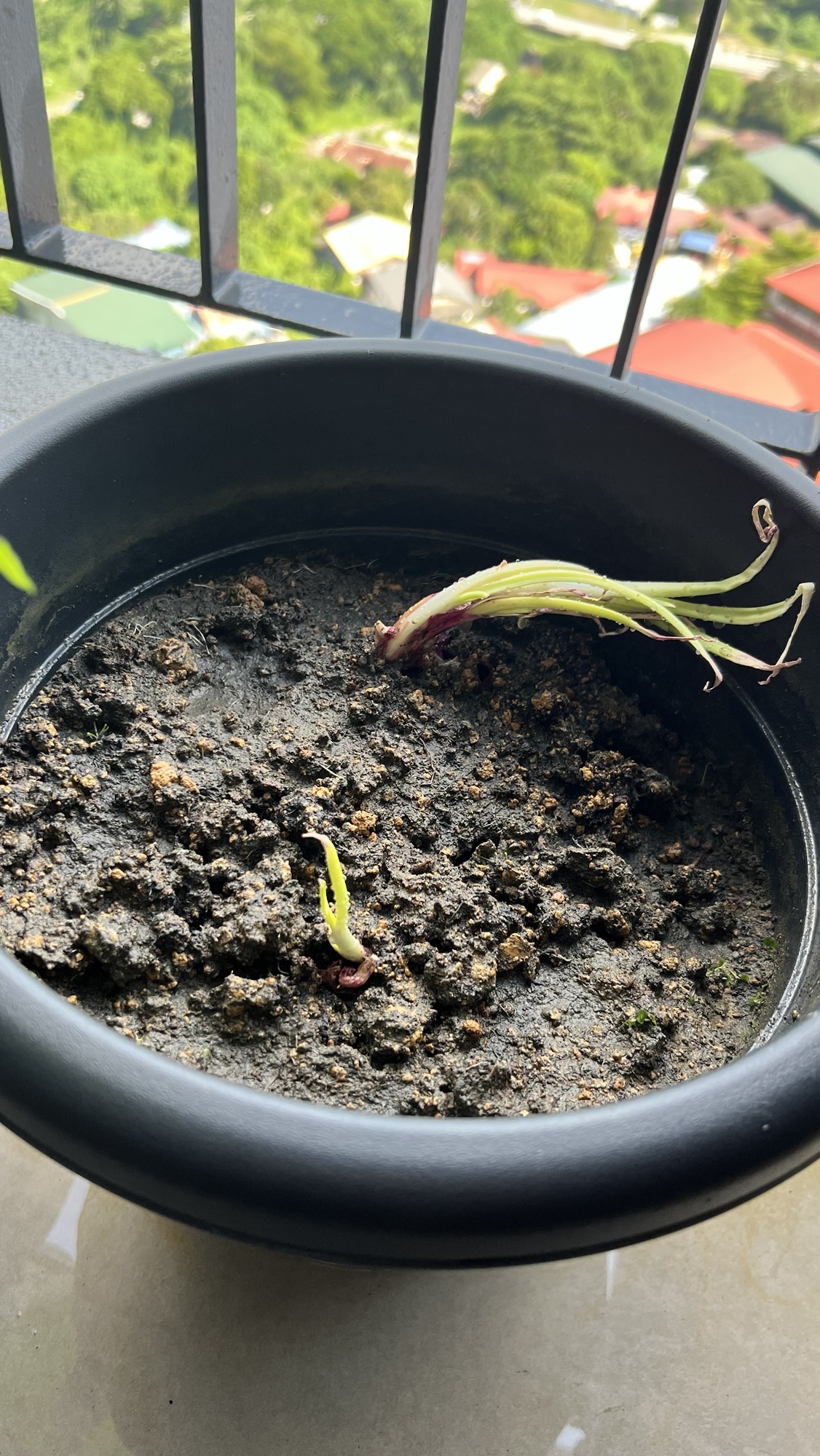
  • Red onions
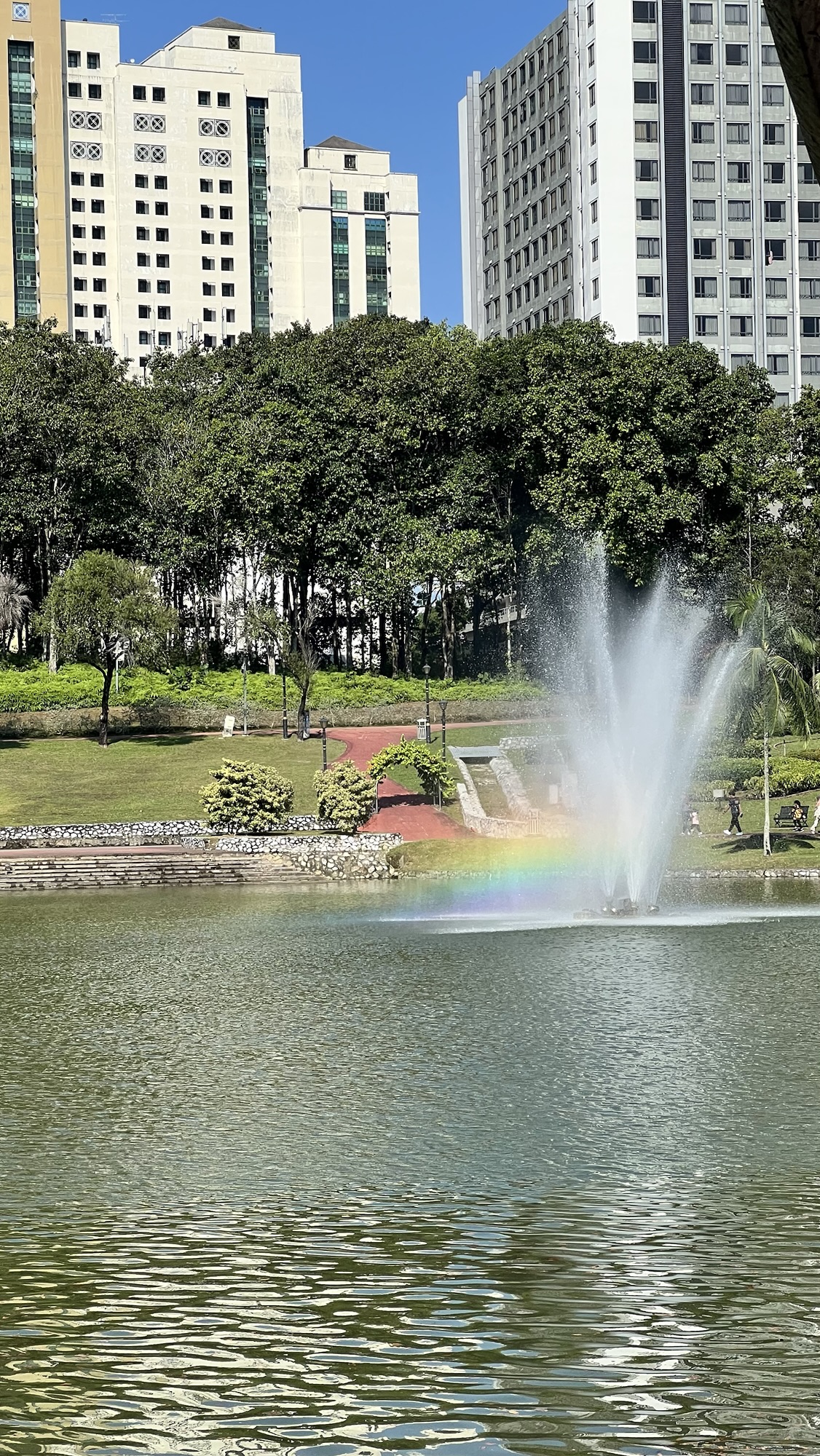
  • Urban rainbow
  • Sun and trees
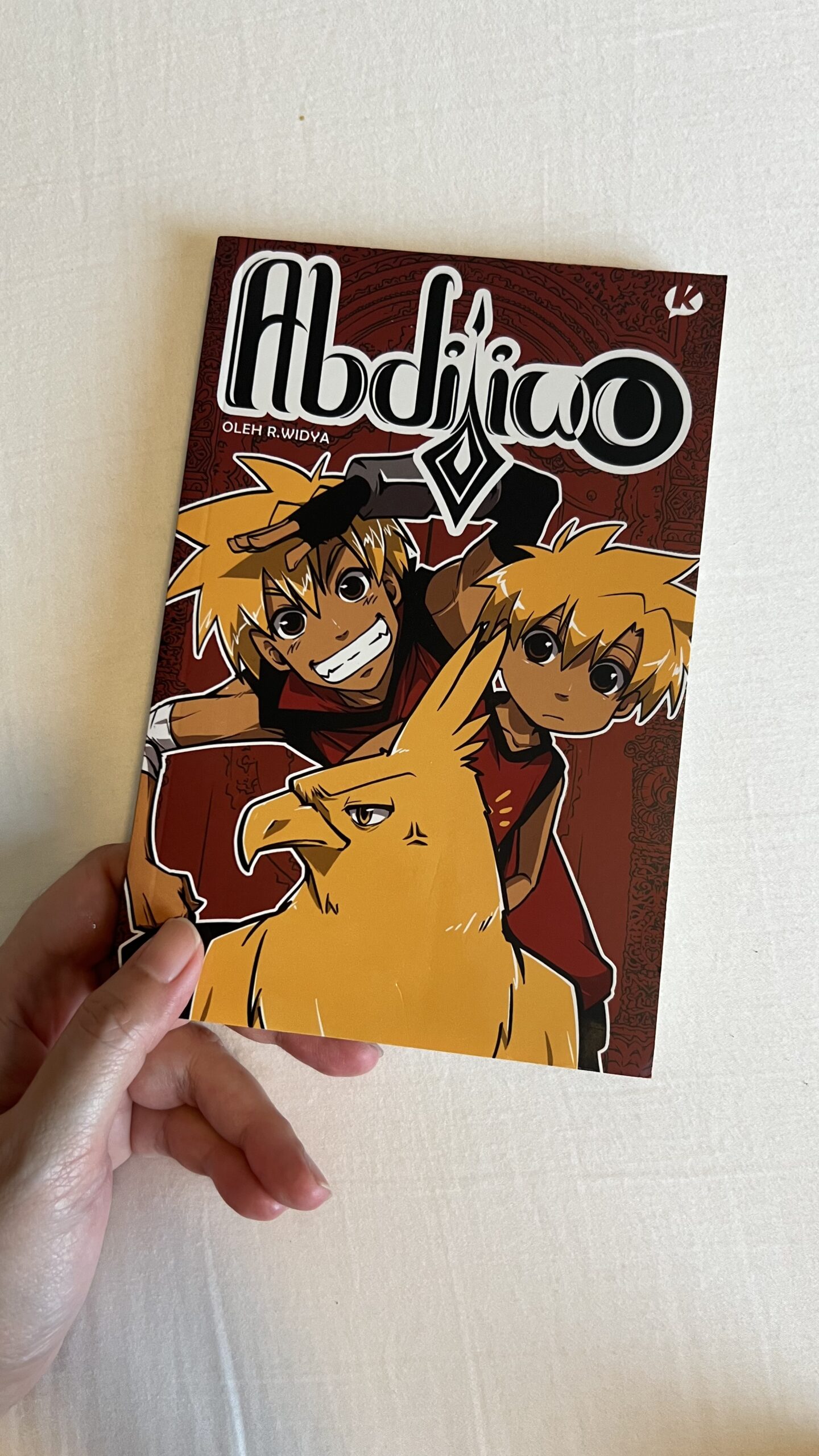
  • “Abdijiwo” by Retno Widya
  • “The Maid” by Nita Prose
  • The Liebermann Papers on BBCPlayer