Fiiiinallyyyyyy! I finished this whole box!

(I still have two more boxes to read.)
I honestly can see why it’s written “the best of Poirot” on the box jacket, because they are! In no particular order:
- The Favorite: “Murder on the Orient Express”. No explanation needed. I love Orient Express (when yah…) and say what you want about the 2017 movie, but I love how Kenneth Brannagh brought out Poirot Universe with such lush.
- The Most Mind-blowing: “The Murder of Roger Ackroyd”
- Best Women Characters: “Five Little Pigs”
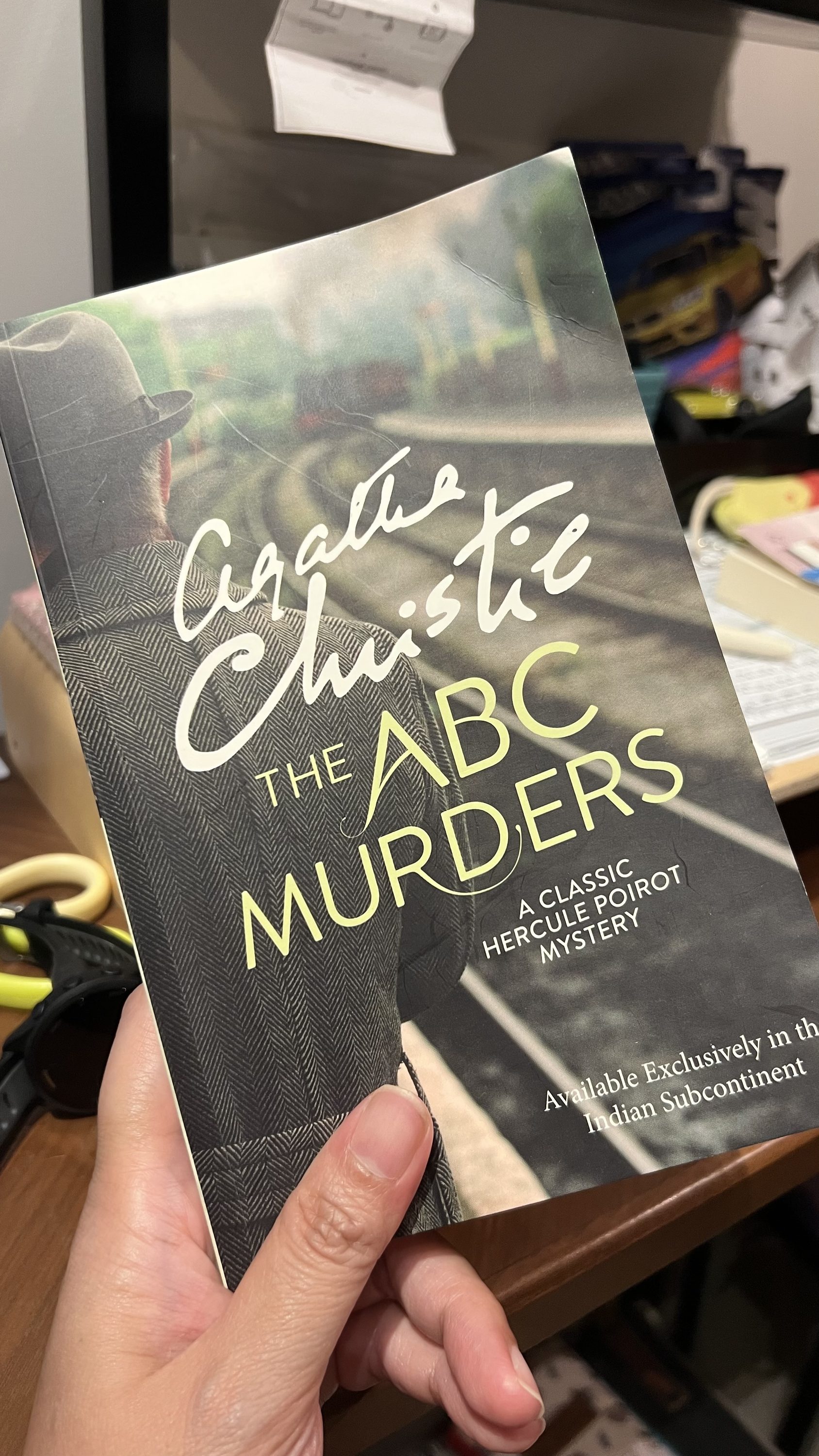
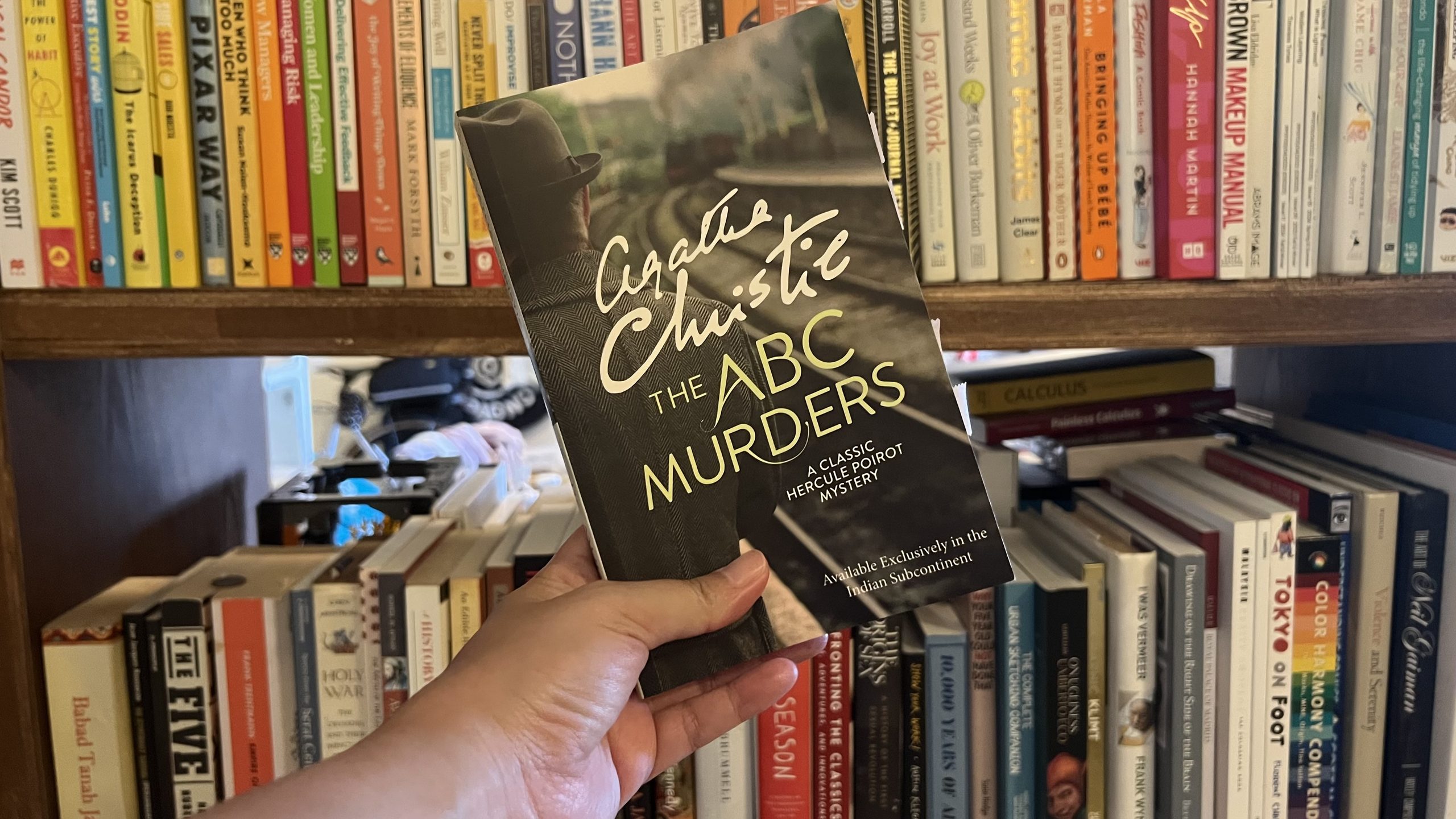
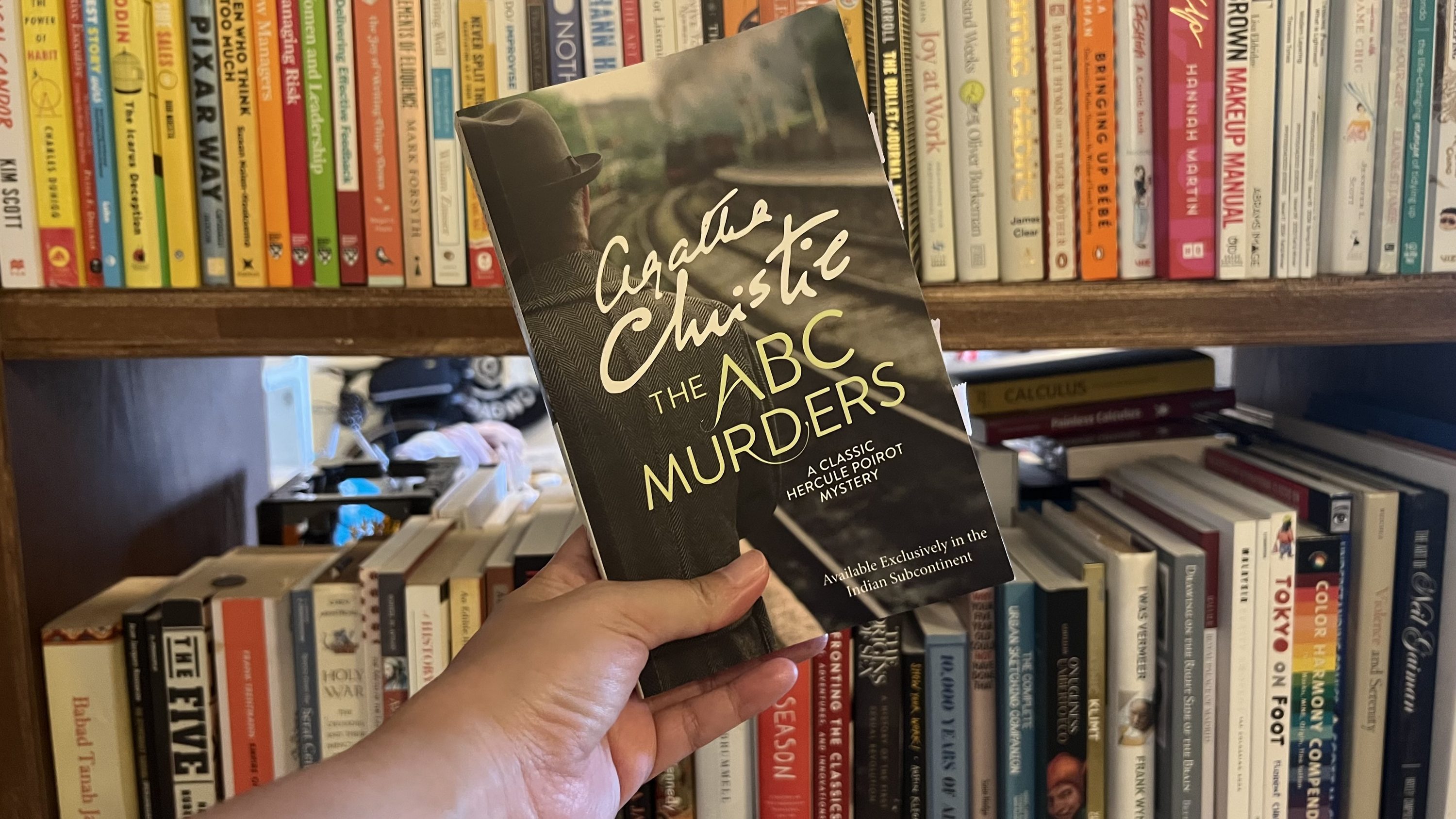
- The Trickiest: “The ABC Murders”
“The ABC Murders” is such a page-turner. I forced myself to stay awake in the middle of the night to finish the rest of the novel in one go because I got so engrossed in how Agatha Christie could make such a twist. I particularly love how she imbued deep personalities into her characters, and from the five novels in the book, it seems like “The ABC Murders” is the one with such heavy emphasis on suspect profiling.
Poirot did not answer at once. Then he said slowly:
‘The answer to that is yes. We are confronted here by an unknown personage. He is in the dark and seeks to remain in the dark. But in the very nature of things he cannot help throwing light upon himself. In one sense we know nothing about him — in another sense we know already a good deal. I see his figure dimly taking shape — a man who prints clearly and well — who buys good-quality paper — who is at great needs to express his personality. I see him as a child possibly ignored and passed over — I see him growing up with an inward sense of inferiority — warring with a sense of injustice…’
I know that we have various classic detective literature mentioning or having a brush with suspect profiling and psychology, but it’s quite rare to see such emphasis shown as clear as the one in “The ABC Murders”. I also particularly love Poirot’s obsession with the suspect motives — “the why”. It feels like a good catharsis for a girl who was usually being told “don’t ask too many questions!” growing up. Yeah, I know I shouldn’t ask too many questions. But why?
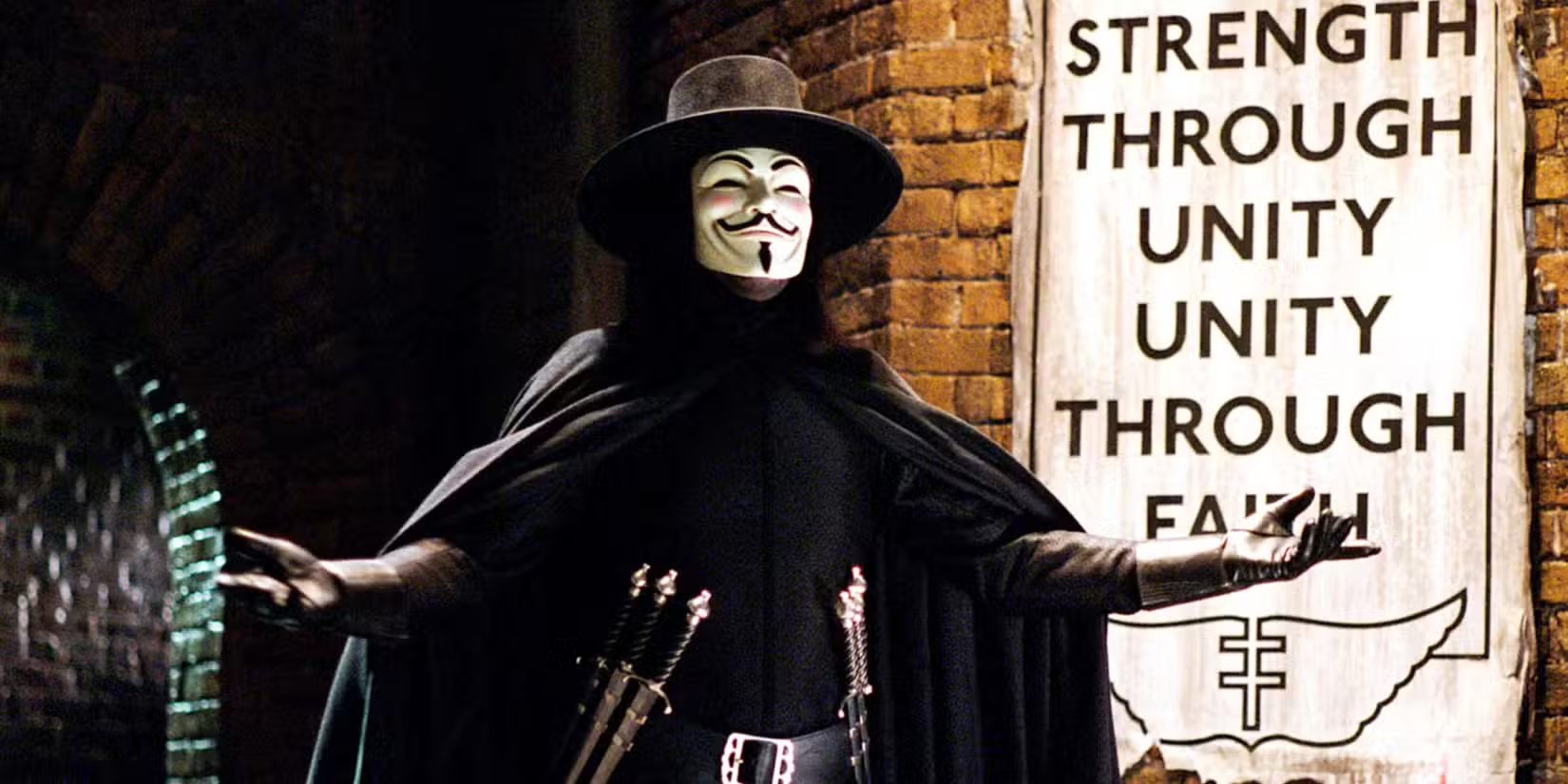
I’m particularly interested in one of the characters here: Mademoiselle Thora Grey. I love the juxtaposition presented in the story: Hastings’ fascination with Ms. Grey, and her own personality and mind on the possibility of receiving the wealth in front of her. The interactions made me wonder if this is a show of Hastings’ poor judgment of women, in how he might still see them as “the weaker sex”, or whether Ms. Gray is that good in concealing her thoughts and intentions.
Speaking of “seeing women as the weaker sex”, of course I couldn’t hold my snort when Poirot stressed the possibility of women, too, can be murderer:
‘Then the murderer could just as well be a woman as a man?’
The suggestion took the doctor somewhat aback.
‘A woman, eh? Well, I confess it never occurred to me to connect a woman with this type of crime. But of course it’s possible — perfectly possible. Only, psychologically speaking, I shouldn’t say this was a woman’s crime.’
Poirot nodded his head in eager agreement.
‘Perfectly, perfectly. On the face of it, highly improbable. But one must take all possibilities into account.’
I found Poirot’s perspective interesting, because while it can be really easy to slip into misogyny, Poirot’s distrust of women (a.k.a. believing that women, too, could kill) came from valid reasons. I mean, this guy had been seeing, what? How many murders have been committed by women? So, yeah, I really appreciate how Poirot looked at a bashed head hit by a blunt object, and instead of going, “women would never do this! They would go for a more delicate attempt such as poison!”, he went, “huh. Okay. Can be a man, can be a woman. I mean, pick your choice.” It feels like Agatha Christie spoke to us, “heck yeah, I would do that given the opportunity.”
There were not a lot of scenes or shows of the usual The Girls of Agatha Christie in this work; for some reason, I felt that this work got overpowered by the characters from the Scotland Yard, particularly the “oh, yes?”-character of Inspector Crome. It feels like watching a really frustrating US-based series/movies with boisterous and loud military or police characters while the scientists and folks who actually know things have to work twice as hard to get their point across (cue all natural disaster movies by Hollywood).
Anyway! I don’t think I could write more about this work, mostly for fear of giving away things one too many, hahah!
What’s next on the list?
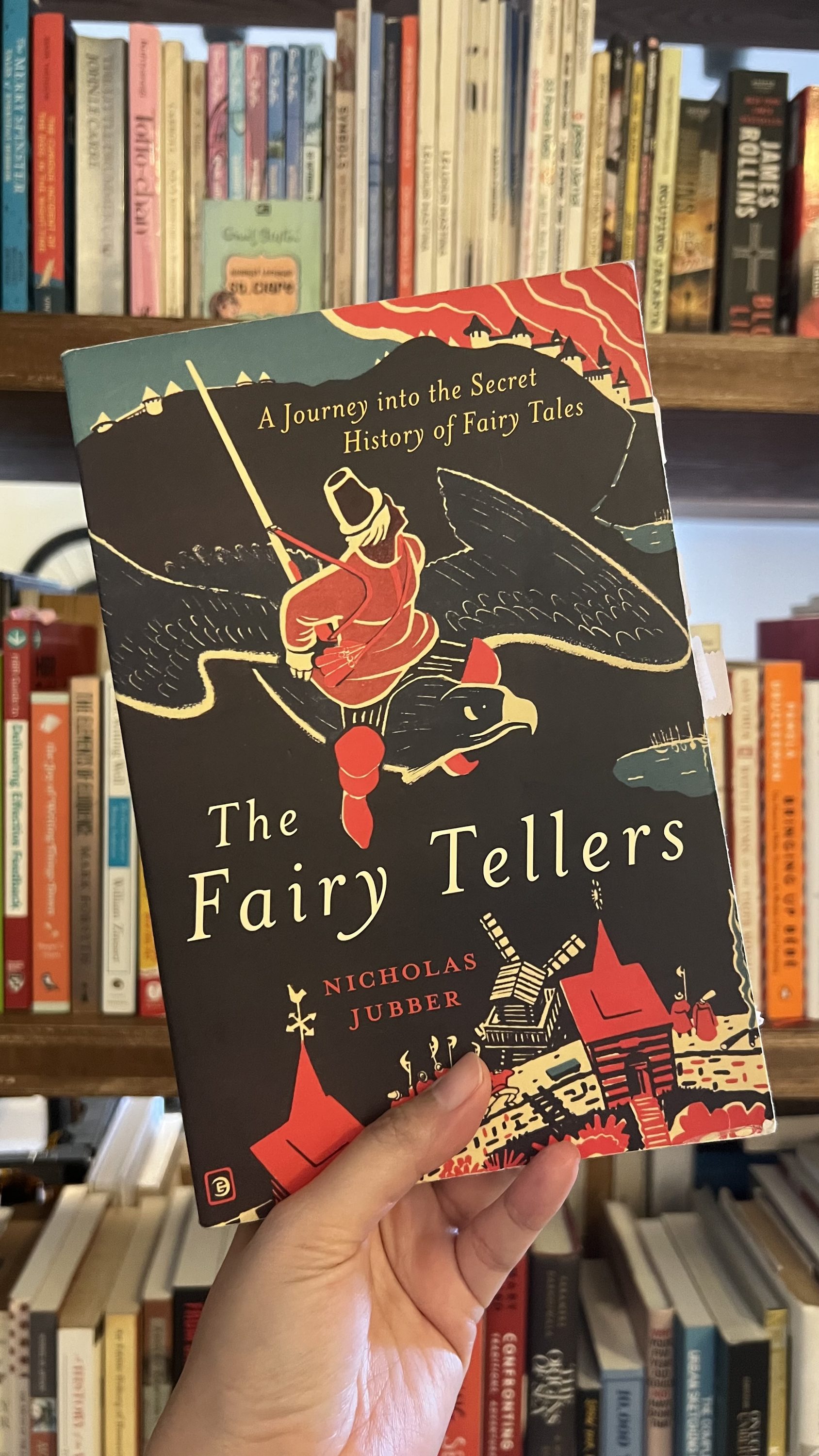
I have this habit of reading fiction and non-fiction works together. When things got too intense in one of them, I would pick up some pages from another. This book has been on my Currently Reading for quite some time, and I am yet to finish it. Now that we have finished the exhilarating world of Agatha Christie, I feel we can delve back into the world of fairies, princesses, knights, and mythical beings all over the world — and those who created such worlds: “The Fairy Tellers” by Nicholas Jubber.