Earlier today, I saw this news on my Threads timeline: Guy finds Google Chrome is quietly installing a 4GB AI model on our devices. I must confess, I am still using Google (Chrome and the likes; especially Chrome) on my laptop and my phone, mostly due to the convenience. That said, I’m already sick of Google shoving its AI to my face every single time I open my phone to check my email and do some web search. Again, I’m all about AI assisting humans in doing their work, especially the dangerous or tedious ones. Stealing, creating stupid deepfakes, cybercrimes, and robbing humans’ creativity? No thanks. In terms of usage, I would use AI only in my own terms, not being shoved and choked every second.
I then decided to look for alternatives. Some folks on the discussion part of the Threads mentioned the Vivaldi browser, so here we are. I installed Vivaldi, put it on my laptop’s dock, and removed Chrome. I am yet to uninstall Chrome, in case there are some things I need (although I kinda doubt it…) but I have imported most of my stuffs from Chrome to Vivaldi. So far, I’m enjoying this browser, mostly because no AI is in sight whenever I’m using their search engine (https://www.startpage.com). Things feel more peaceful and quieter. I’m also thinking of switching my phone’s browser to Vivaldi.
I also did a round of check-ins with some of my posts, and I found that some videos went “missing” on some of my Peachtober posts. It was weird; for some reasons, the Video Block switched to VideoPress Block, and even after the usual deleted-then-added-it-back, it is still using the VideoPress Block. I ended up copy-pasted the correct code and used the Gutenberg’s Code Editor to re-added the video. This one:
I’m not sure how the video got automatically set as VideoPress’ though. The video link is on my site (the /wp-content area) and I don’t have any active subscriptions with VideoPress.
Editing and updating the Peachtober posts made me feel nostalgic. I haven’t drawn anything for the past 2-3 years. My son, Wira, even asked me, “Why aren’t you drawing anymore?” I told him that drawing has been quite a traumatic experience for me. While the activity and the process itself are fun, I can’t stand having people looking over my shoulder whenever I’m drawing, “which, unfortunately, is what you, your sister, and your dad have always been doing whenever you all see me drawing or doing things,” I told him. I have been loving drawing since I was a little kid, and when I drew things, adults around me always had something to say, and mostly the words were… far from encouraging. Even if they did say something remotely neutral, it was always laced with critiques, be it of anatomy, color combinations, or fantastical creatures. I was 6 years old, for fucks sake.
I know that Ari and the kids never commented on anything — they have been really, really supportive, even! — but it is still quite hard to shake the habit of drawing things quietly and secretly. Perhaps I can restart it now.
Another update: I have been musing on the idea of having some kind of “updates section” on this blog, so I can keep track of things that I have done on this blog; you know, like a documentation section. However, it would mean another weird type of short posts on this blog after “Aside” and “Bookmarks” categories. I wanted to use status.cafe, but it seems like they are having an issue with their email deliverability. Unfortunately, a similar bug report is yet to be replied/attended to, which means that I’m still looking for a microblogging/status update service out there. The last resort would be using one of my WordPress.com sites and displaying the feed on this site, hahah.
I also added custom fields on posts. I’m using the plugin “Advanced Custom Fields” to add custom fields and “Blocks for ACF Fields” to display them in block format so I can add them to the blog templates. I really want to make this blog as personal and customized as possible, hence the custom fields.
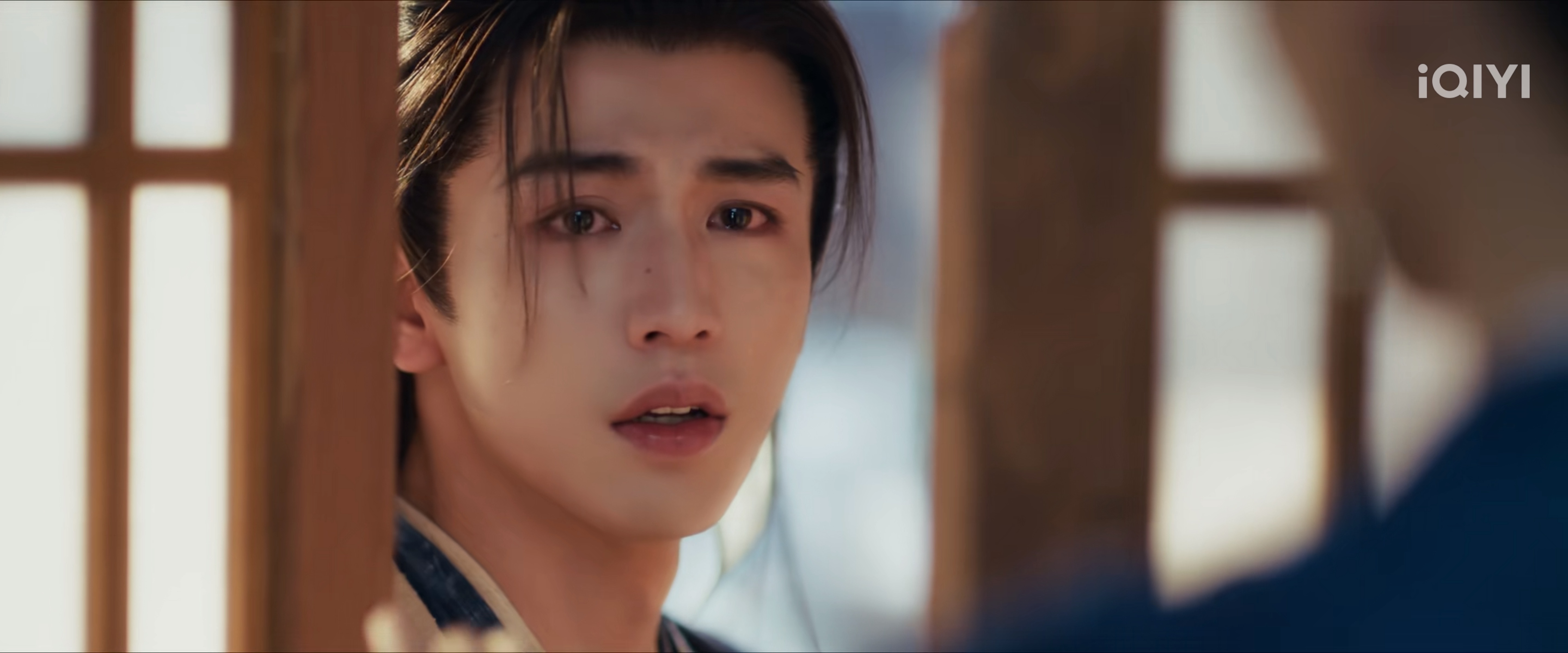
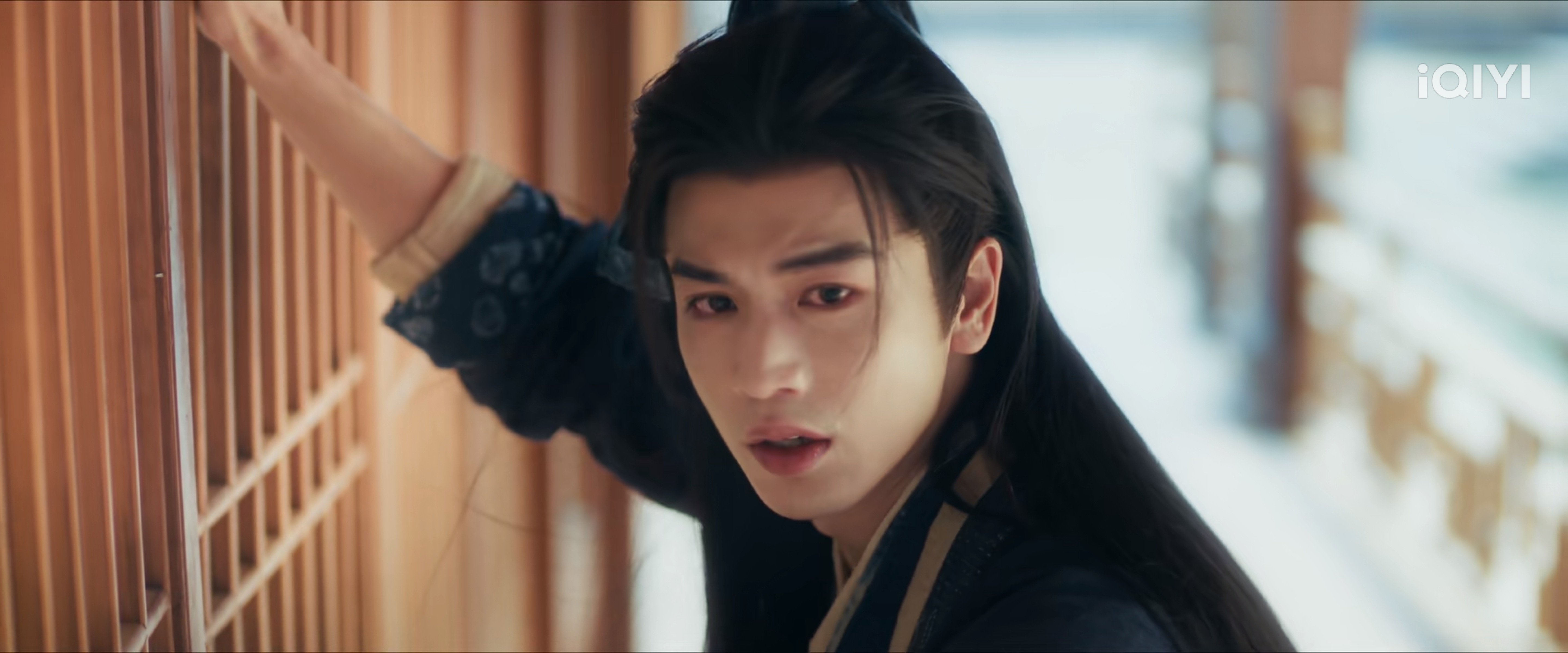
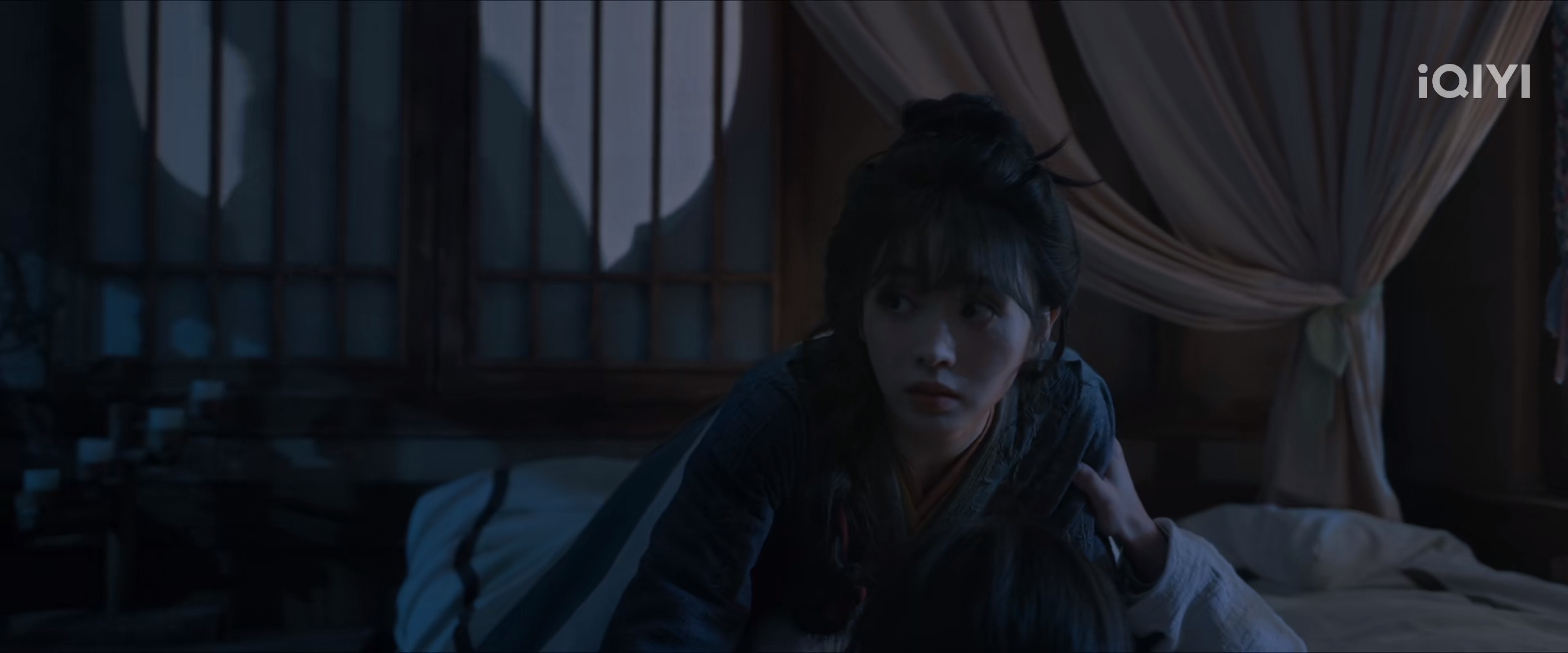
Anyway! I am now on episode 8-9 of “Pursuit of Jade”, and finally, we have a micro-expression on Zhang Linghe! 🎉
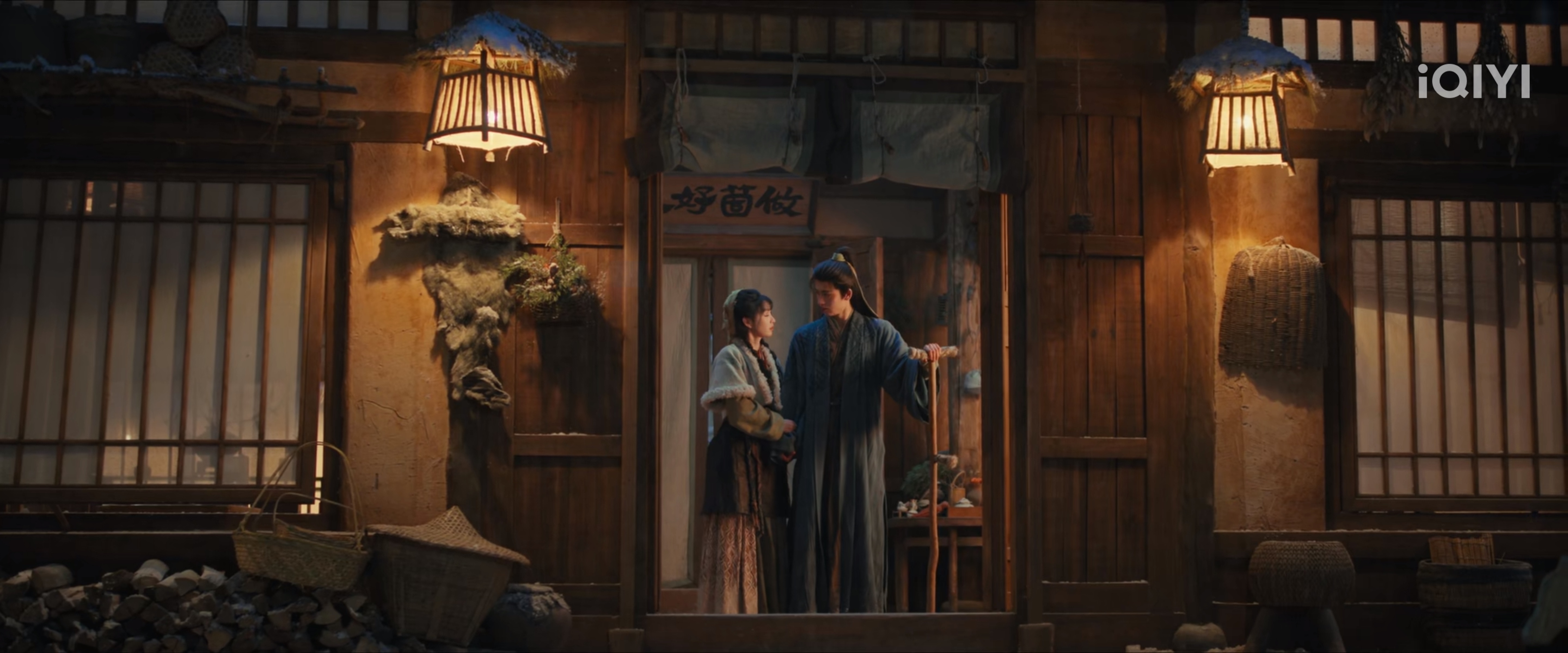
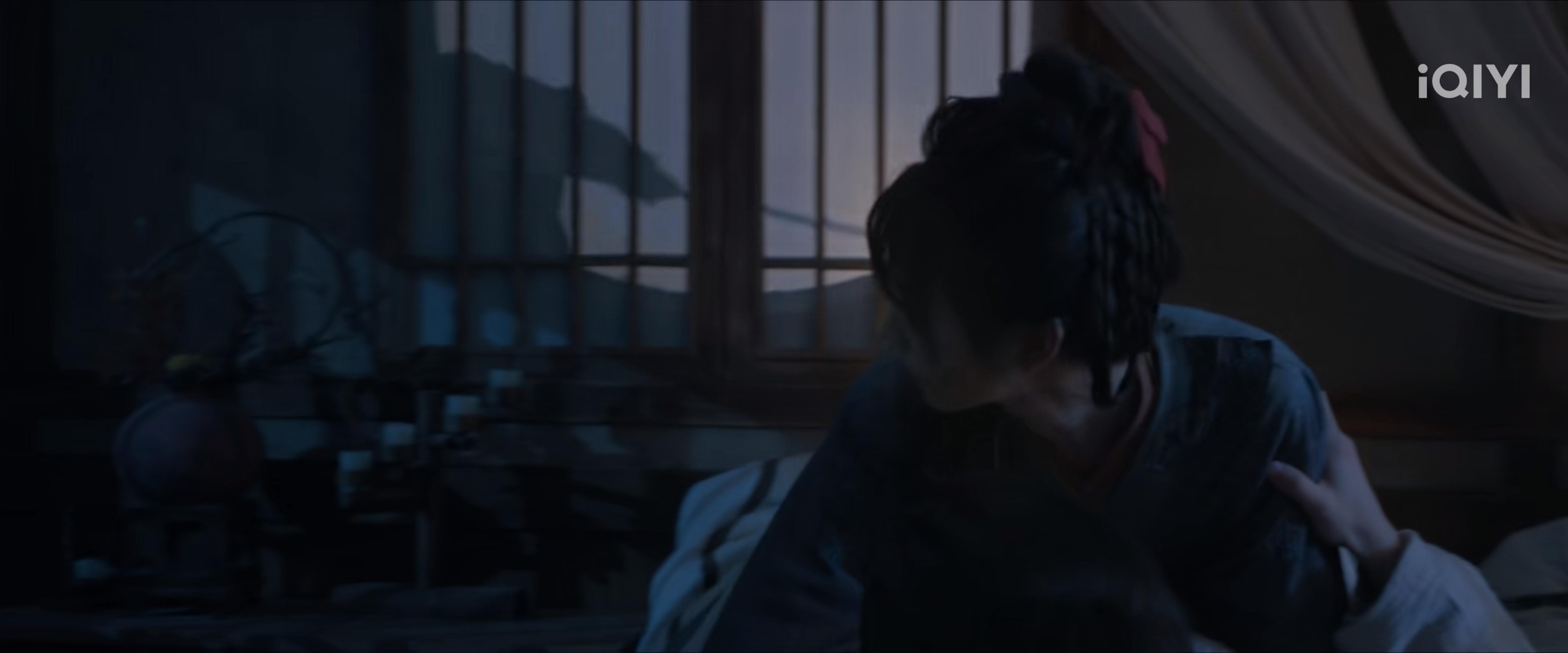
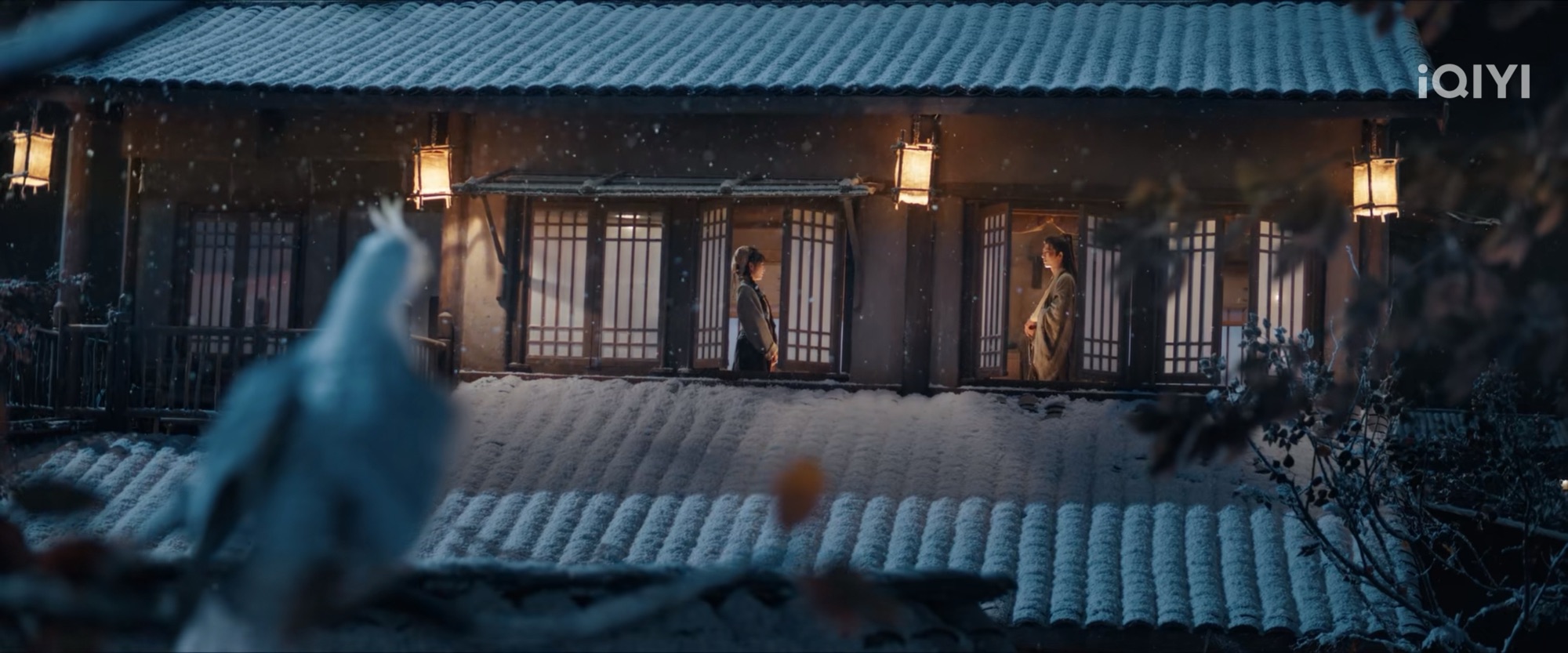
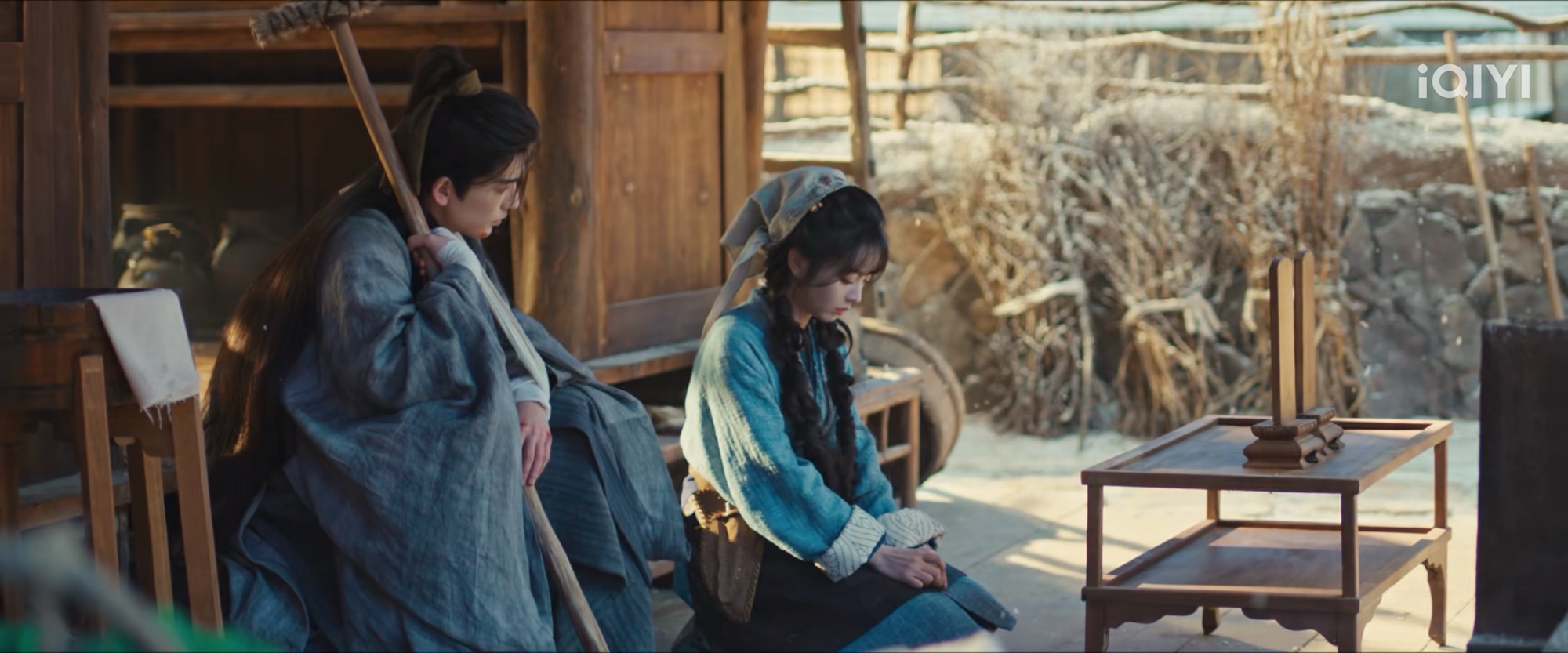
At least we have Tian Xiwei (I love her so much!) to balance things up. I love this shot of them.
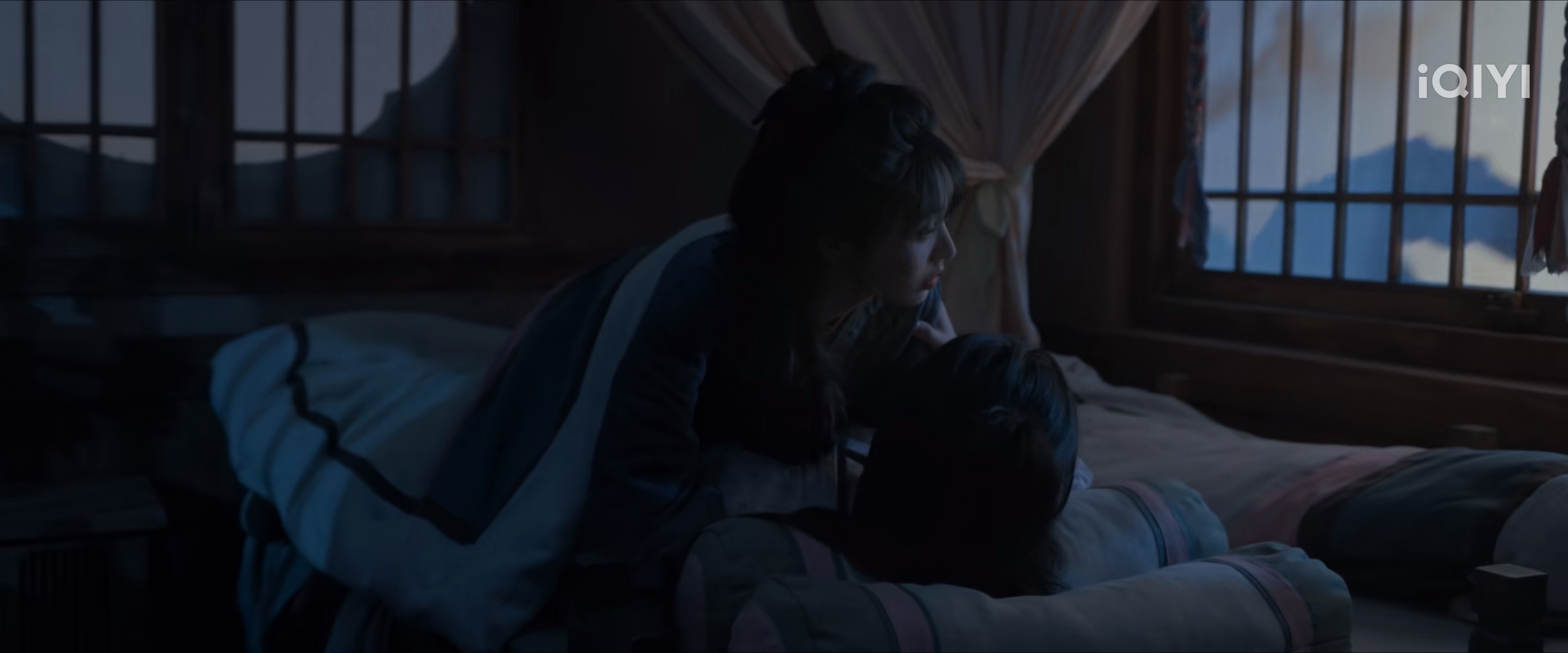
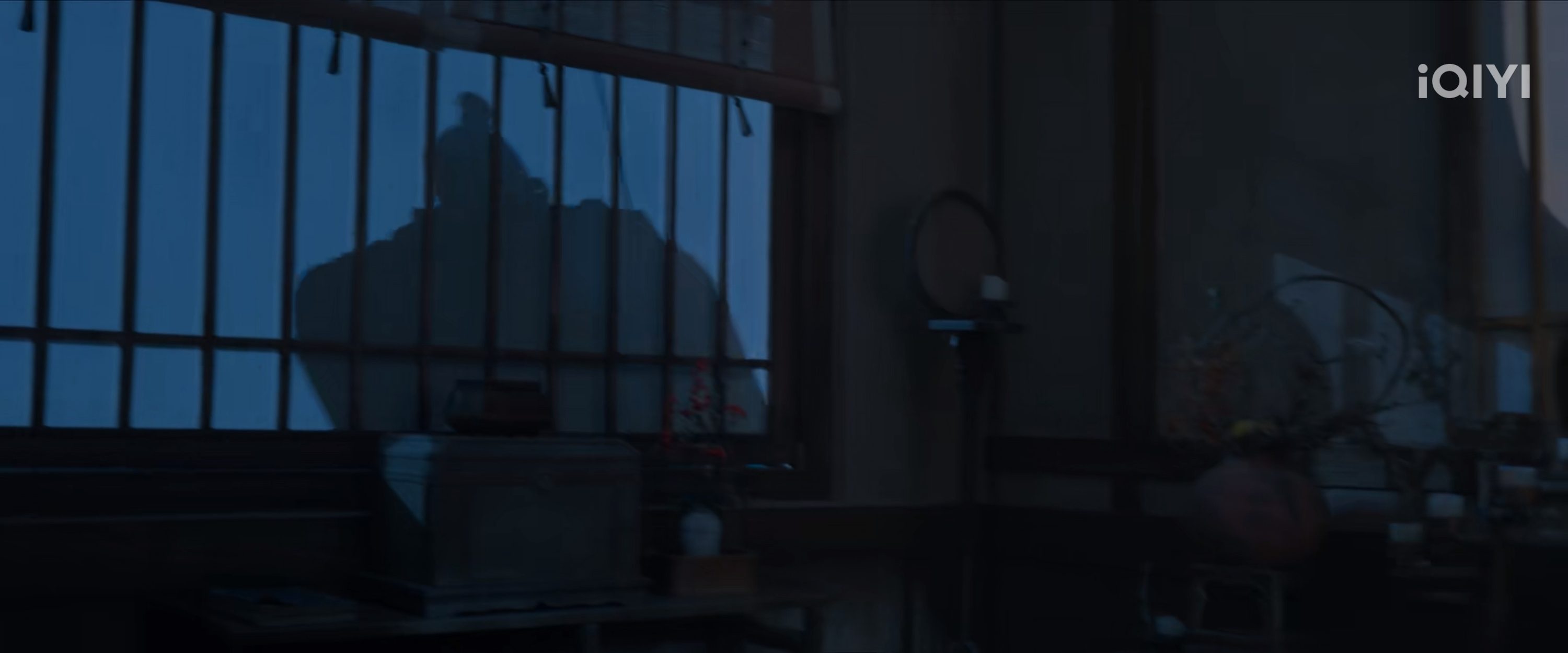
And this ambush scene? The way the scene incorporated Chinese’s shadow puppet shows? YES.
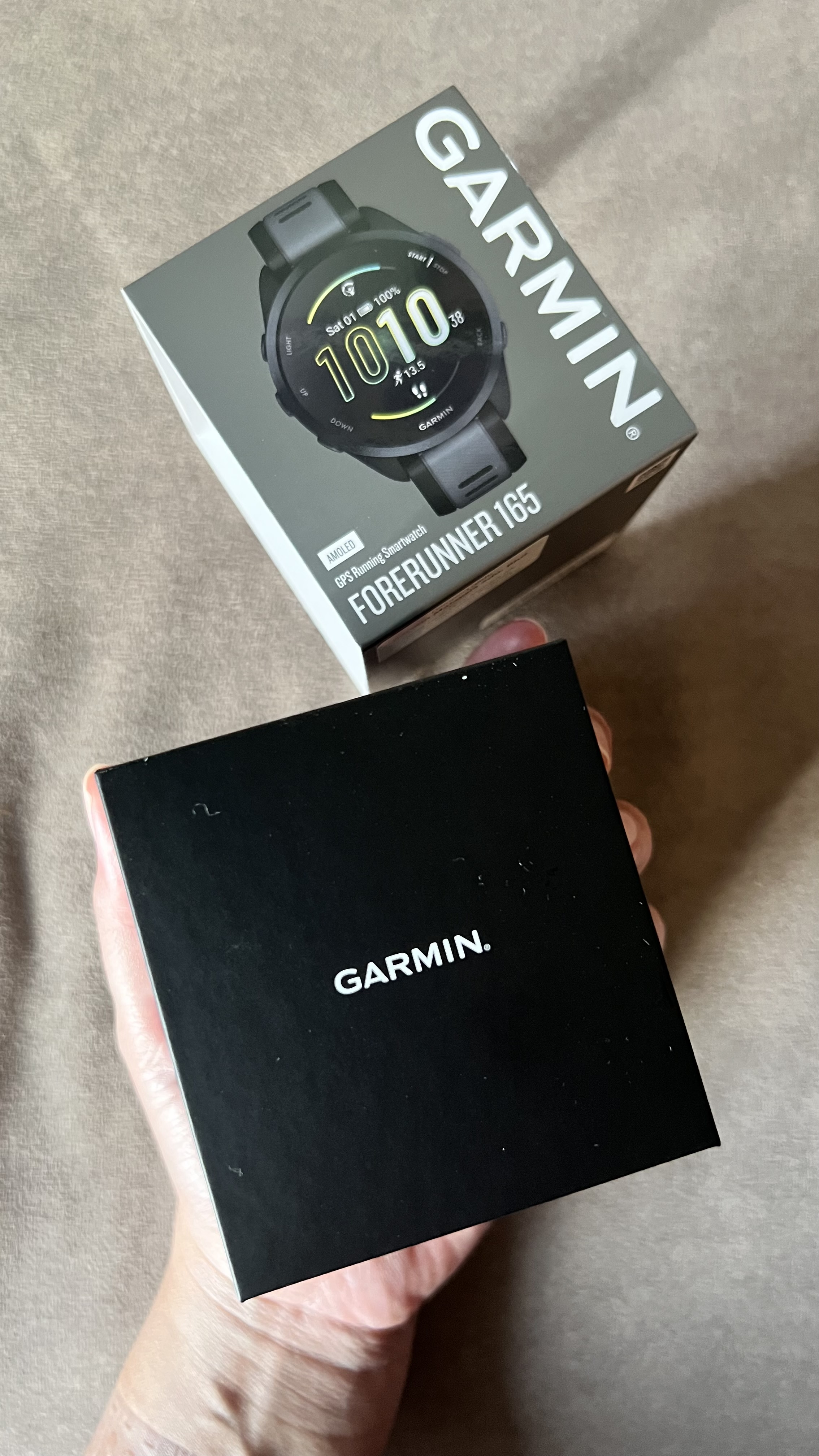
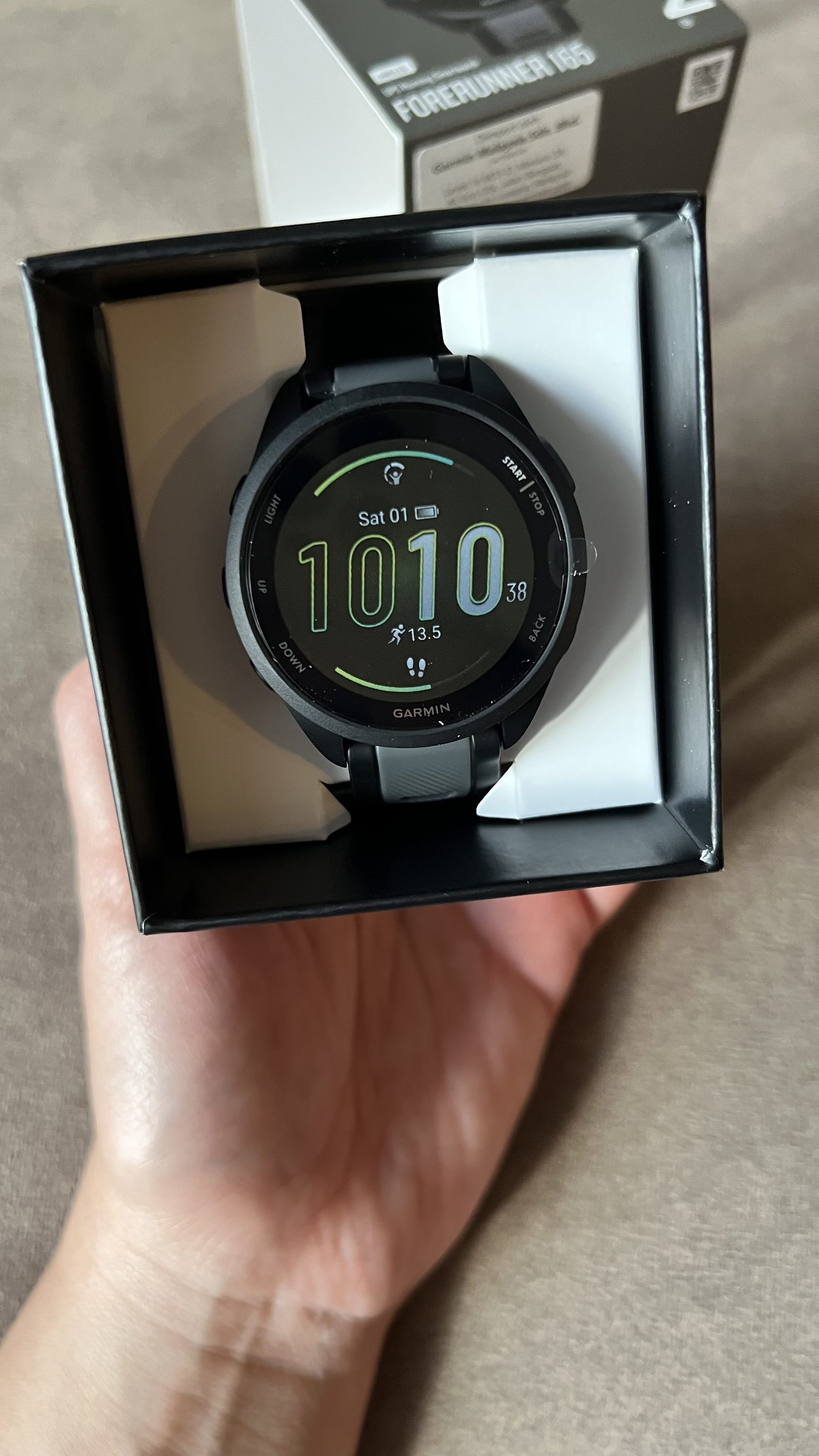
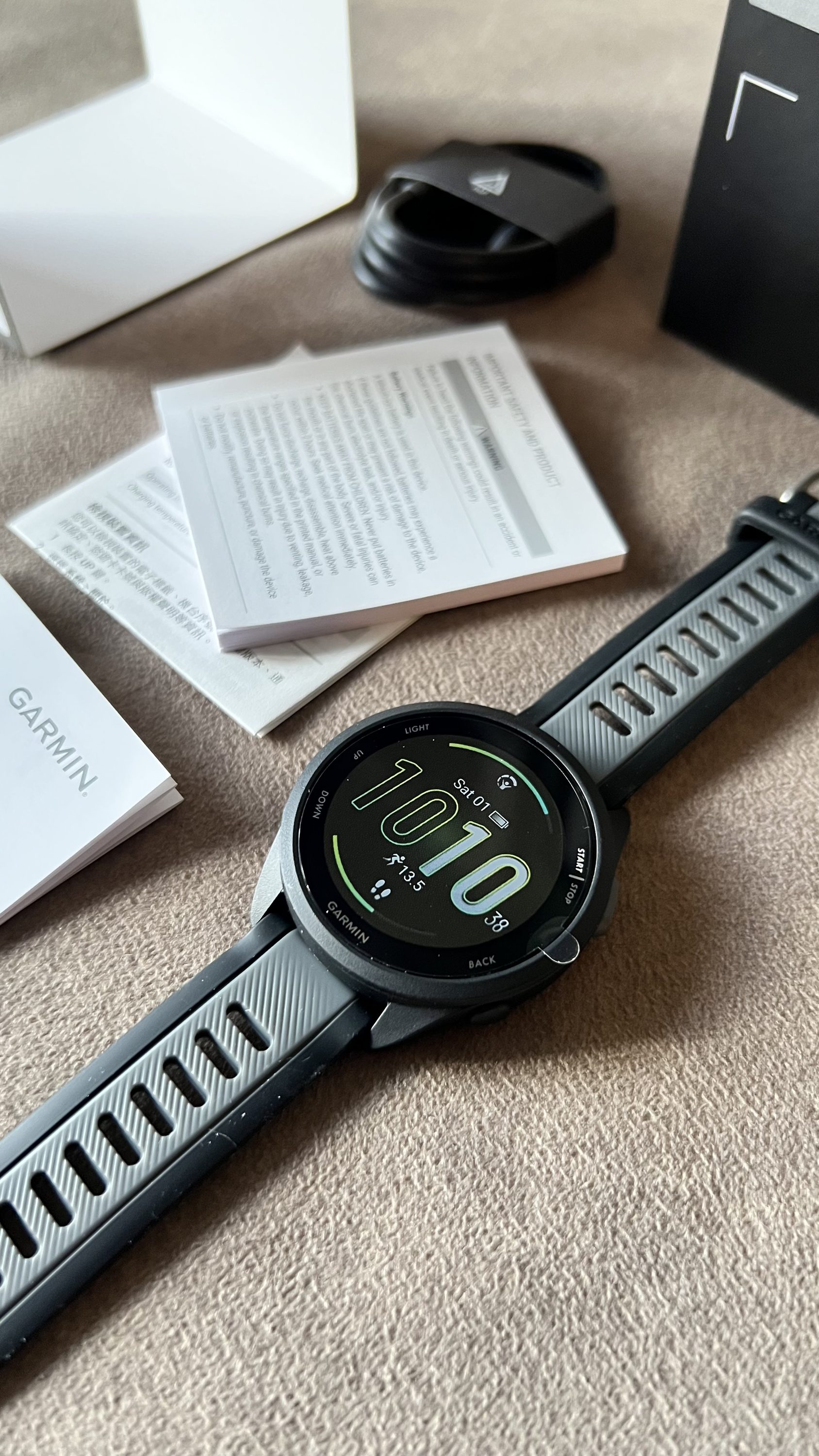
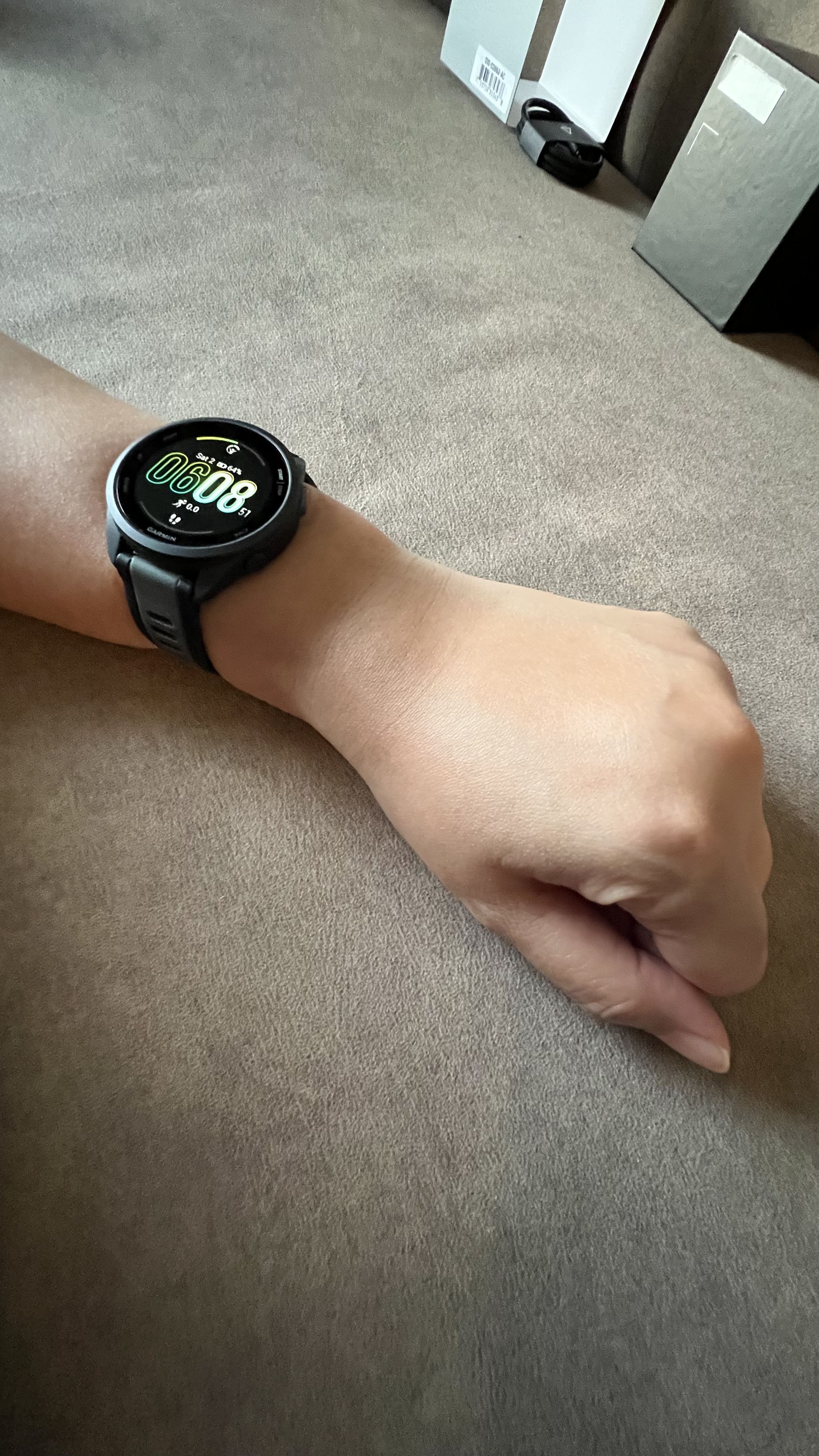
After so many months and weeks of hemming and hawing, I finally got myself a Garmin watch.
I have been feeling frustrated with my Apple Watch, mostly because it needs to be charged daily, and I reeeeeeally can’t be bothered by it. I also dislike the whistles and bells that come along with Apple Watch, all the apps and the notifications. I only need an activity tracker that does its job: Tracking. That said, I decided to get myself a Garmin.
Ari and I then went to a Decathlon store, and the Garmin staff there recommended the Garmin Forerunner 165 since my exercise patterns tend to be really light-to-mild level. I also managed to get this watch at a Mother’s Day discount (up to 48%), so it was quite a deal.
So far, I’m quite liking this watch. I love how this watch tells me how to read the data and not take things in face value. For example, my stress level. The app (Garmin Connect) explained that the stress can be bad or good, so I shouldn’t be too worried if it mentions that “I’m having a stressful day”, because in the end, I’m the one who is actually facing the day. The app also provides encouragement in doing routine exercise and movement, which is really cool. The downside, though, is that this watch can’t be detected in the Find My app on my iPhone, which is expected since they share different OS. Also, I wasn’t prepared for the sheer amount of settings. There are Account Settings, then Device Settings, and a whole lot more settings and options in terms of health and body stats. Honestly, this is where Apple shines through with its simplicity.
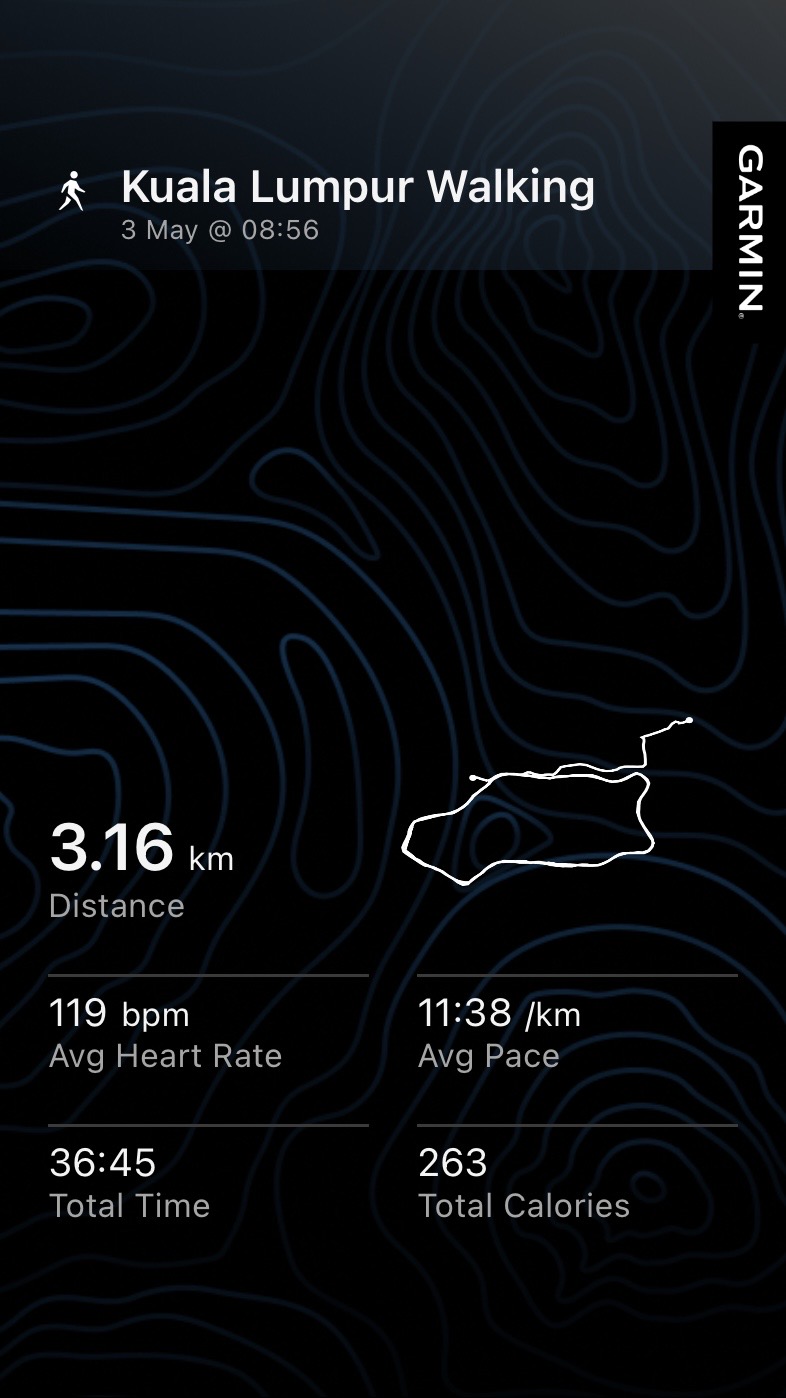
I wore the Garmin watch last Sunday for a morning walk in Suria KLCC Park with Ari. We had a lovely Sunday, with sunny skies and a quiet breeze. The park was pretty crowded with joggers, families, and tourists, yet it was still quite enjoyable.
I have been busying myself with bloghopping and checking out blogging communities/webrings for the past week, thanks to the renewed sense of excitement in blogging after checking some blogs on Neocities, and I found this one particular community: IndieWeb.
I was initially skeptical about myself joining the community, mostly because, from where I come from, joining a community means that you need to be invited first. Having oneself show up on the front door and say, “Hi! Your community looks cool. I want to join!” is kiiiinda an alien concept for me; hence, when I checked the Getting Started guide, it took me a good couple of days to question myself, “… this is it? You only need to create a website or a blog, then join the chat channel? And if it’s possible, attend events and meet the folks?” Again: “Hi! Your community looks cool! I want to join!”
That said, after so many hours of questioning and doubting myself (“it can’t be this easy, right? Are they that welcoming?” Answer: Yes, yes, they are) I joined the Discord channel and introduced myself. I am now part of the community!
I am still reading the guides and the articles on the IndieWeb website to familiarize myself, and it has been fun. I also found this, though:
Share what you did / discovered in the process of building your IndieWeb site, even if it is only a single page, with a simple design.
Aaaand, I just realized I never really talked about how I made/designed this site. It seems like I have been taking things for granted (“I knew about this, so do everyone else!”), and if I want to have other folks have the same excitement in personal blogs and website like I do, I feel it should be fair if I share how I do things, and hopefully, it can help others who want to approach their site with their own style and design!
I am not going to talk a lot about setting up a website with WordPress, mostly because you can find a better guide (and courses!) by the WP community themselves here: Start using WordPress. Now, I want to share with you on how I designed this website. I also put some kind of “table of contents” here just to make it easier to navigate:
Basic theme
The theme that I’m using is Twenty Twenty-Four (TT4). I always have a soft spot for the Twenty-theme series, mostly because the Twenty series are the ones that showcase the main version of WordPress at that time and what it can do. I chose TT4 because it serves as the blank canvas for me (fun fact: Does anyone remember the theme Blank Canvas by WordPress/Automattic several years ago?)
“Why not using the theme Twenty Twenty-Five?”
I’m… not sure. For some reason, I feel more connected to TT4, hahah.
The homepage: Display your blog post and the sidebar
For posterity, I will be using screenshots from my other blog (a free website/blog on WordPress.com) to provide you with some visual guides and some screenshots from this blog. You will notice the changes, so I hope it won’t be too confusing and still helpful nonetheless!
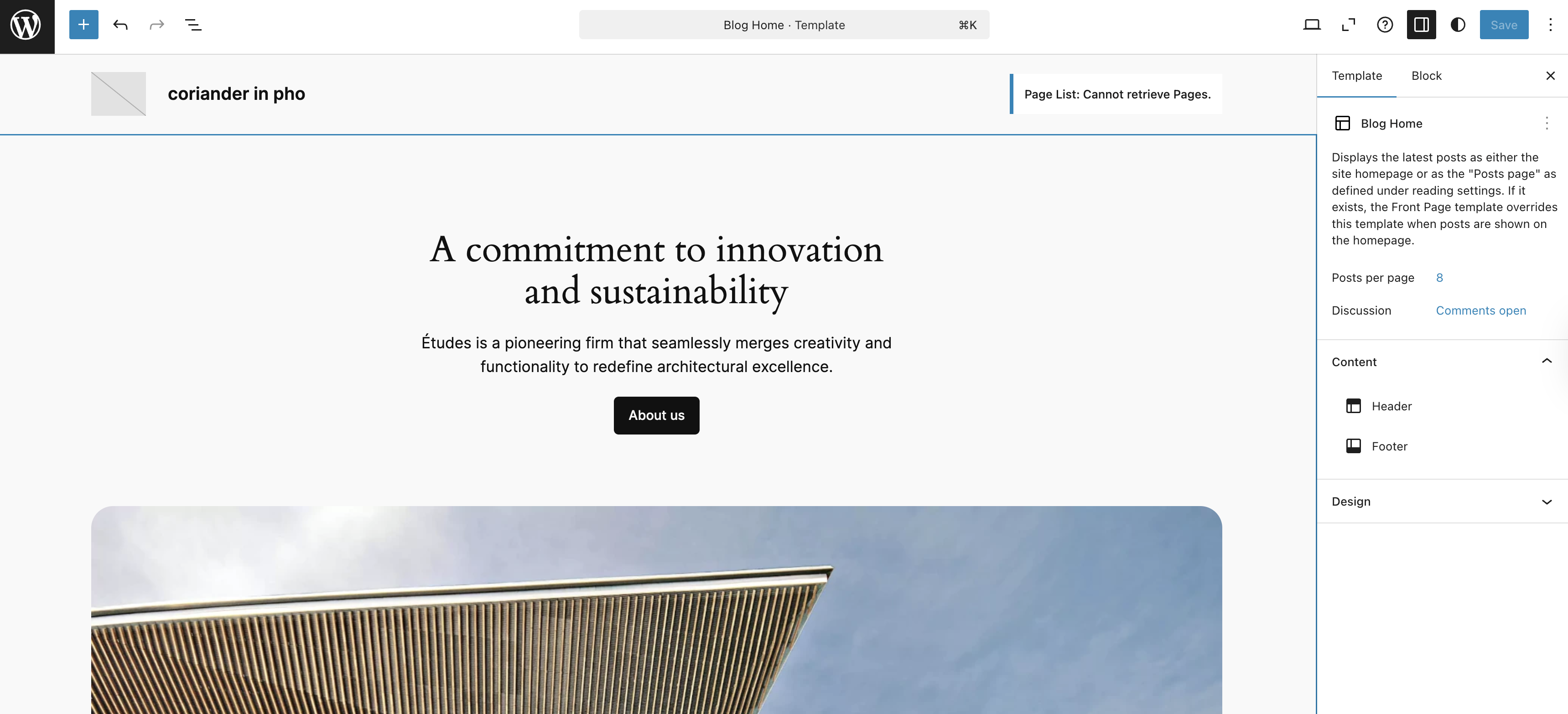
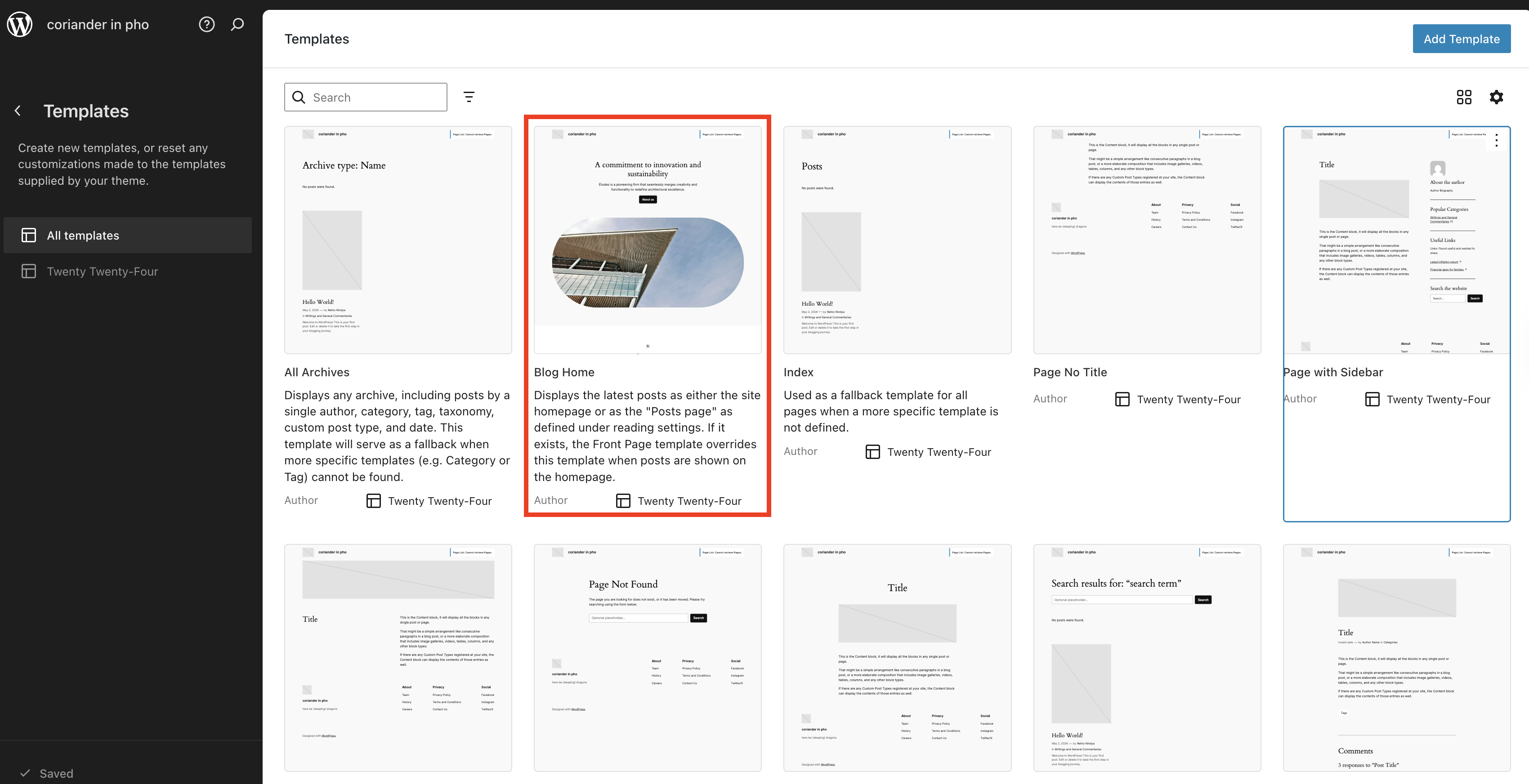
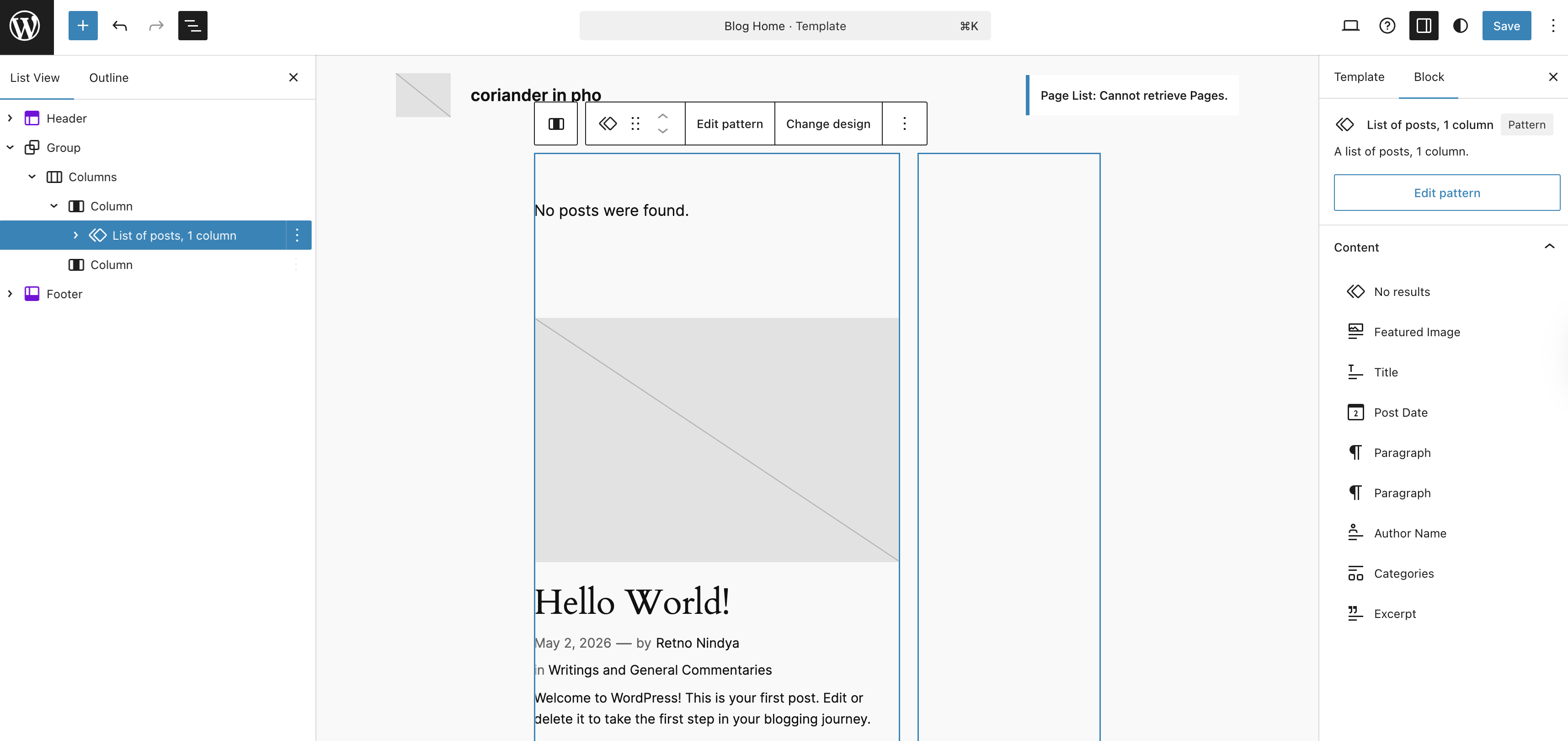
The theme TT4 is using the template Blog Home to display the homepage instead of Index. I honestly don’t know why this theme is using the template Blog Home as the homepage (in the old days, themes usually using the template Index when displaying a static homepage, but yeah, with Block Themes, such lines became blurry.) First thing first, install and then activate the theme, then go to the Site Editor (WP Admin > Appearance > Editor)
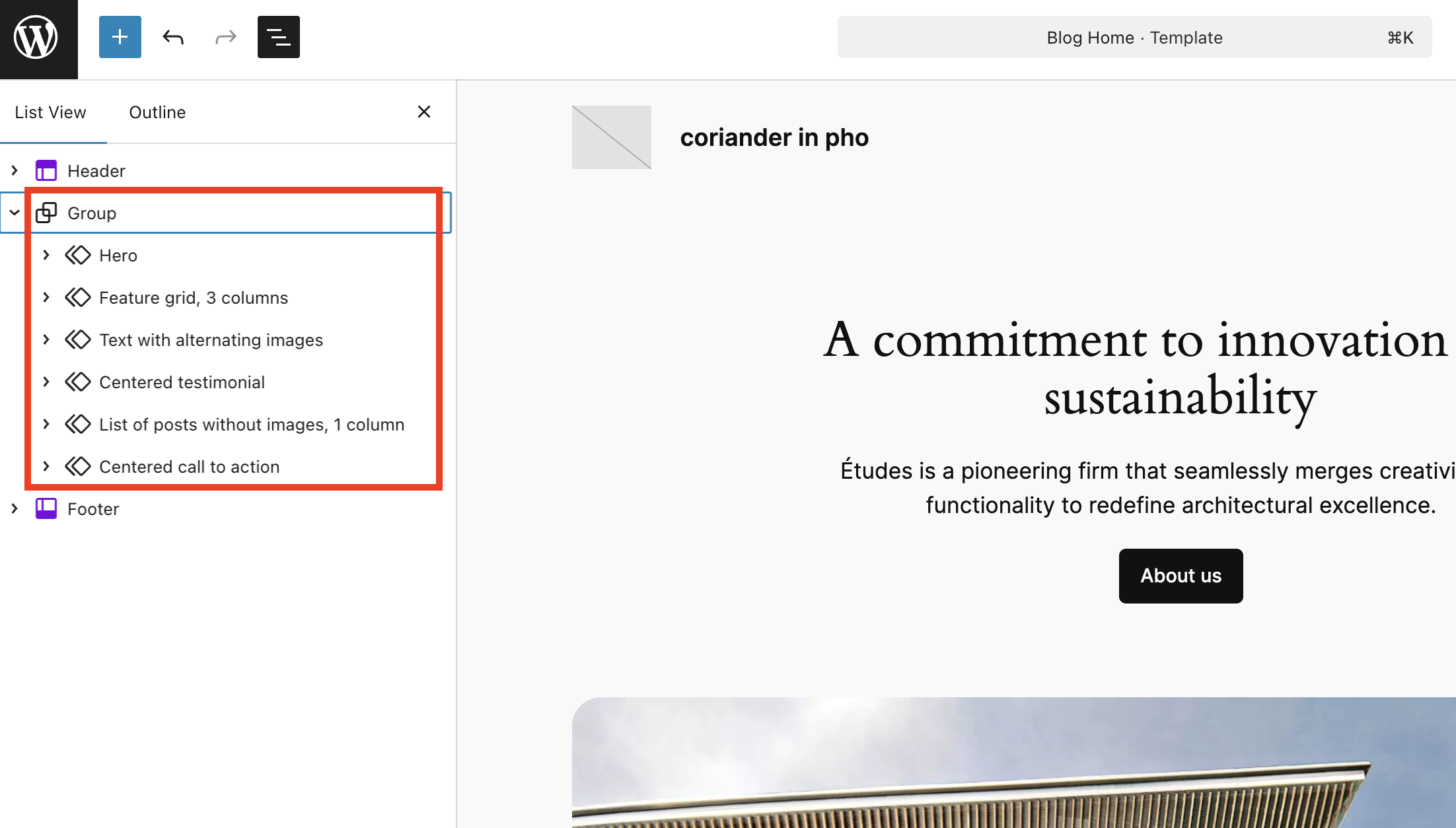
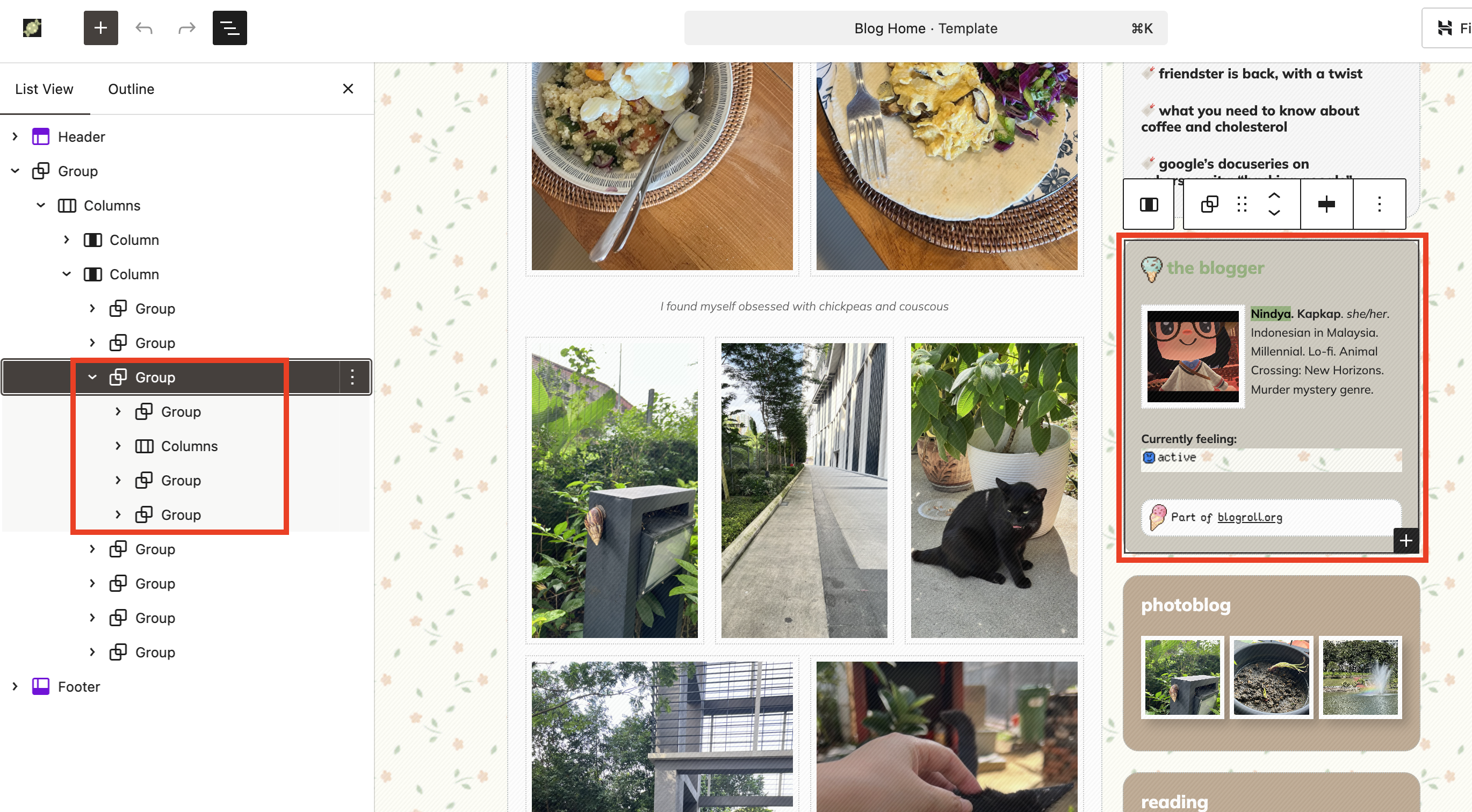
Now, when you see the template Blog Home, you will see the main content area under a Group Block. Since my goal is to have a blog-looking design with a sidebar, I deleted the whole thing except the Header and Footer sections.
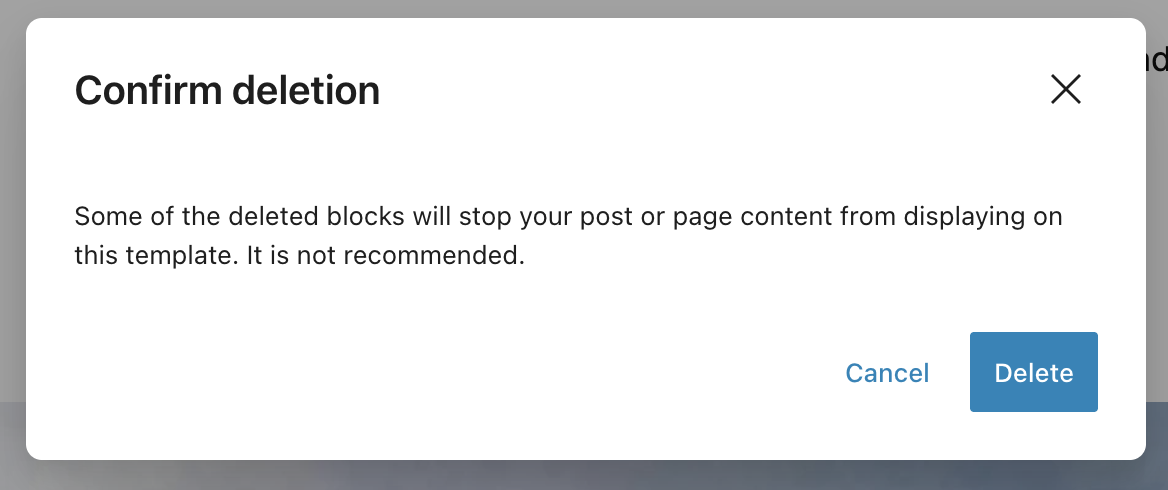
When you click the “Delete” option, you will see this scary-sounding notification pop-up. I clicked “Delete” to continue (don’t worry, we will bring them back in the design we actually wanted!) Basically, this warning appears because it has been historically recorded that some users deleted the Content Block and got confused why their website content had gone missing (I was there when All The Questions Pouring In), hence, the developer team decided to put out that notification.
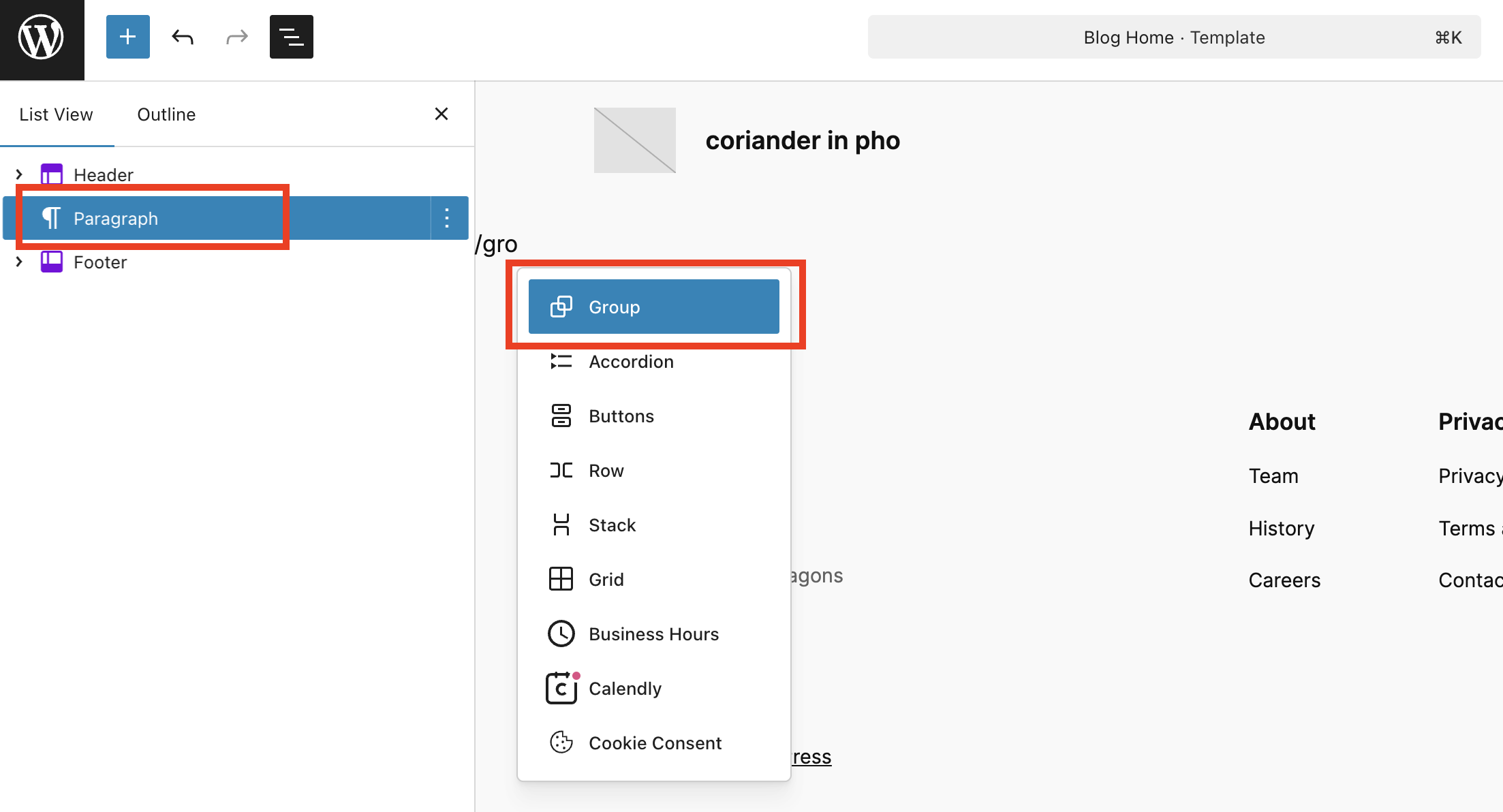
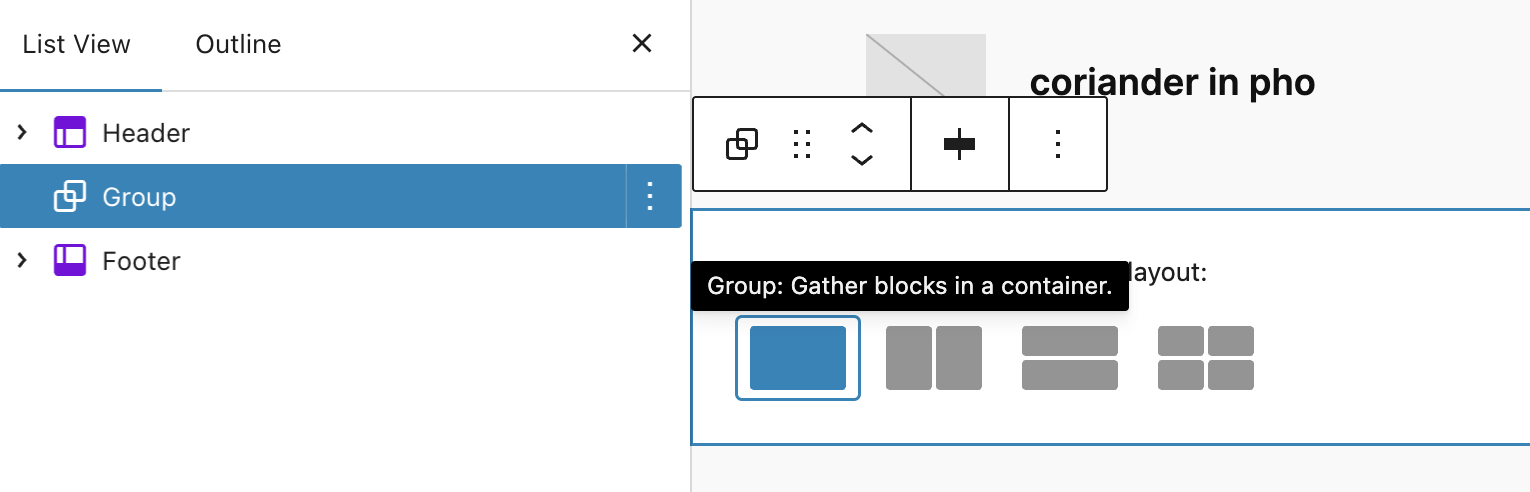
Then, I brought back the Group Block. I clicked Enter, which created a new Paragraph Block (don’t worry, this is normal and expected), then I typed “/group” to add a new Group Block.
I chose the regular Group Block instead of Row Block or Stack Block.
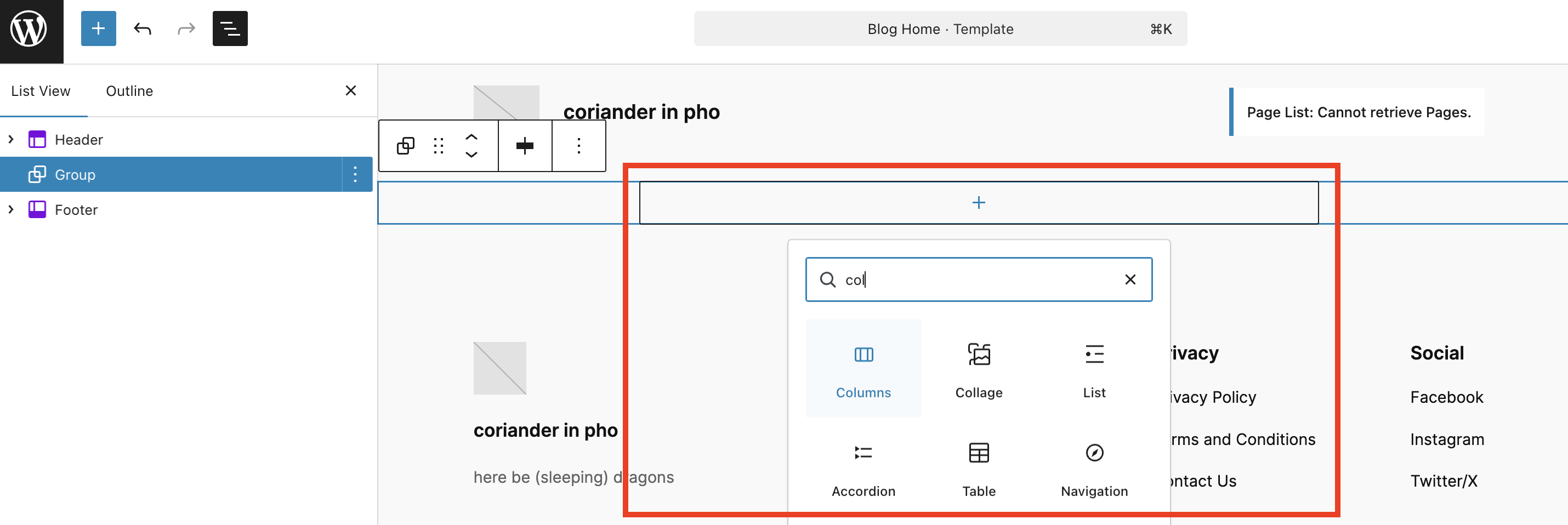
Then, I inserted the Columns Block inside the Group Block. This is the basis of our blog post and sidebar.
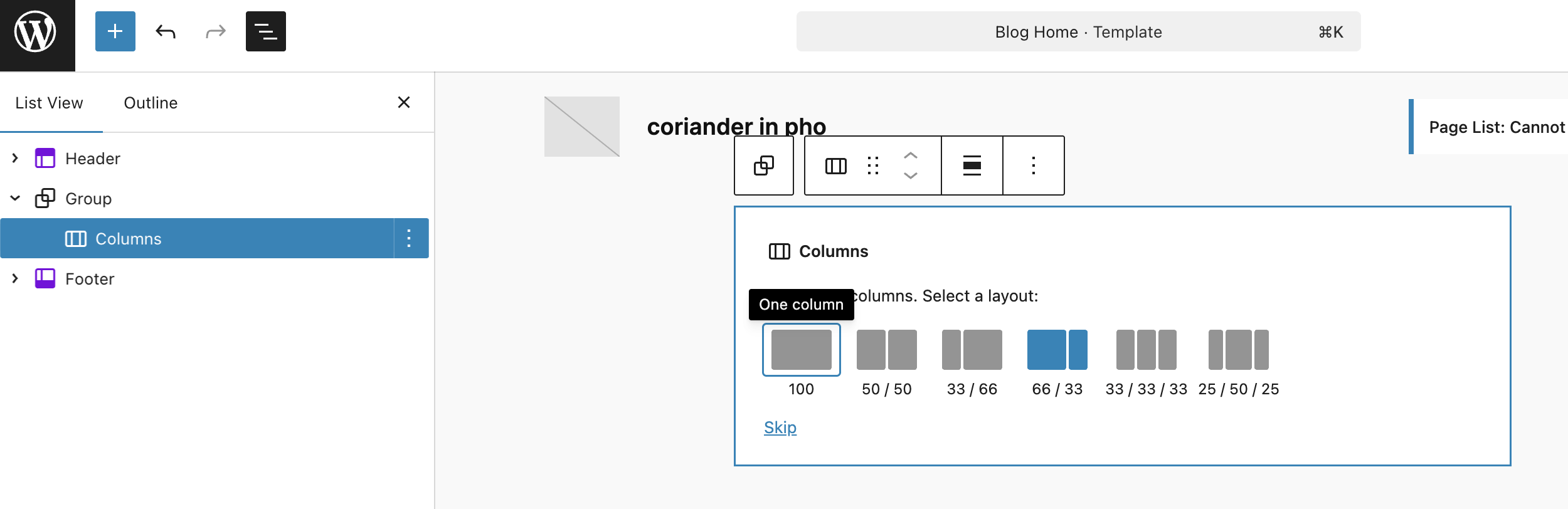
I chose the 66-33 because I wanted to set the blog posts section on the left side. This means that the left column’s width is 66% and the right column’s width is 33%. Not to worry, you can always change the value any time and to any number you fancy.
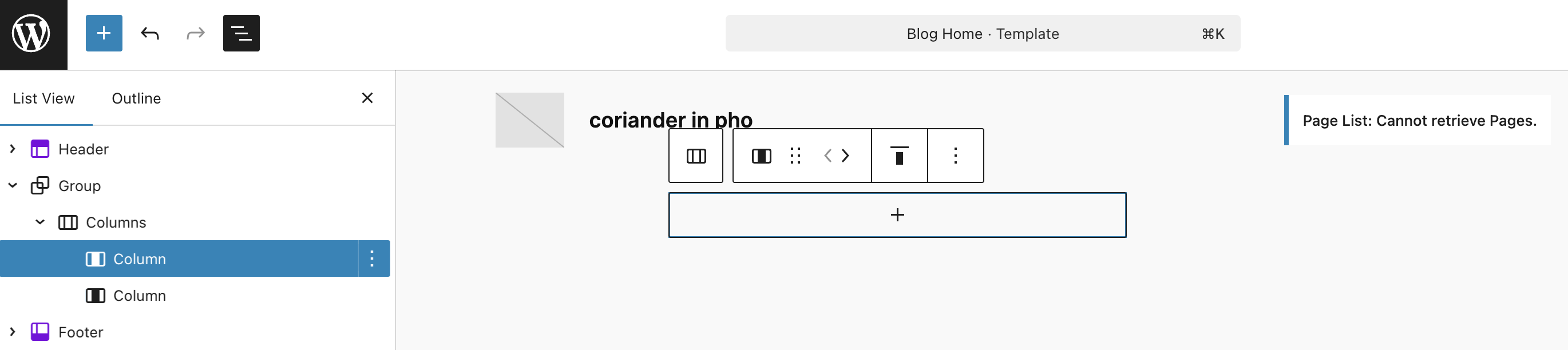
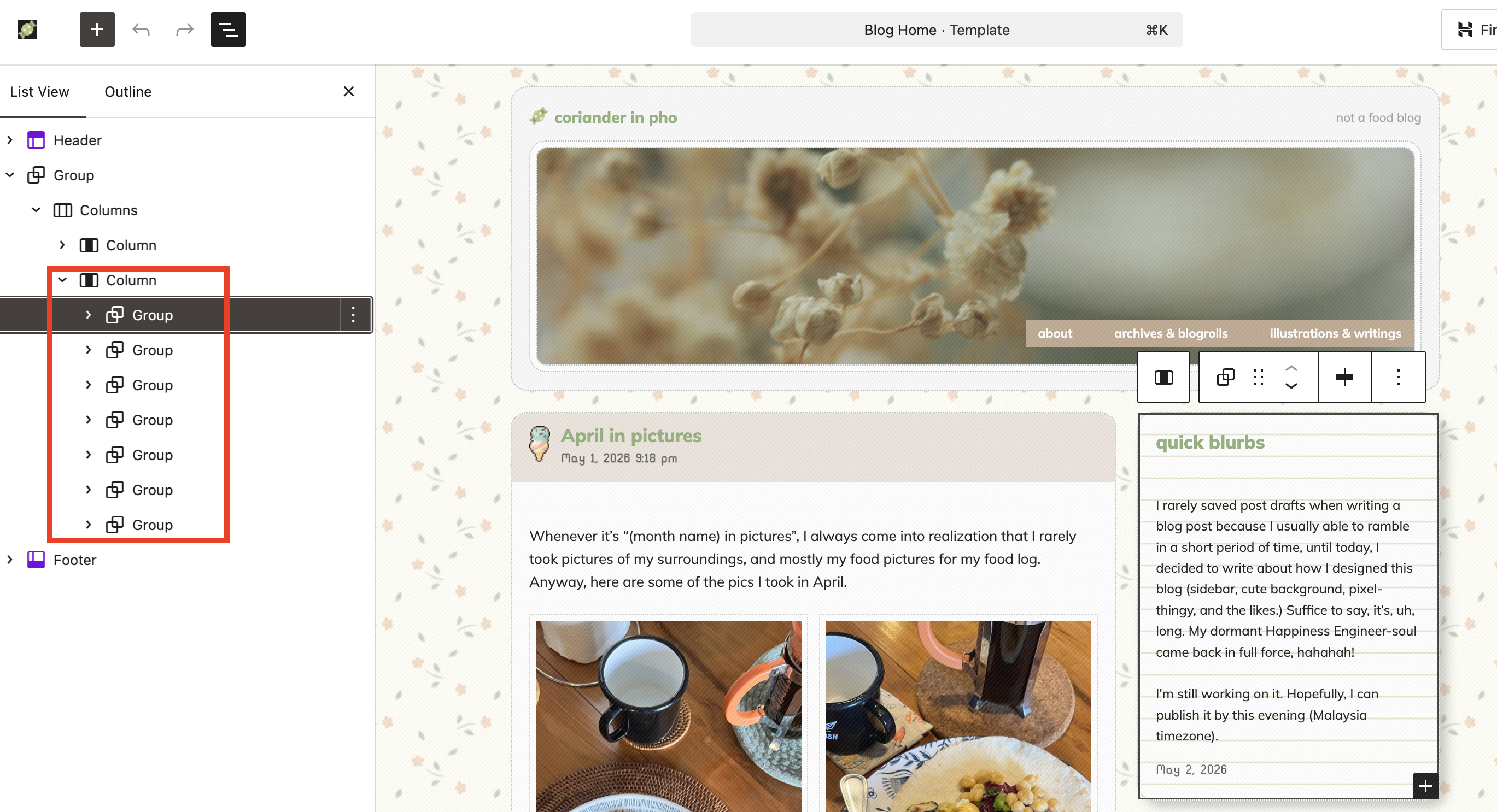
On the List View, you should see this. Header template, followed by a Group Block, and inside it, a Columns Block with two Column Blocks (left and right), then the Footer template.
Fun fact: I LOVE using List View, because it helped me choose the block that I want easily without fumbling with the other blocks. Really helpful when you have parent-child blocks like the ones I’m showing you here.
Display your blog post!
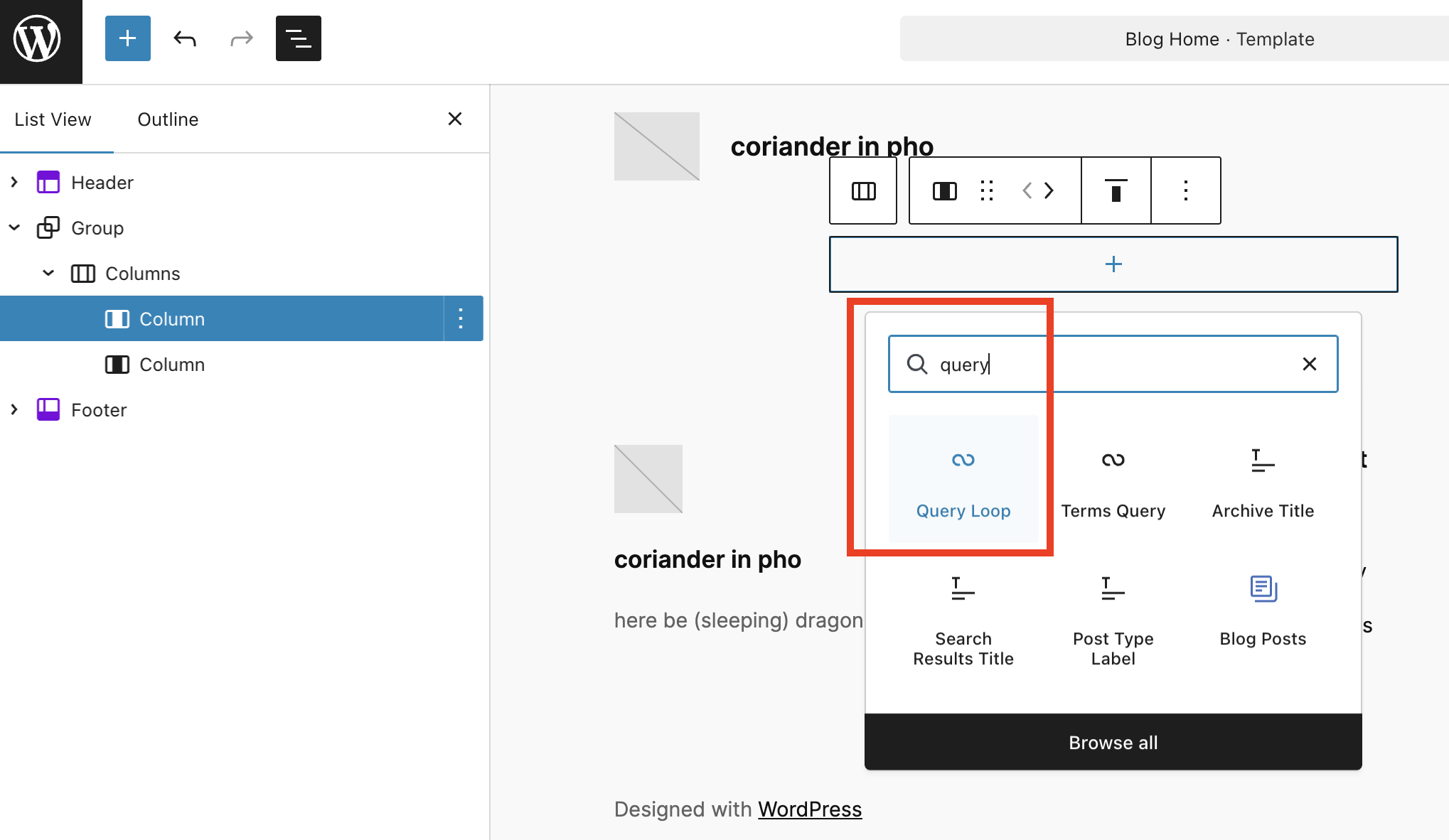
Then, this is where the magic happens. On the left Column Block, add a block by clicking the + sign, then choose the Query Loop Block.
Intermezzo!
“What is Query Loop Block?”
Query Loop is the system on WordPress to display your posts, previously known as “The Loop“. As mentioned on the Codex: “… Using The Loop, WordPress processes each post to be displayed on the current page, and formats it according to how it matches specified criteria within The Loop tags.” Query Loop Block is the no-code method of adding The Loop without users fumbling with PHP codes, and they can adjust the display (e.g. display the timestamp, dates, etc) with WYSIWYG UX/editor.
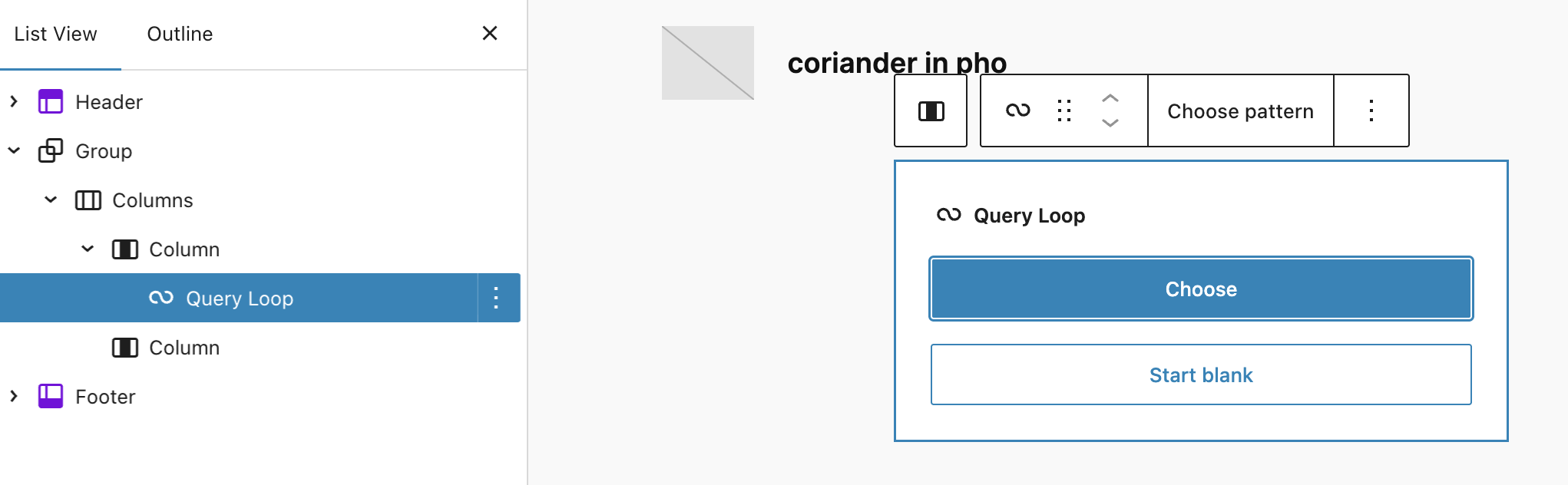
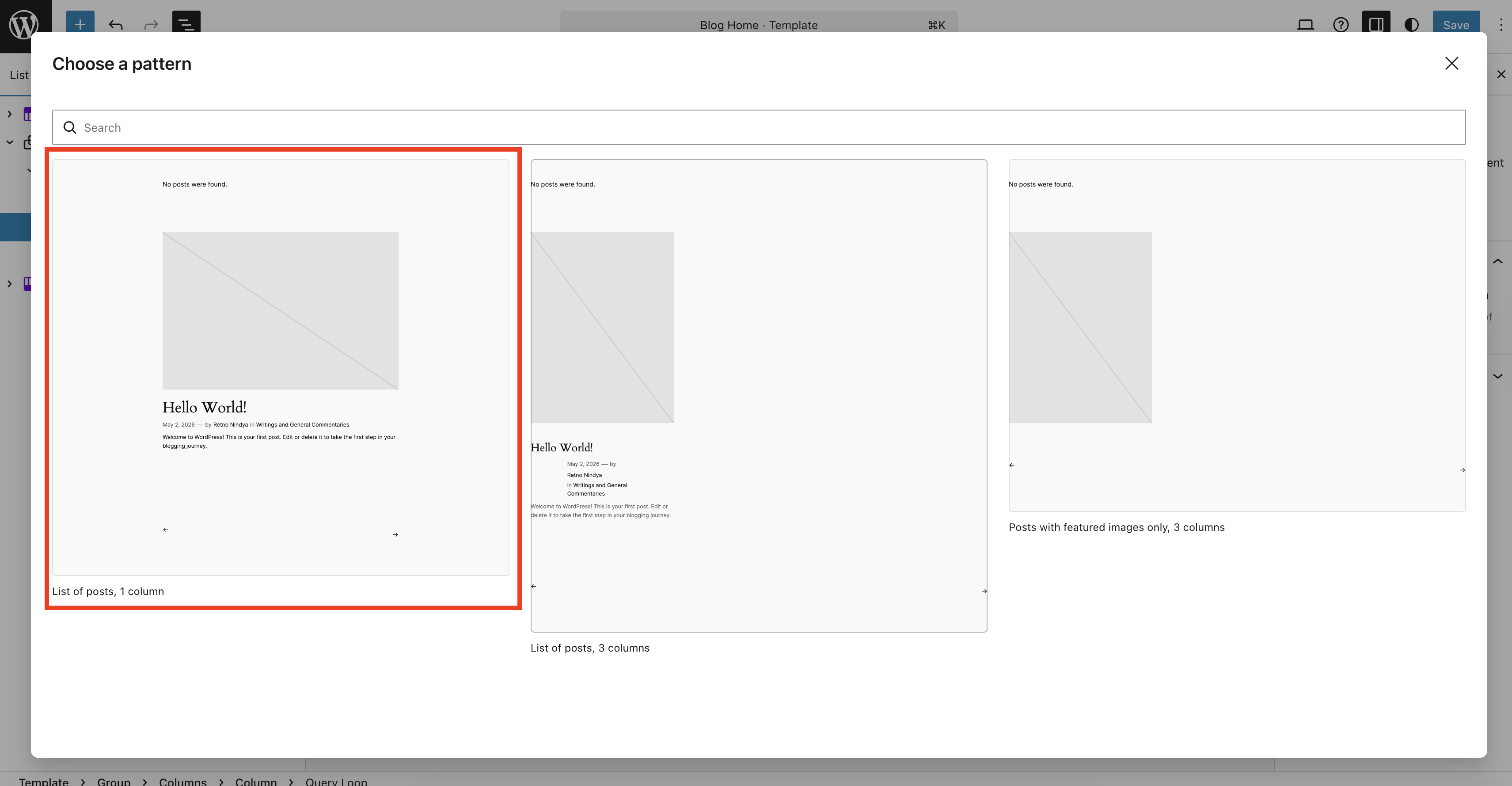
Then, you will be opted to choose whether you want to use a pre-existing template/pattern or if you want to start from blank. I chose “Choose pattern” (because I’m lazy, and once upon a time, when the Query Loop Block was freshly introduced, I tinkered with it up to a point I broke it on my test site so I got traumatized and went “HELL NOPE I RATHER JUST USE PREMADE PATTERN THANKS.”)
Since the goal is to display blog posts in a conventional way (one column, vertical, no grid), I chose the first option (“Lists of post, 1 column”).
Ta-daaaaa! 🎉
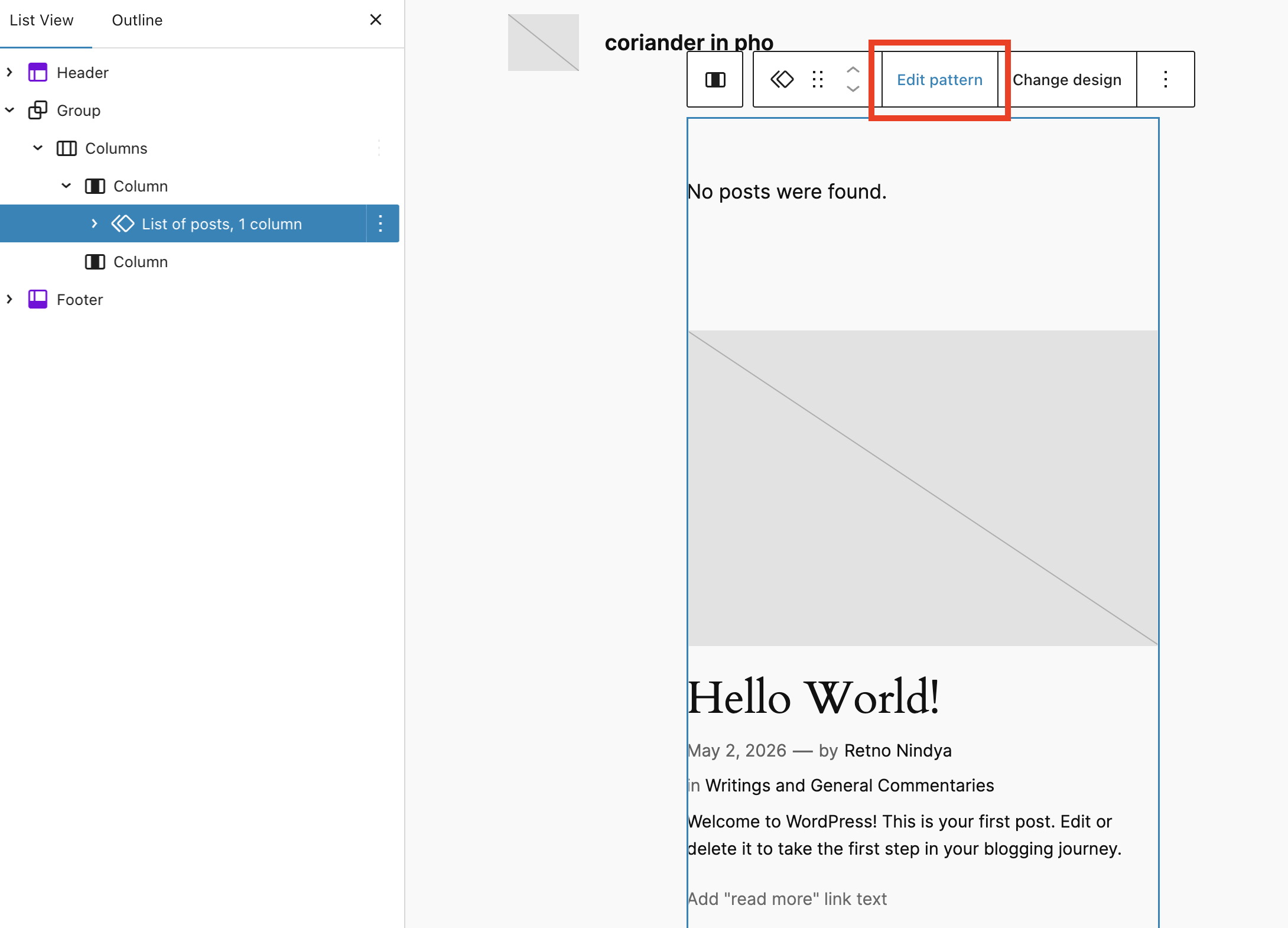
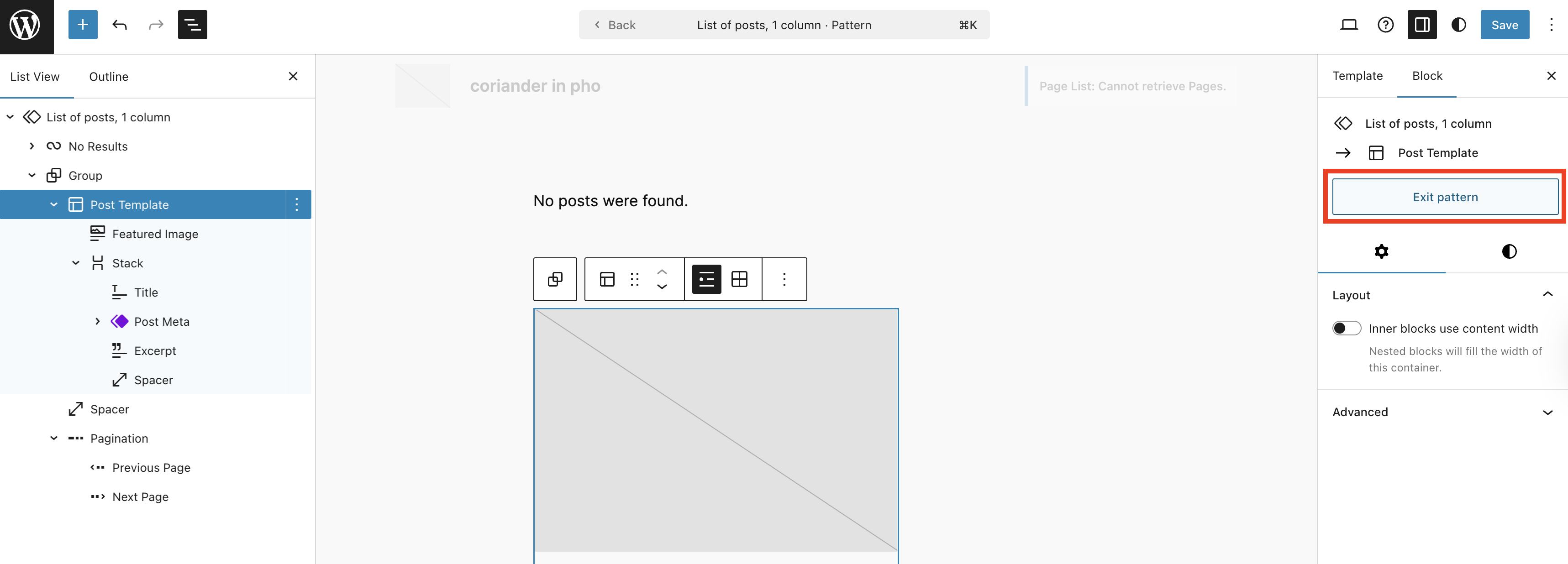
At this point, you are all set, but if you are like me who are a bit finicky of display, you can edit the pattern by clicking the “Edit pattern” on the toolbar with “List of posts, 1 column” pattern chosen.
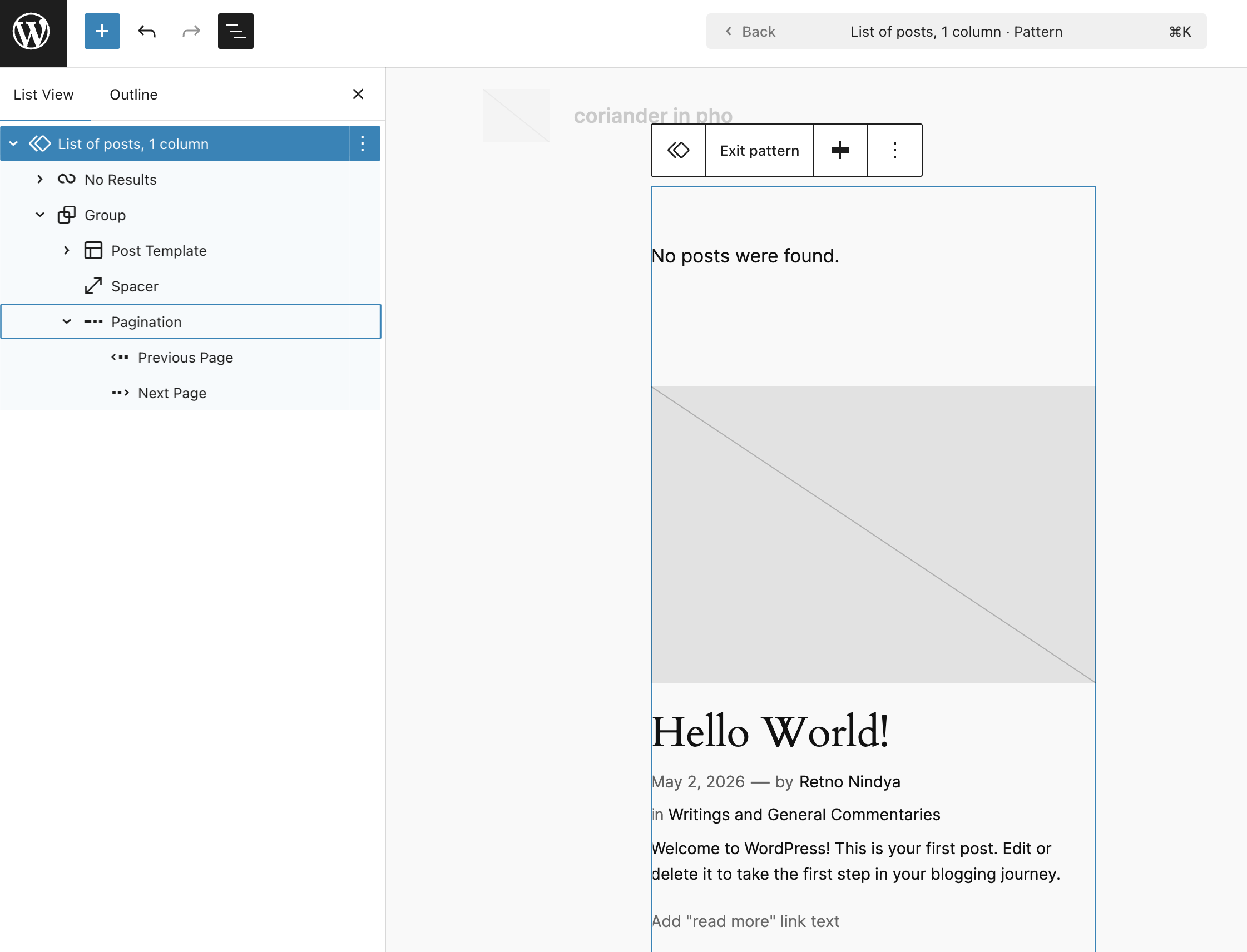
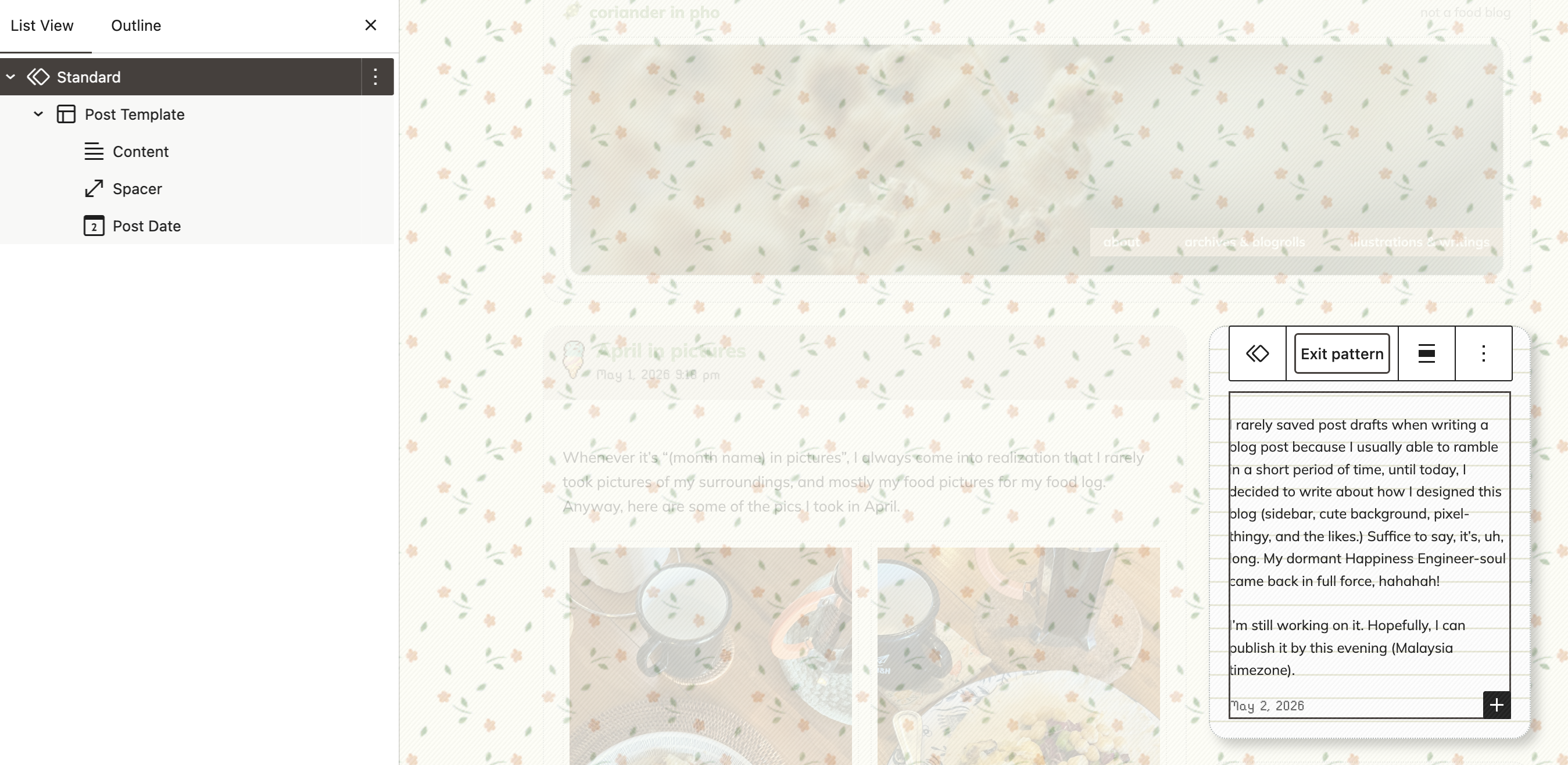
This is where things can get… Interesting. Instead of using “Query Loop Block” as the naming on the List View, the developers are using the name of the pattern to replace the name Query Loop Block. I’m not sure why, perhaps to make it easier to differentiate. That said, just to make it easier to remember: Click the two diamonds-thingy, then click “Edit pattern”.
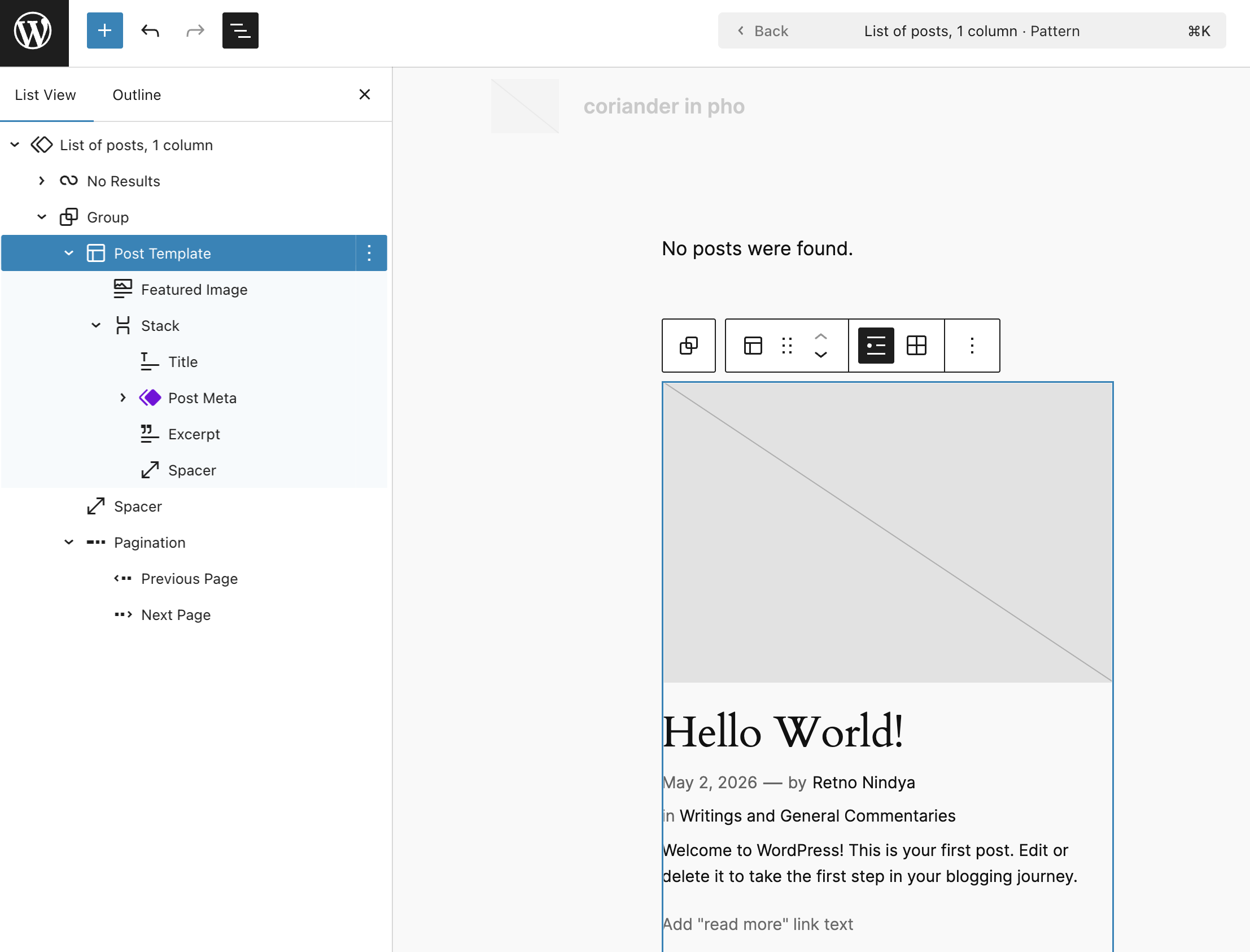
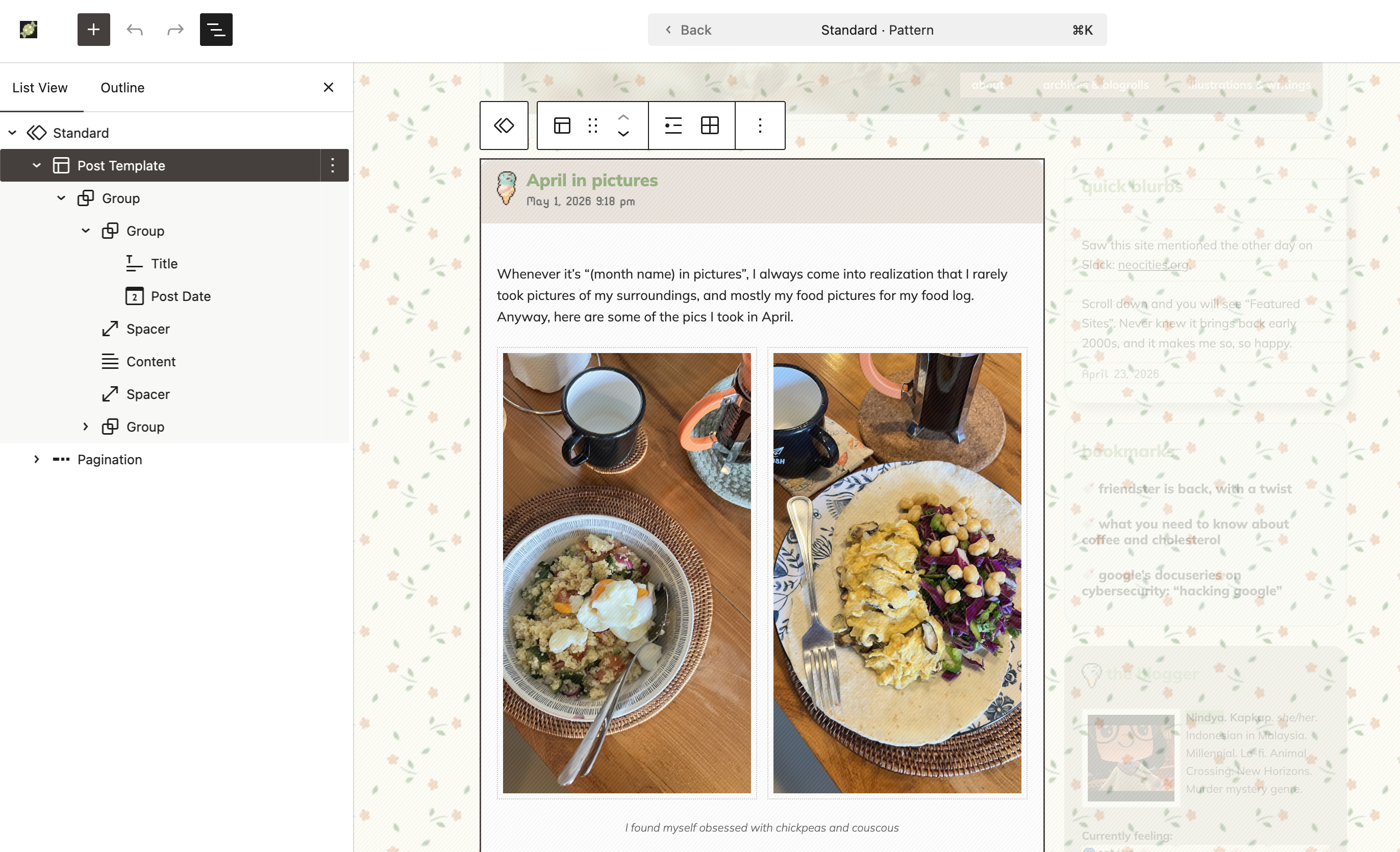
Once you clicked the “Edit pattern”, you will see the blocks inside the Query Loop Block which you can edit to your heart’s content. For your post, click the “Post Template”.
Under “Post Template”, you can adjust the display. You can remove or add blocks that you wanted. In my case, I removed the Featured Image Block and the Excerpt Block. I replaced the Excerpt Block with the Content Block because my goal is to display the whole post on the front page. This is how it looks like on my blog.
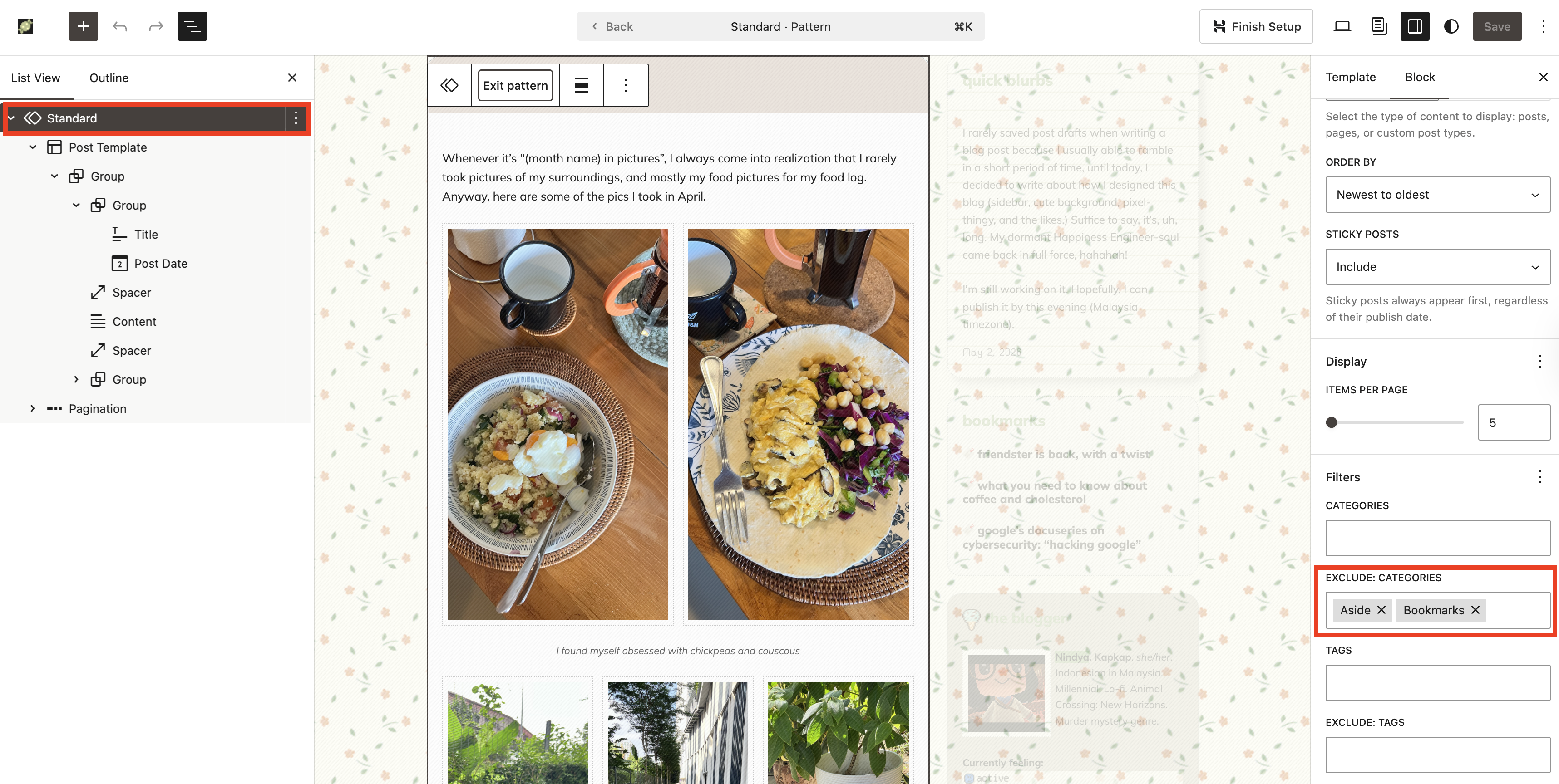
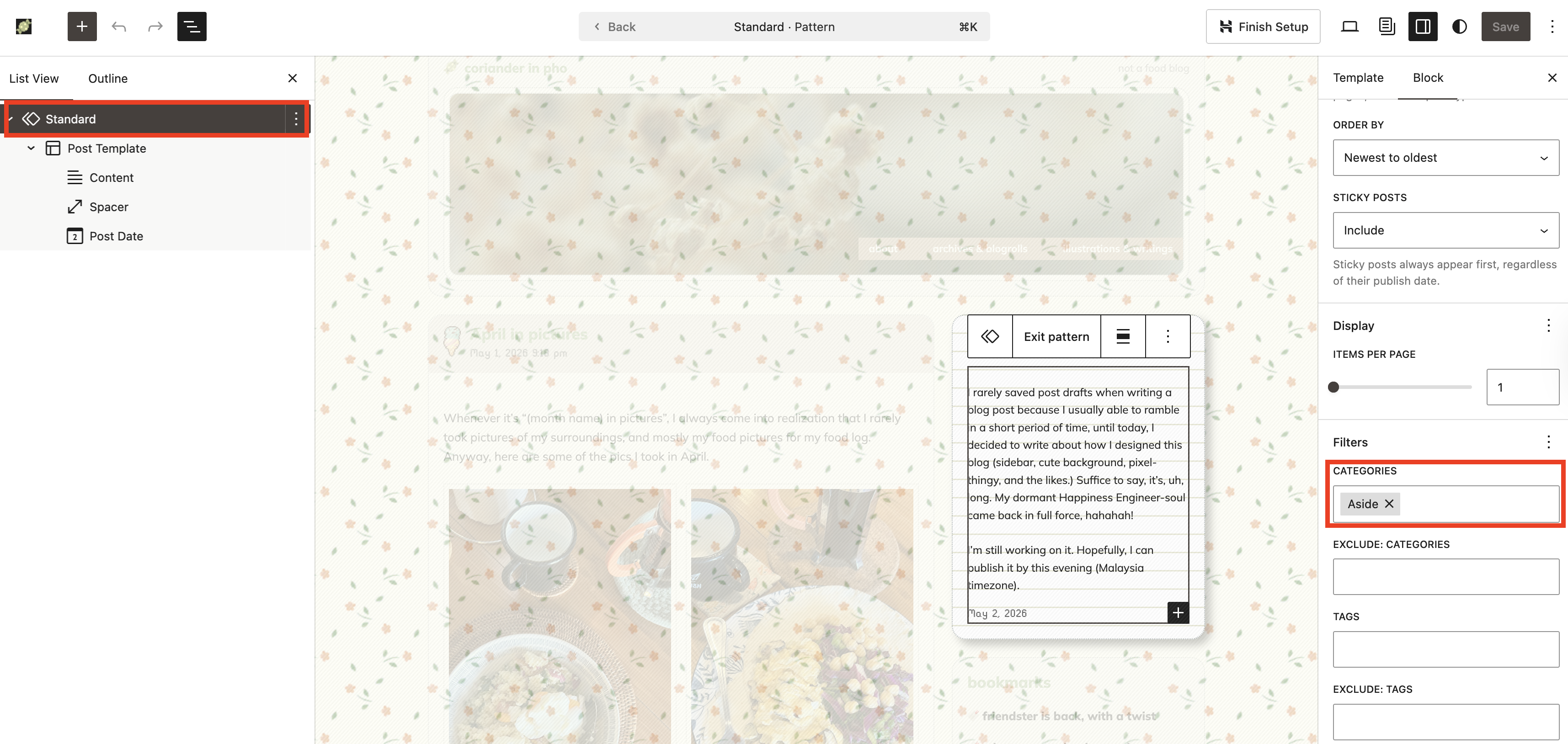
On my blog, I then do the most important step: I set the Query Loop Block (under the name “Standard”. This naming system will be different, depending which pattern you are using when you added Query Loop Block) to exclude the category Aside and Bookmarks. My goal is to have the “microblogging” and bookmarking aspect on the website without using third-party services, so essentially, I am doing the One for All on my blog. Yes, this will look weird on feed reader, but heck this is so pretteeeeeh. Posts with the category Aside and Bookmarks will be displayed on the sidebar.
I highly recommend that you give it a try and play around with it! Once you finished editing the Post Template, you can click anywhere outside that pattern/area, or click “Exit pattern” on the right sidebar.
Next…
Design your sidebar!
This is the fun part, because thanks to the updated Query Loop Block, we are now able to display posts from specific taxonomies (categories, tags, author, etc.) In my site, there are four sections on the sidebar that using the Query Loop Block: Quick blurbs, Bookmarks, Photoblogs, Reading, and Current Tunes. Each section is within a Group Block to keep it neat and visually aesthetics.
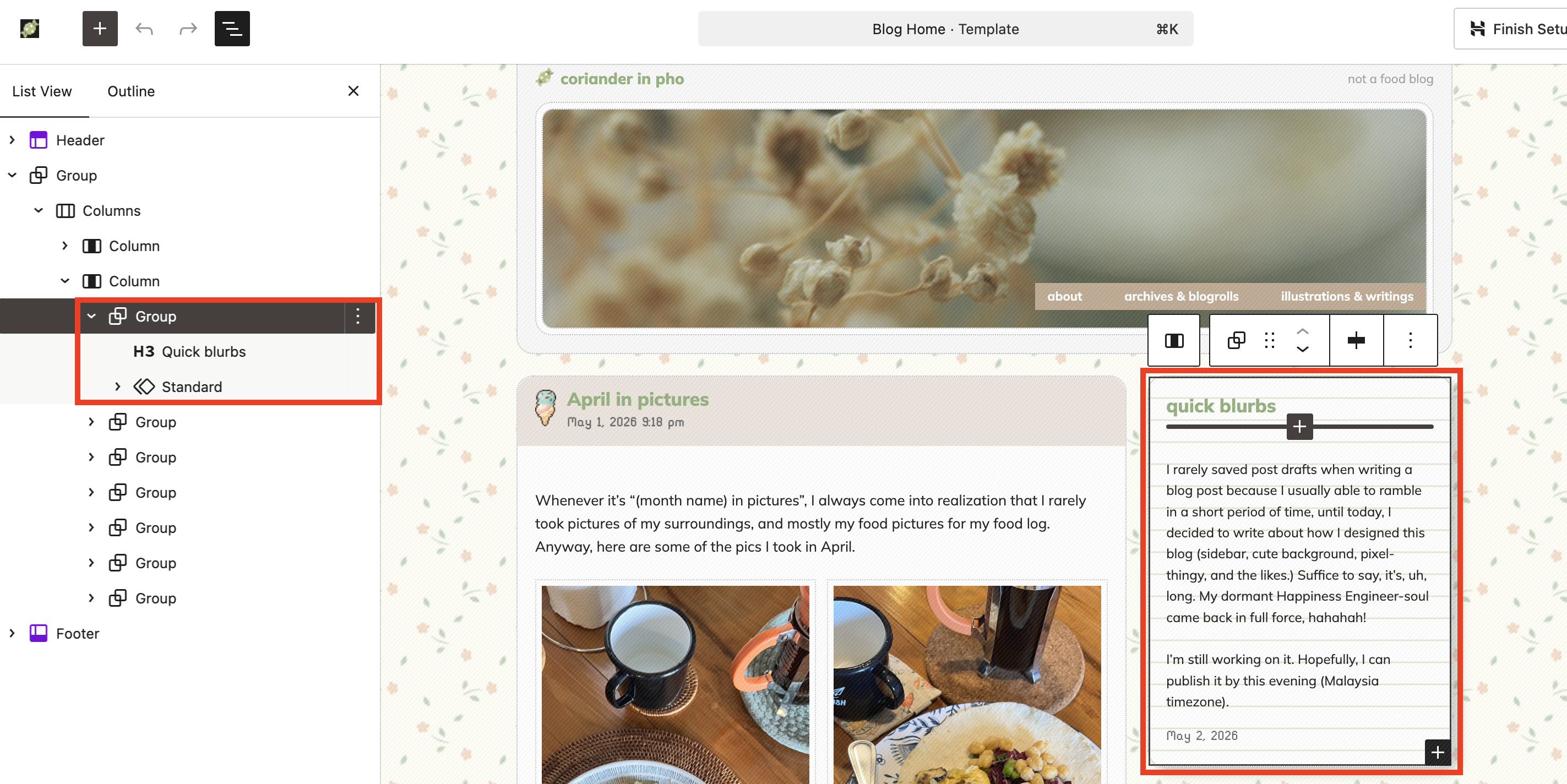
And, under the Standard pattern, you will see the inside of the Quick Blurbs section (remember the “Edit pattern” button?)
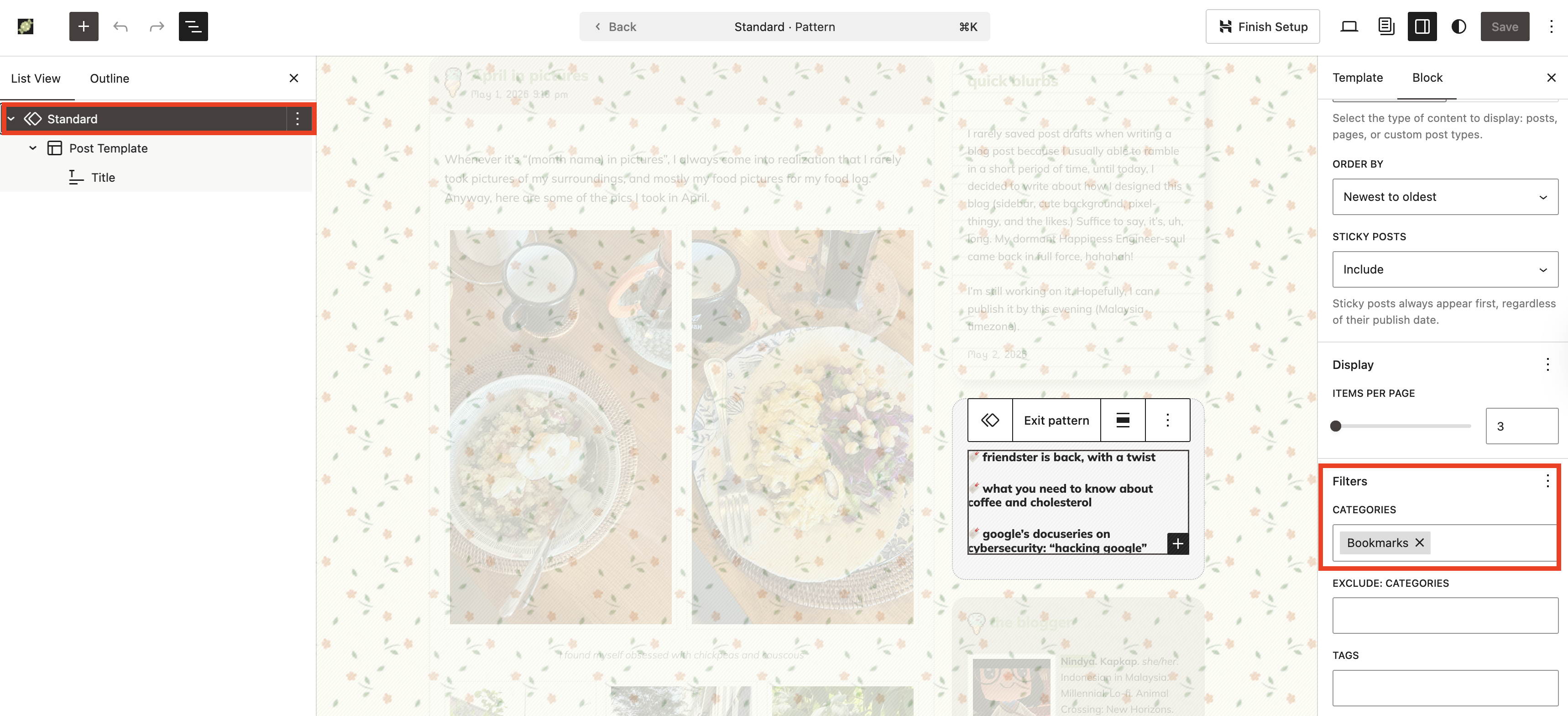
For “Quick blurbs”, I set the Standard pattern (this is the Query Loop Block, named to “Standard”/Standard pattern) to display the posts with the category Aside only. The same goes for the Bookmarks section.
… And so on and so forth (Photoblog, Reading, and Current Tune).
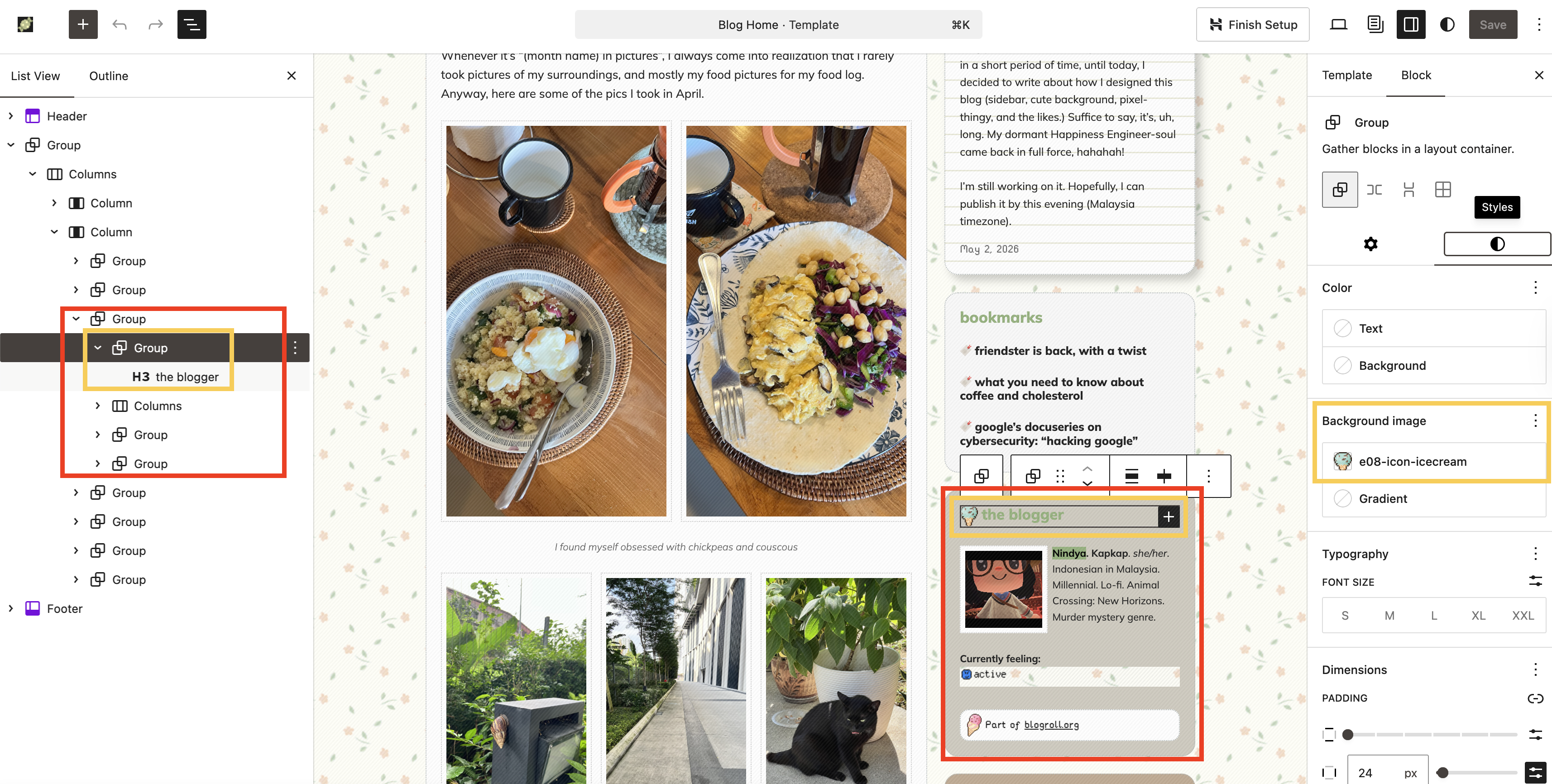
Now! The “The Blogger” part! This part is not using Query Loop Block, as expected. That said, I tinkered with the Group Block to display the ice cream next to the heading text.
And this is where we are going to the next step/tips: How to Make Your Blog Cuter.
How to make my blog cuter?
We have covered the basics: Displaying blog posts and the sidebar. Next, we go to the “design” aspect of the blog. This is where you can let your personality shine through. I love cute stuff and pixel art, and I want to convey that sweet feeling here. I’m using a floral background and ice cream pixel art. I also use one set to make sure they are uniform and not too overwhelming.
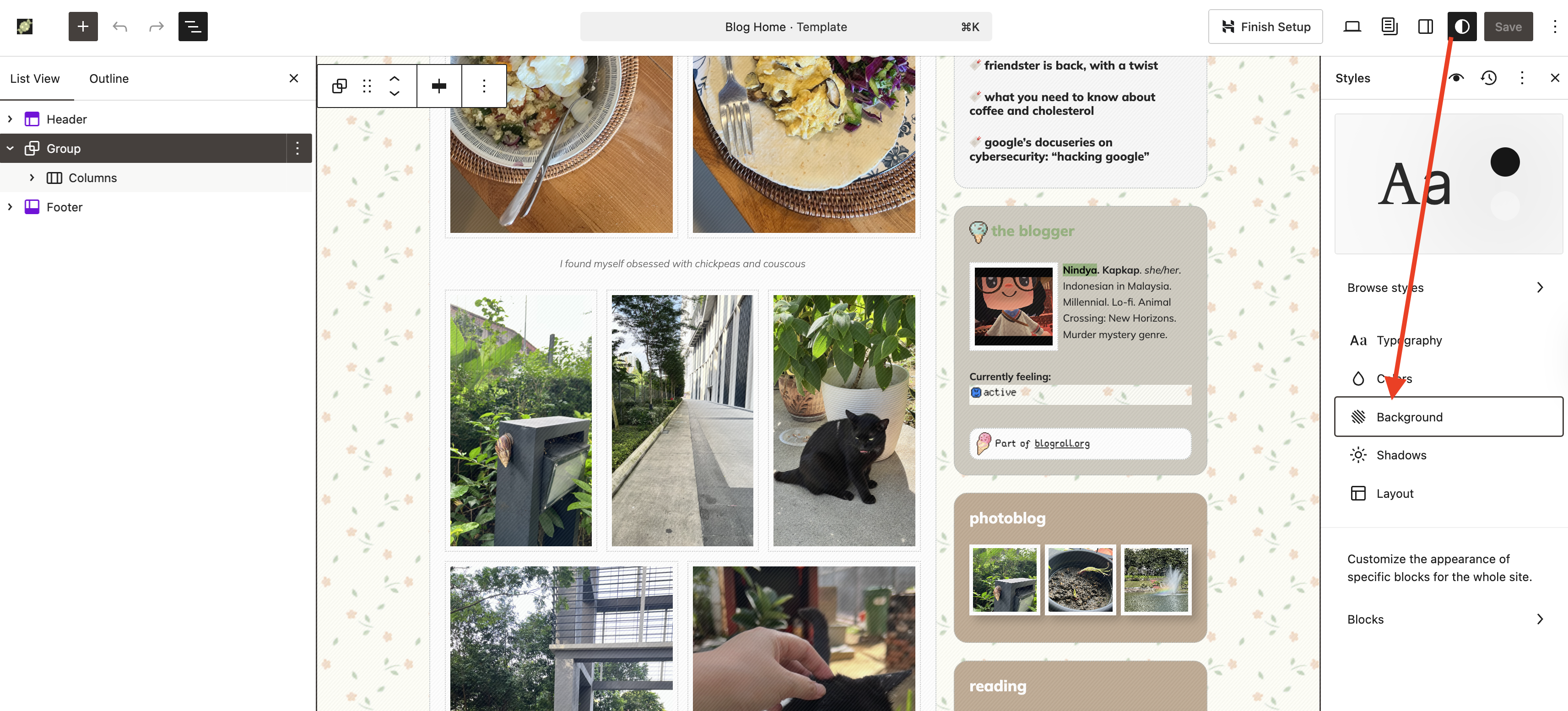
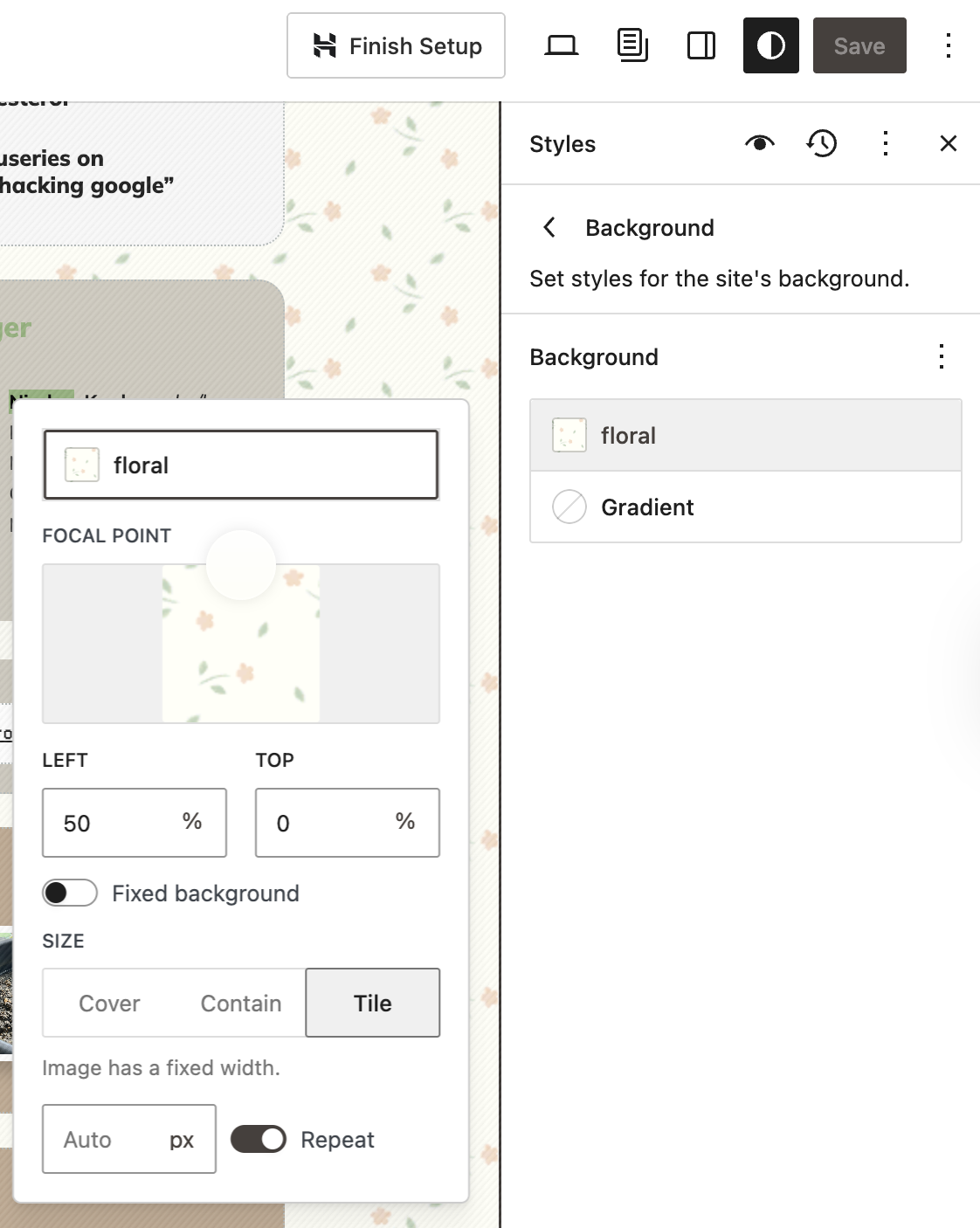
Adding the background to the whole website is a pretty straightforward process. On the Site Editor, click the half-moon icon (? I’m not sure what the actual term is for that icon), then click “Background”. From there, you can add the background image (upload the pattern first to your site, and please avoid hotlinking!) You can also adjust and change the site/blog’s typography, color palette, layout, and even customize the appearance of specific blocks from this area.
This is how I set the background: Size “Tile” then activate the “Repeat” option.
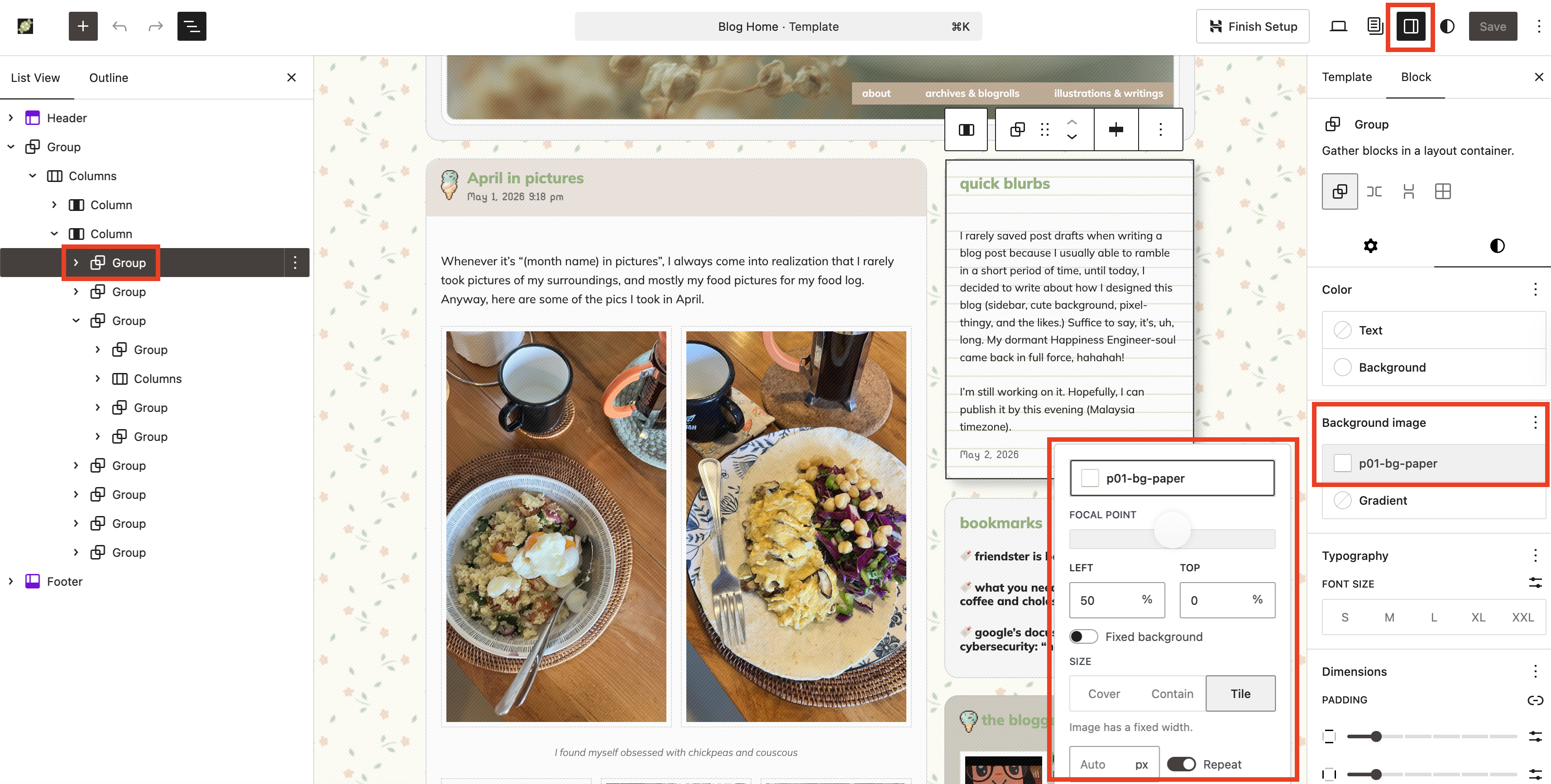
This same method can be applied on Group Block, and that’s what I did on some of the Group Block, most notably the “Quick Blurbs” section on the sidebar. I clicked the Group Block for “Quick Blurbs”, then, I made sure the sidebar is set to Block Settings (the… Uh, square-y icon?) From there, I added a background image that mimics notebook paper.
I also did the same with the Group Block on other pages (here and here.)
Next, the ice cream. Instead of adding Image Block, I’m using the background feature. So what I did was:
Inside the main Group Block, I added another Group Block. And inside this Group Block (Group Blockception), I added a Heading Block for the title (“The Blogger”).
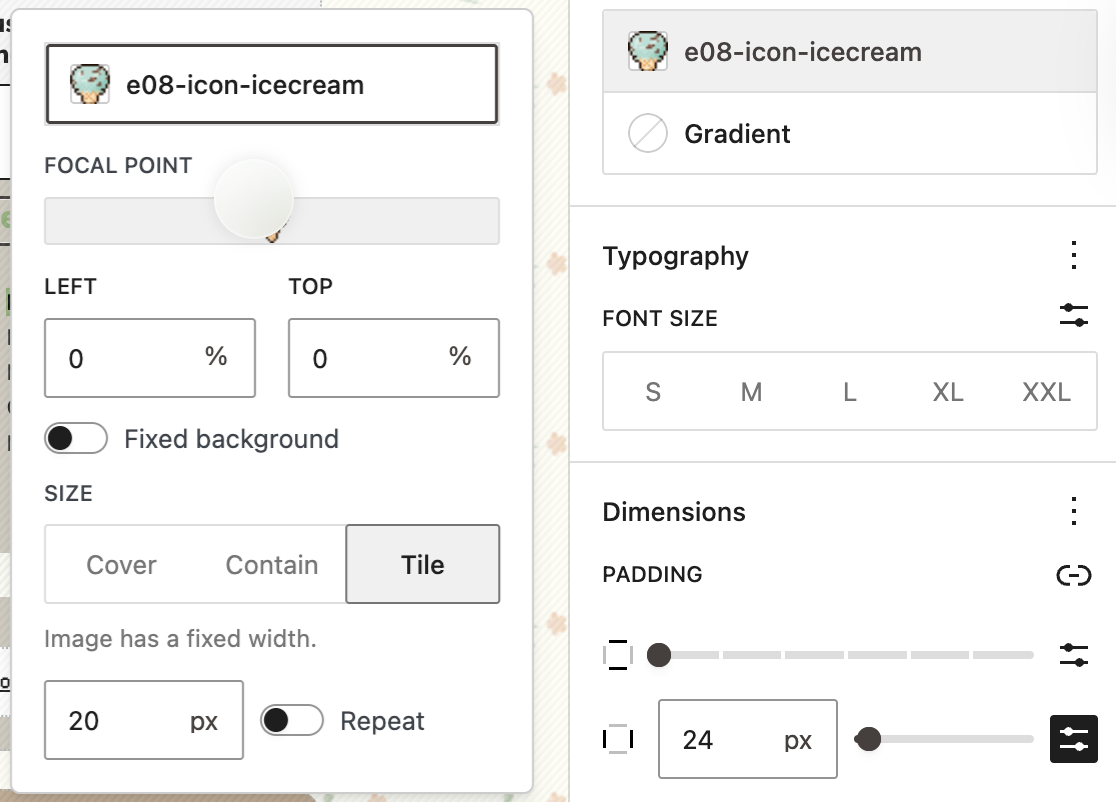
Then, I clicked the Group Block that hosted the Heading Block. I then used the ice cream pixel image as the background image, but instead of setting it on repeat, I deactivated the “Repeat” option. I also set the position on Left and Top to 0%, meaning that it will be located on the top left of the Group Block. I also adjusted the image’s width to 20 px to make it smaller so the heading text can stay the same (I don’t fancy large texts on my blog.)
Then, I set the padding for the right and left side of the Group Block to be 24 px (we can actually set the padding on specific sides, but I’m too lazy.)
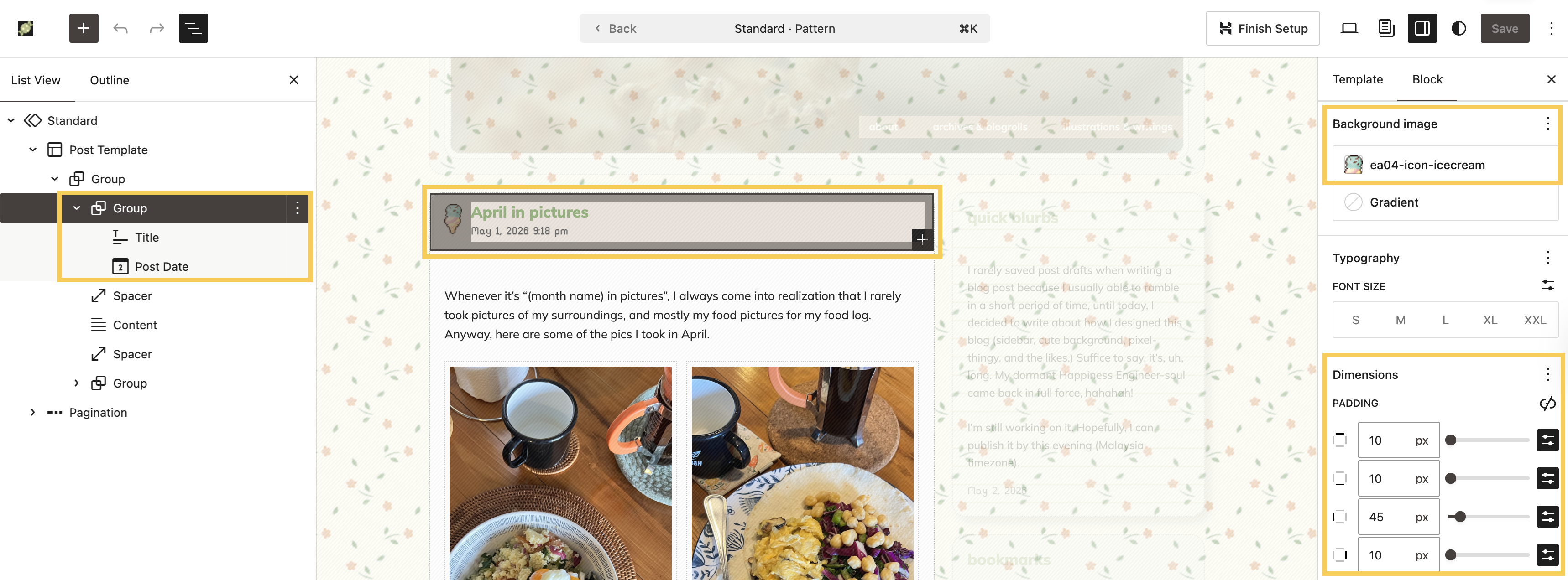
I used the same method on several areas of the website, most notably, the blog post title and post date.
Alright! It’s 10:50 PM now here, and I’m sleepy, ahah. I know I am still missing some areas, but I’m not sure I can cover everything in one blog post. Perhaps just like when I talked about Full Site Editing (the ancestor of Site Editor, hahah!), I can break it into several parts. We’ll see 🙂
If you managed to read this post until this point, thank you, thank you, thank you. I love sharing how-tos on using Block Themes and Site Editor, and I hope this is helpful for you and your blog.
I rarely saved post drafts when writing a blog post because I usually able to ramble in a short period of time, until today, I decided to write about how I designed this blog (sidebar, cute background, pixel-thingy, and the likes.) Suffice to say, it’s, uh, long. My dormant Happiness Engineer-soul came back in full force, hahahah!
I’m still working on it. Hopefully, I can publish it by this evening (Malaysia timezone).
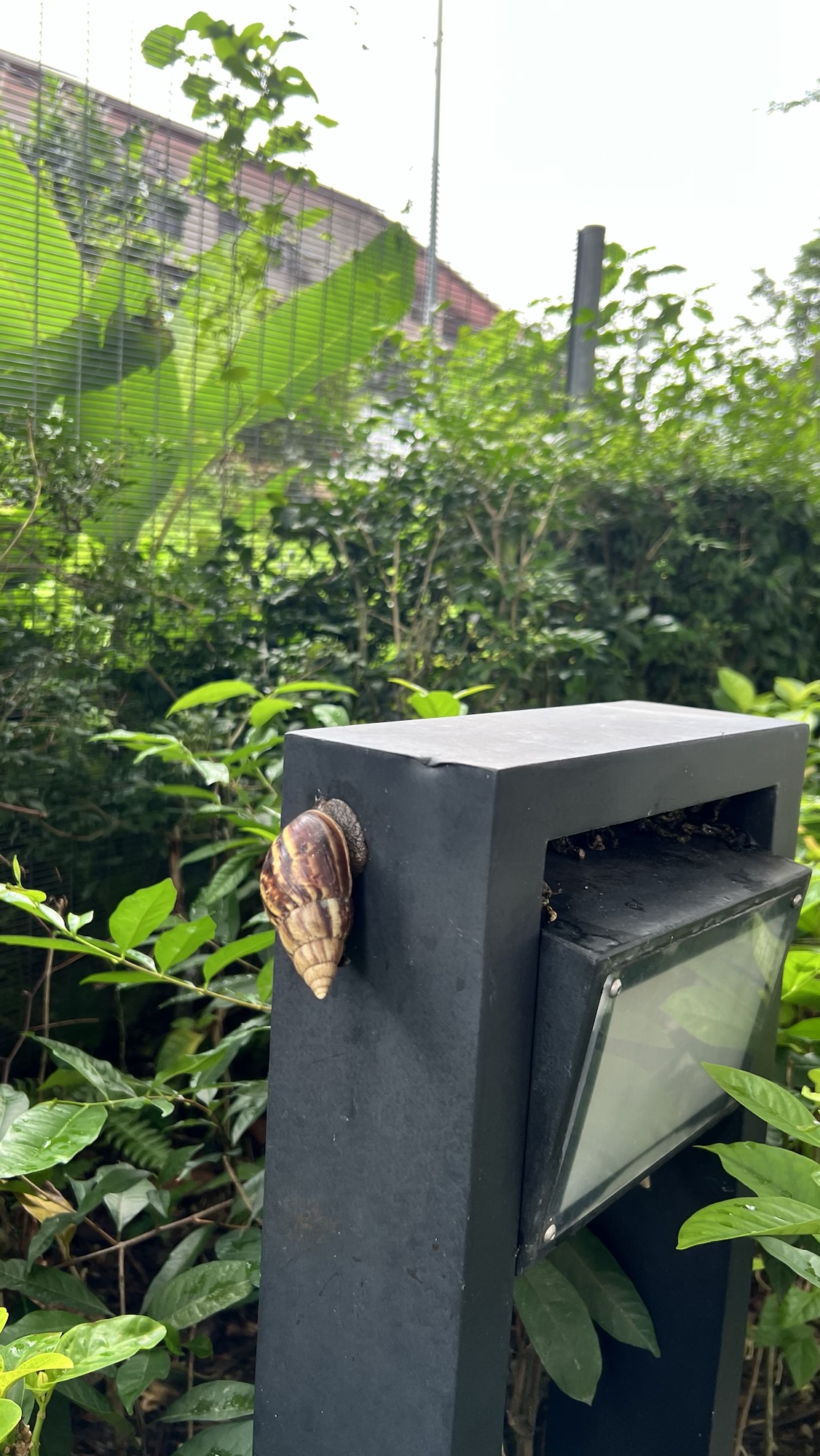
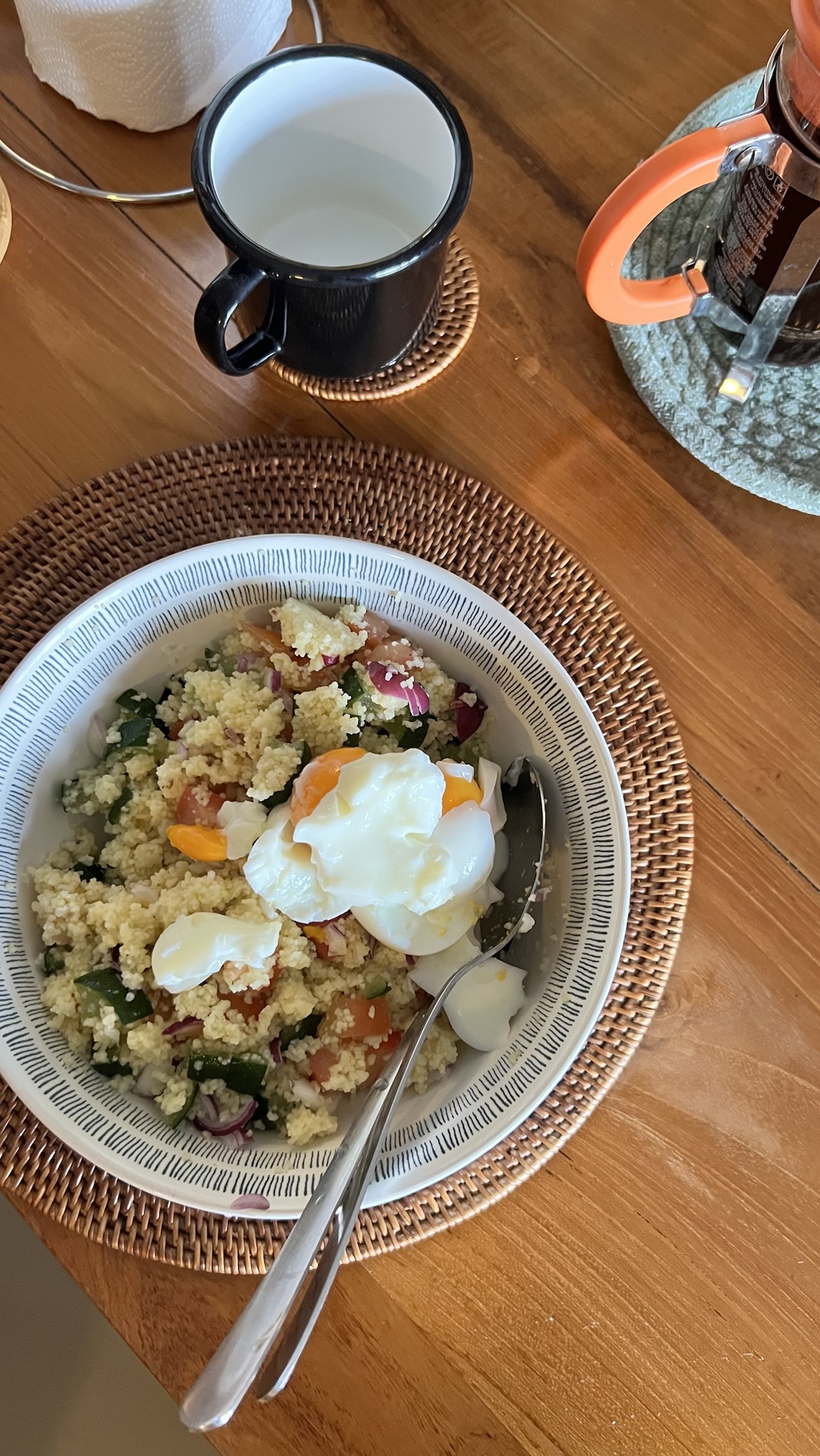
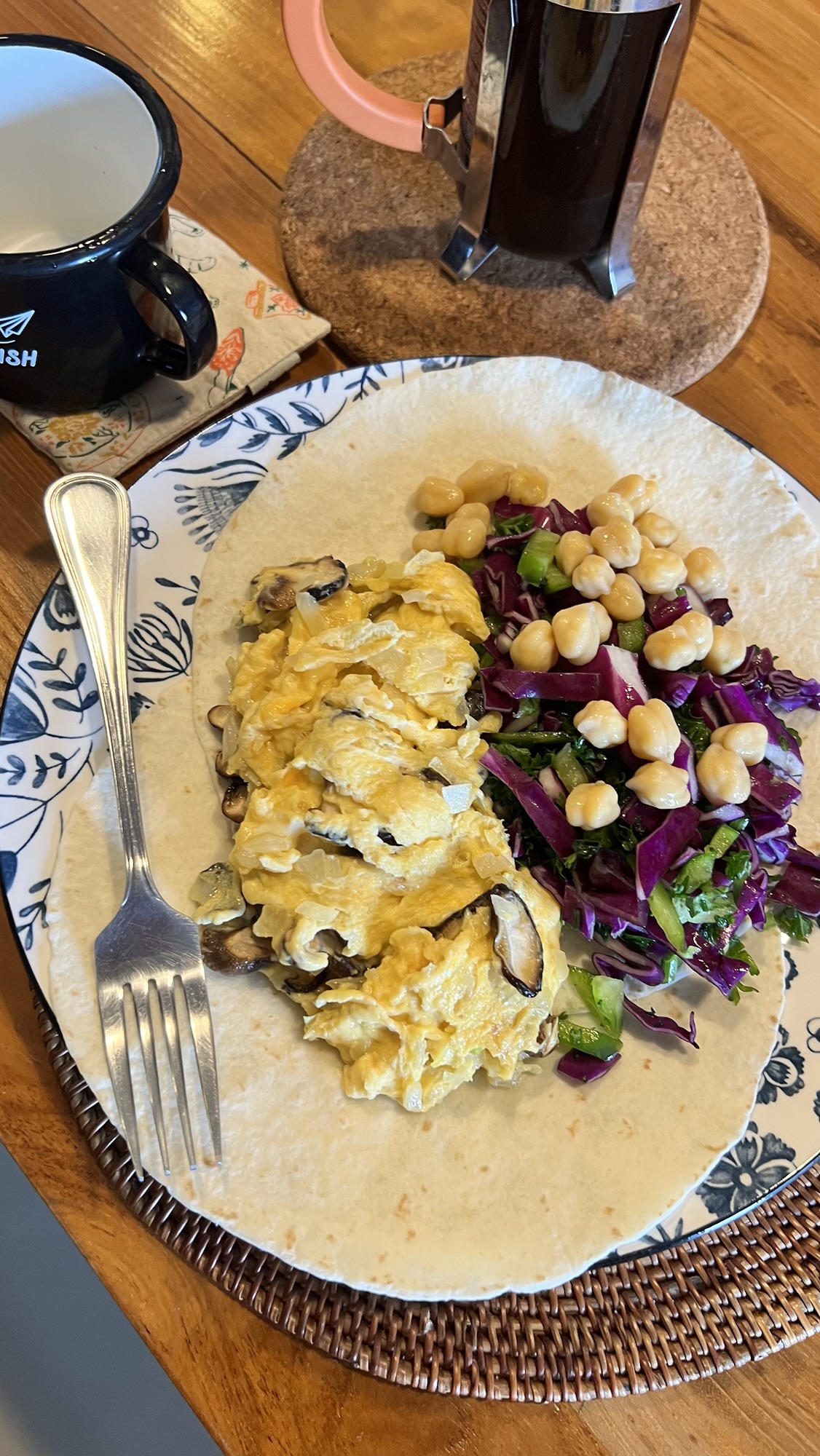
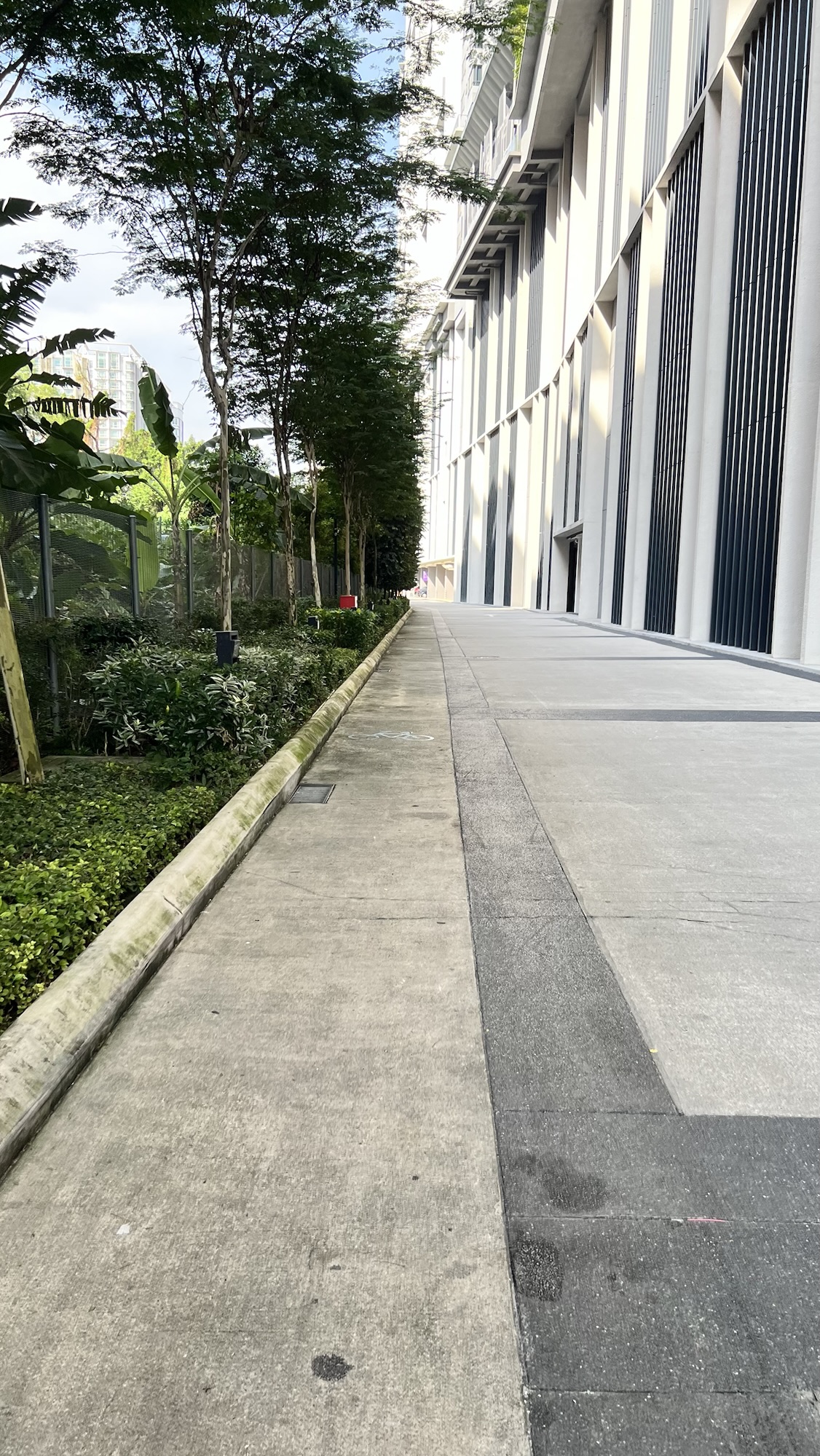
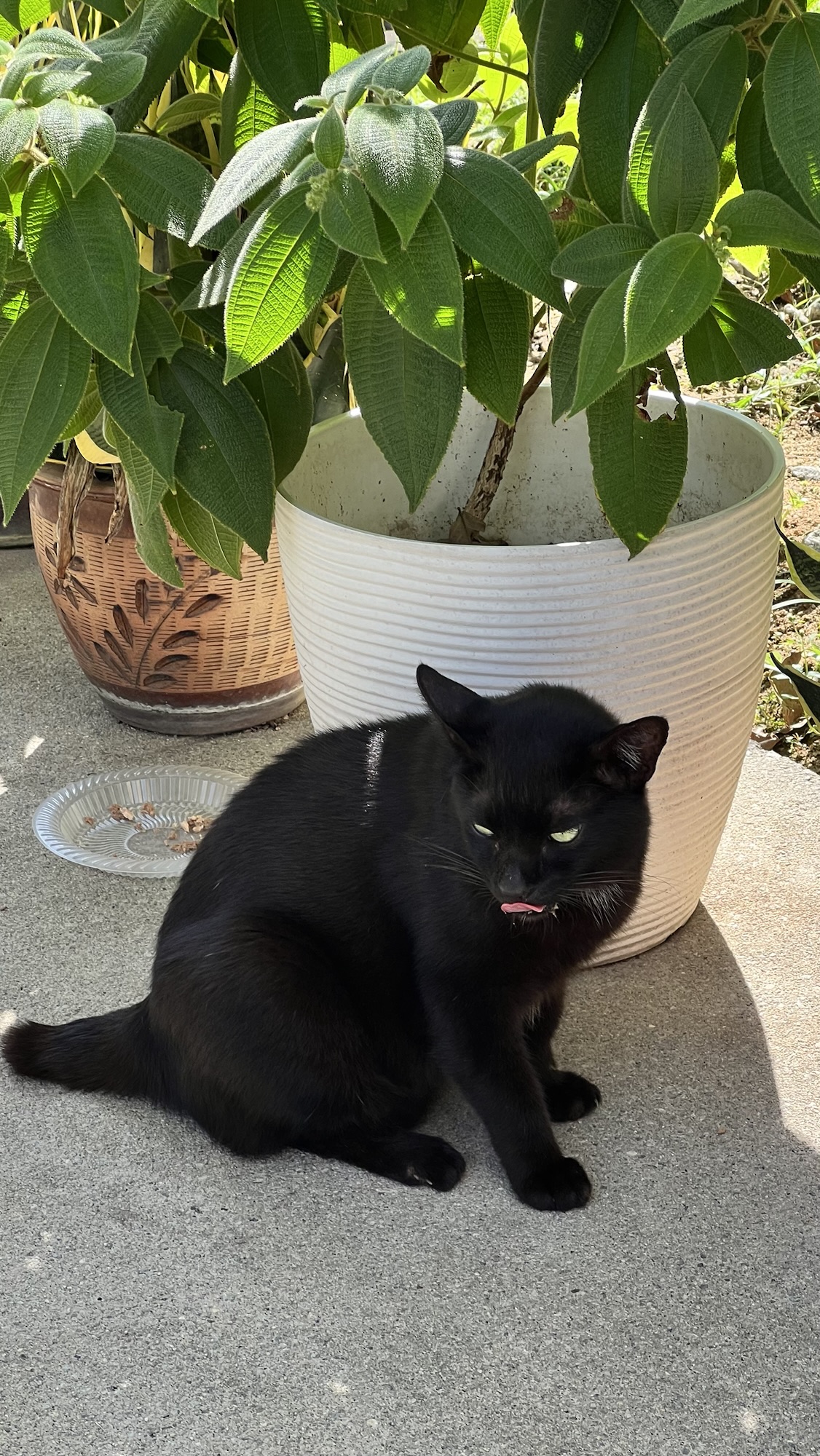
Whenever it’s “(month name) in pictures”, I always come into realization that I rarely took pictures of my surroundings, and mostly my food pictures for my food log. Anyway, here are some of the pics I took in April.
I found myself obsessed with chickpeas and couscousRooftop pool at our apartment
I also starting swimming lessons in April as I want to improve my swimming skills — and I also found I enjoy swimming more than brisk walk/jogging.
I finally finished C-drama “How Dare You?!” (2026) last week, and just recently, I started watching “Pursuit of Jade”. My friends have been watching it on Netflix and they have been raving about it ever since. I also saw similar positive reactions on /cdrama subreddit, so I’m quite excited!
I usually talked about C-drama series that I’ve been watching on this blog, but I couldn’t find the motivation to do so for “How Dare You?!” Not that the story is bad; it’s actually pretty good. IINM, it was from a donghua (C-animation, similar to Japanese’s anime or Korean’s aeni) and it gained popularity when the story got adapted to short-form vertical videos on social media (Tiktok/Douyin). It’s just that because the series was adapted from donghua then verticals, I didn’t find the cinematography to be impressive. A lot of the shots were close-ups or narrow shots, so I couldn’t brag a lot about it here, hahah. That said, the story is really good and it has a good pace with great build-up and conflicts. A bit of fair warning, despite the series’ genre is “comedy”, be prepared to bawl your eyes out in the middle of the series 💔
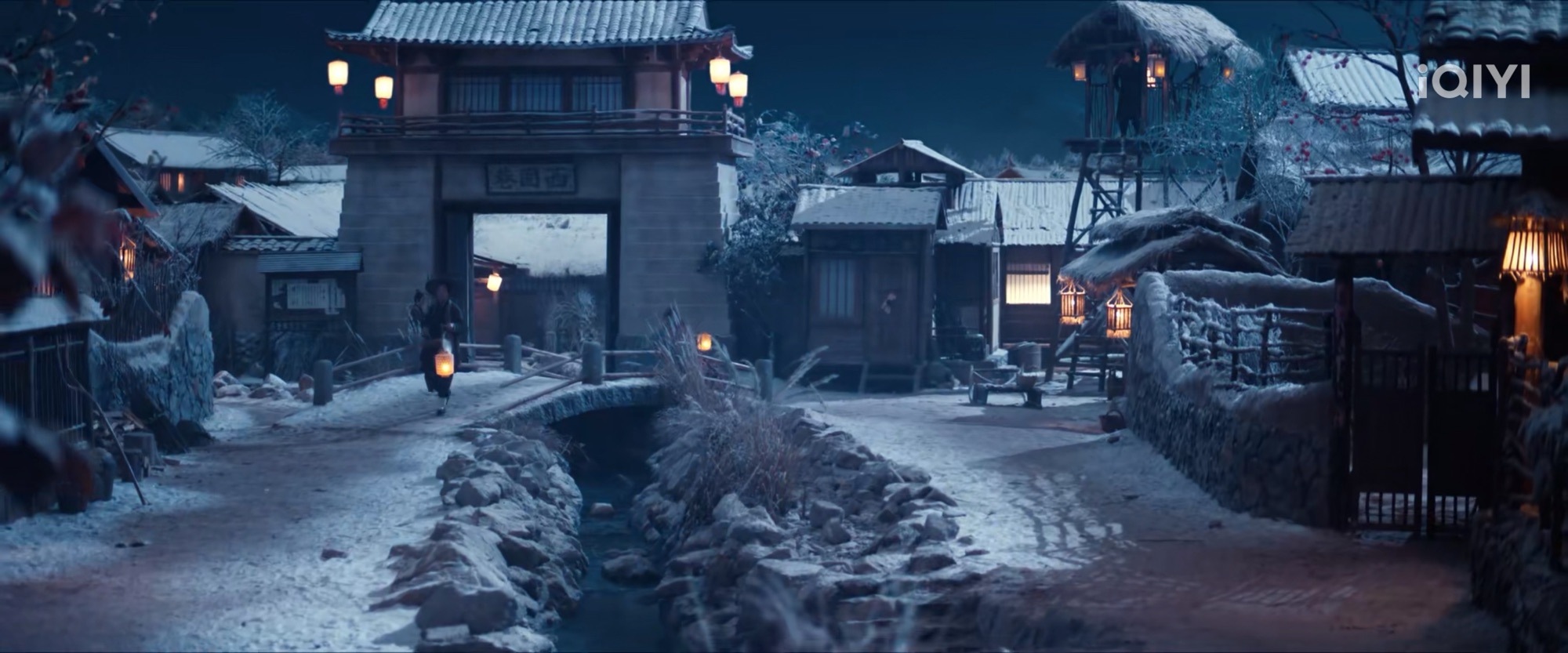
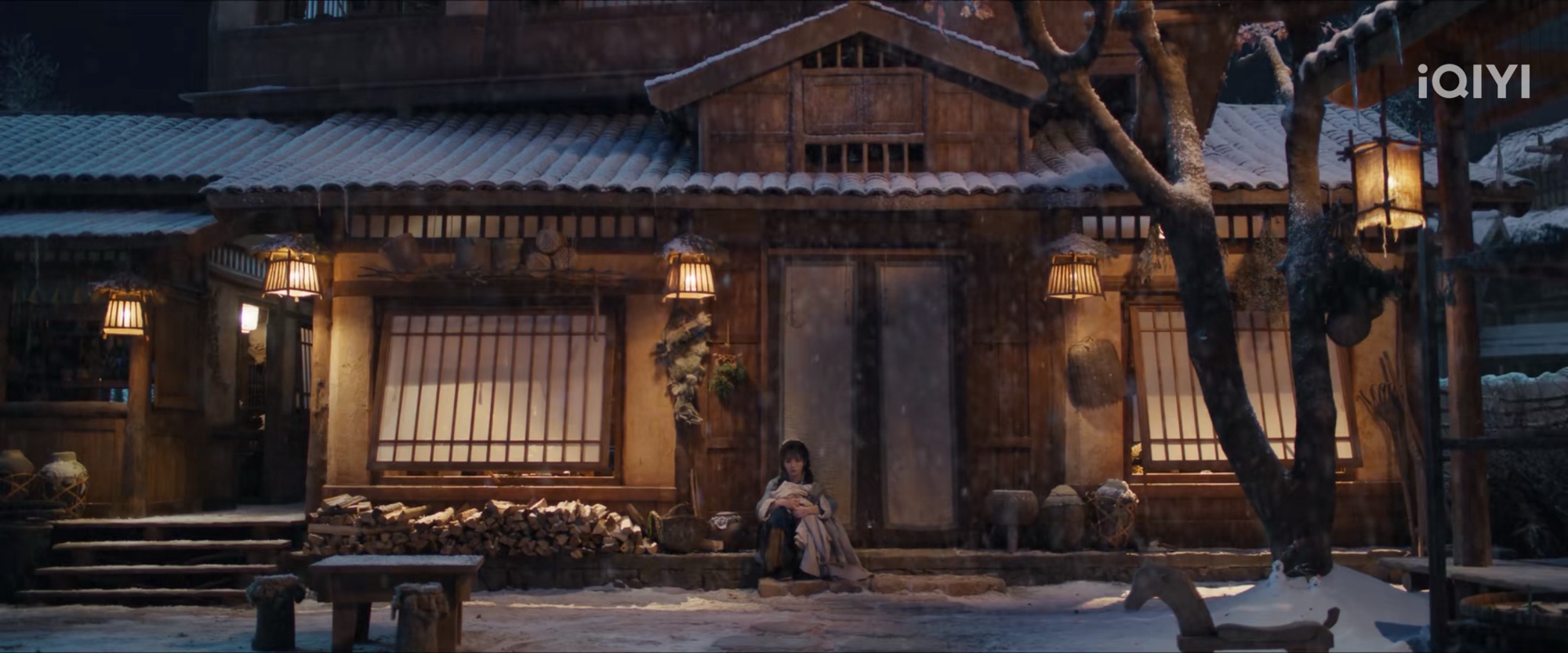
So! I started watching “Pursuit of Jade” and I am now at the end of episode 2. While this series is available on Netflix Malaysia, I chose to watch it on IQIYI because only on IQIYI I can pull screenshots of those gorgeous scenes. I also found the translated subtitles on IQIYI to be… better for my nerves. On Netflix, they literally translated EVERY word visible on the scene; so you would see “TEA” and “CAKE” on the screen, and it happens many times. Imagine a serious scene where soldiers marching to the battlefield then the subtitle with hugeass word: “TEA”. Whereas in IQIYI, they only translated the important bits or locations.
So far, I’m loving the series. Tian Xiwei as Fan Changyu, the main female lead, is so pretty! I also love how expressive she is.
As for the main male lead, Zhang Linghe, he’s, well, super handsome as expected. Zhang Linghe is one of the rising stars in C-drama industry, but I honestly hoping more from him, especially on his expressions. Zhang Linghe’s fans would kick me for this, but I found that the more handsome an actor is, the less expressive they are. It feels like they are trying to put up with their “cool” image at all times (yes, looking at you, Ao Ruipeng.) I’m hoping that Zhang Linghe would be more expressive as the series progresses, though!
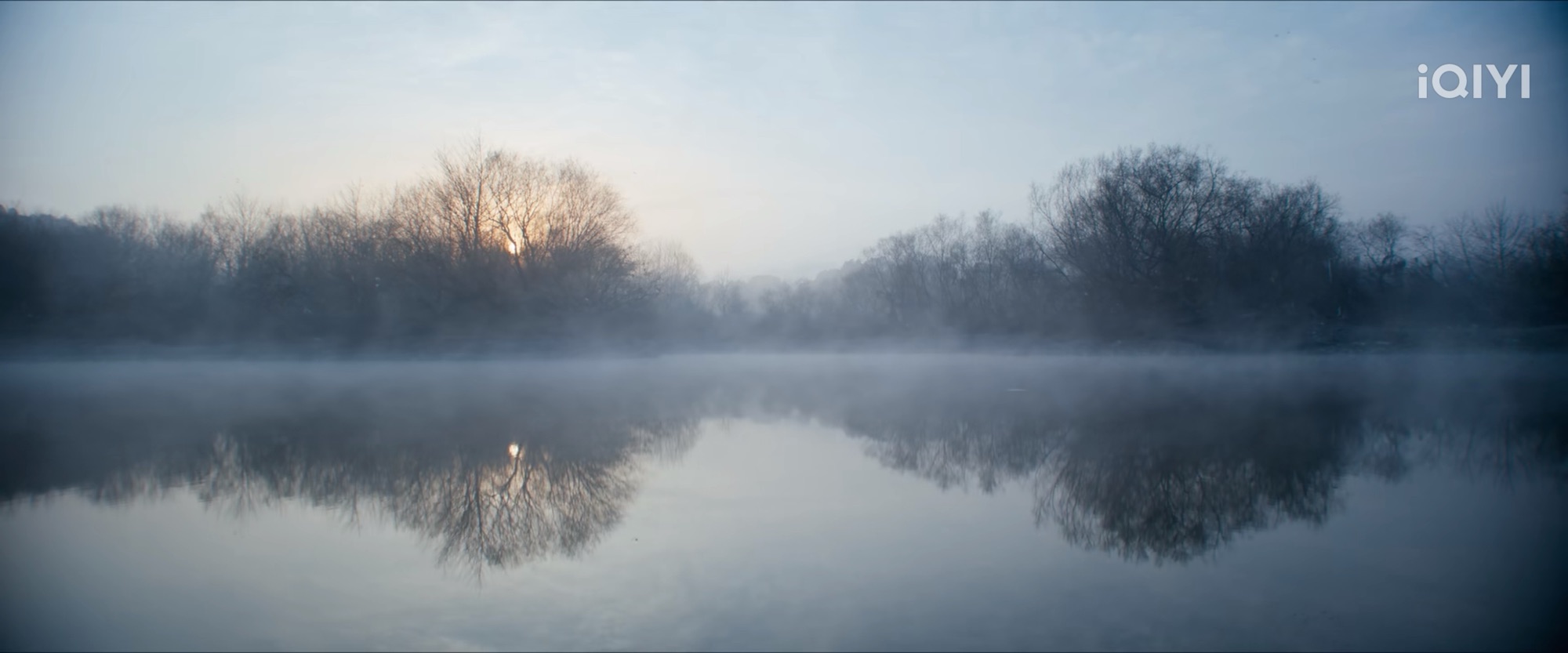
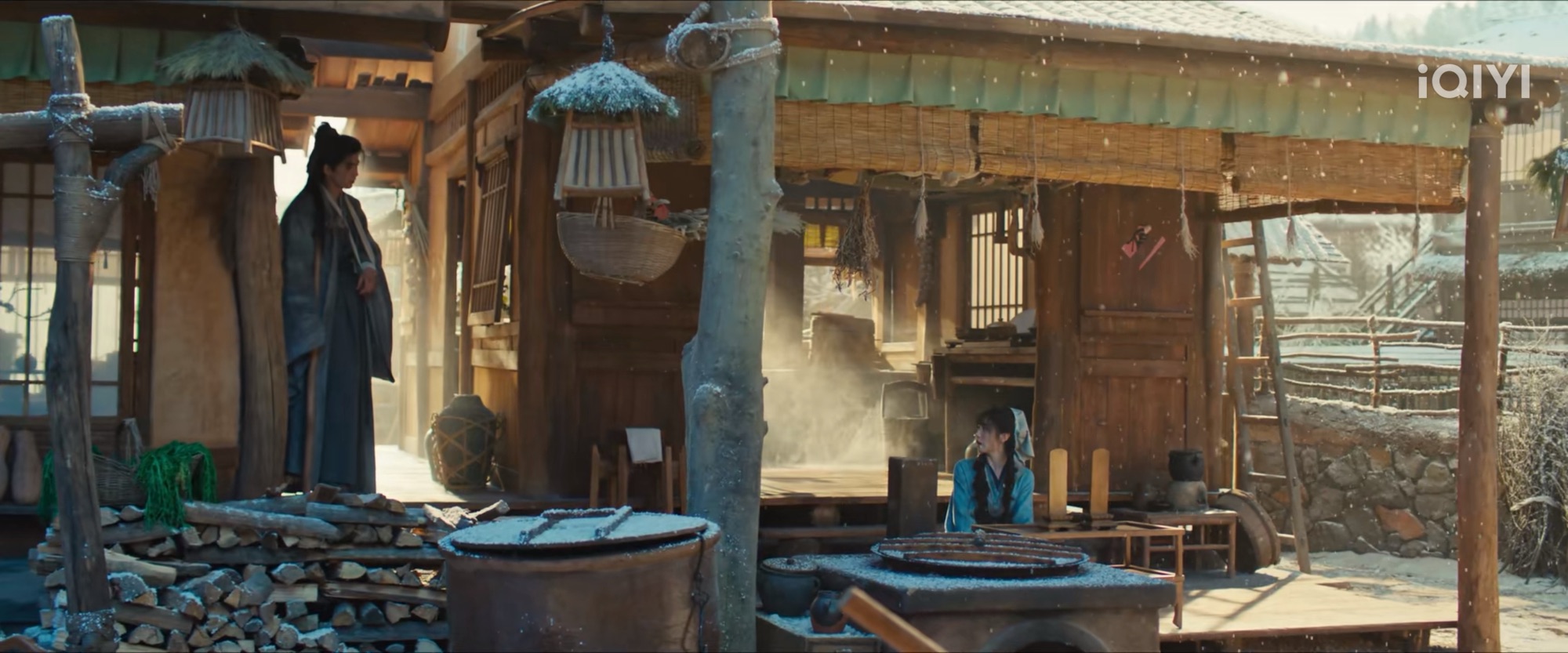
I also noticed that the setting has always been snowy landscapes. Snowy settings have been quite popular for romance dramas because, well, snow (for example, “Blossom” (C-drama) and “Guardian: The Lonely and Great God” (K-drama)), and I’m actually hoping that we get to see the characters in different seasons. But yessss, some scenes can be so prettyyyy. Some even looked like they jumped out from those classical paintings.
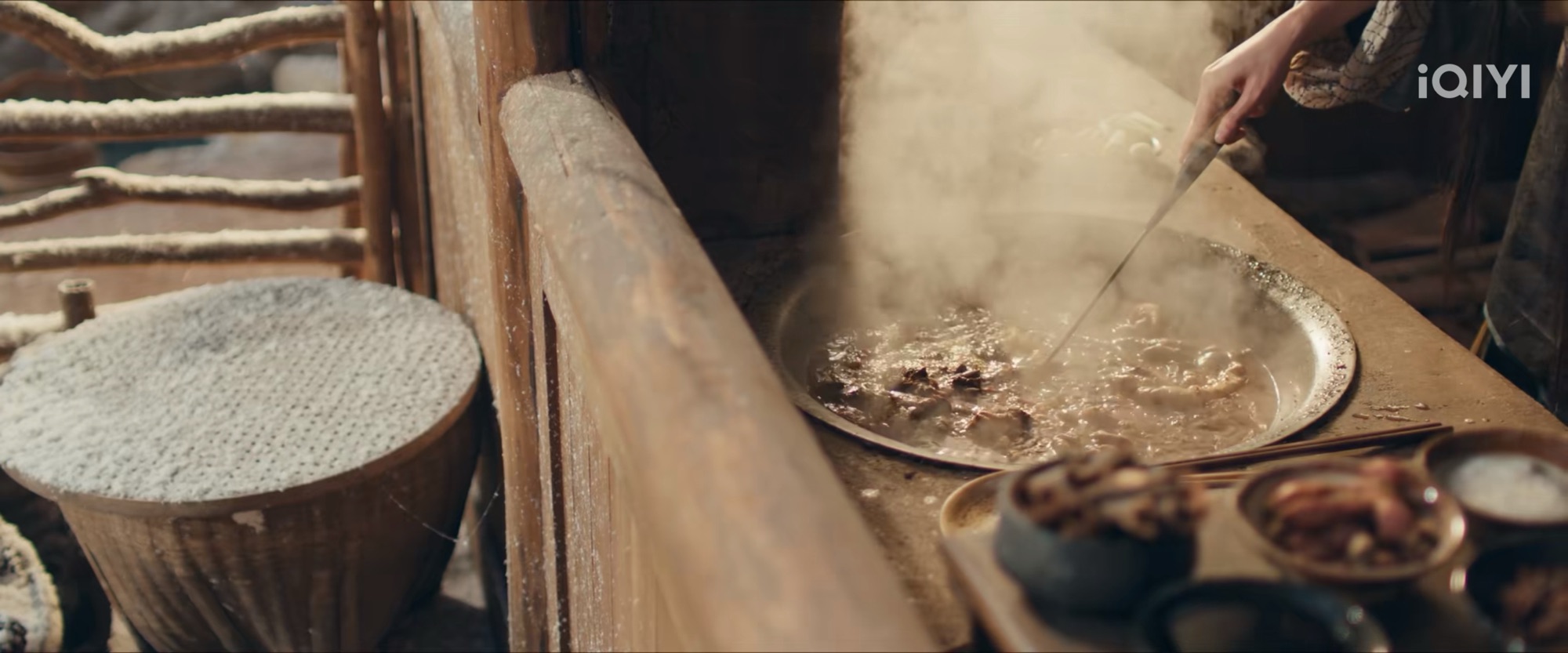
I also love the cooking scene on episode 2. It reminds me of Dianxi Xiaoge, a Chinese Youtuber from Yunnan (please subscribe to her account on Youtube!) The food looks so yummy. I really love series that’s focusing on food and cooking, and I’m hoping we can have more of this.
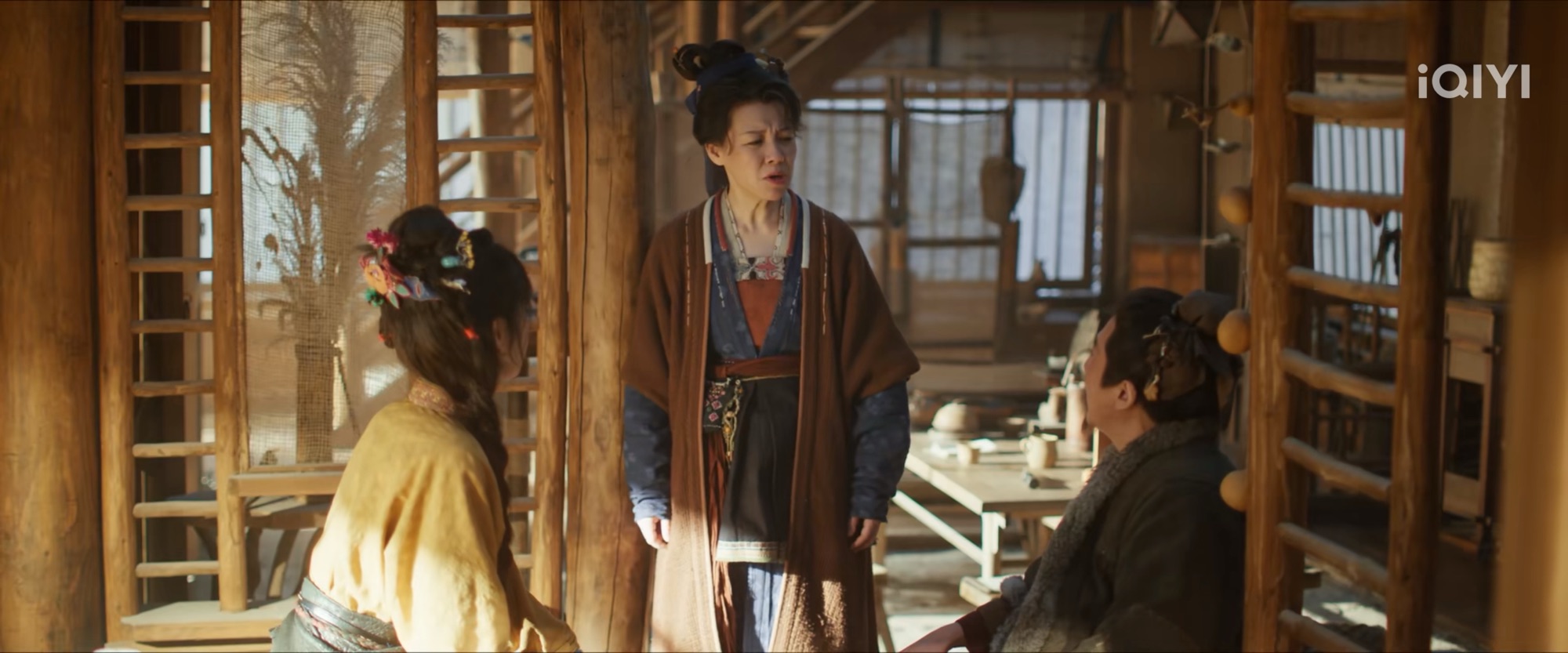
More screenshots! (I’m weak for pretty scenesssss, hahah!)
I love how the indoor scenes always looked so warm
At first I made it so that the only way to even sign up or join was to tap phones with someone already on Friendster, but this failed Apple App Store review because of Guideline 4.2 — Design — Minimum Functionality. They said “the usefulness of the app is limited because it seems to be intended for a small, or niche, set of users. Specifically, the app is intended for invited friends only.” So I modified the app so that anyone can sign up, but the only way to connect with others is to tap phones.
The dead Internet theory is a conspiracy theory that asserts that, since around 2016, the Internet has consisted primarily of bot activity and automated content manipulated by algorithmic curation. This alleged coordinated effort aims to control the population and reduce genuine human interaction. Supporters of the theory claim that social bots were deliberately created to manipulate algorithms and enhance search results to influence consumers. Some proponents also accuse government agencies of using bots to shape public perception and opinions.
I gotta be honest, I don’t think the “supporters of the theory” is too far-fetched, because you know what? 5 seconds into the Wikipedia link, I got immediately sold. Sold. I found out about the Youtube video above from mortaki.place, and I came to mortaki.place site because I clicked someone’s pixel hit counter (88×31) and the rest is history. I’m so proud of myself for creating, and following, breadcrumbs instead of algorithms.
I feel the video above came in such a perfect situation. Just last night, after shalatIsya (the evening prayer), I sat down and, uh, “chatted”. I can’t say it’s a prayer because I’m not sure that starting a prayer with, “OKAY, SO, YEAH, ALLAH, YOU KNOW RIGHT–” is pretty normal or acceptable. Anyway. I did my long-ass monologue on how things have been feeling so… hopeless. For me. Just recently, there was a terrible accident involving two trains and a car in Jakarta, and all of the victims were women. Four days before the accident, there were child abuse cases (PLURAL!) at a well-known daycare center in Yogyakarta. The situation has been so bad that someone commented, “This is one of the worst times as a mother,” considering the strings of cases and incidents involving children and mothers. Initial reports from the train accidents showed findings of cooler bags, which means mothers bringing back expressed breastmilk for their babies at home. One of the victims who passed away was a mother on her first day on the job after 3 months of maternal leave post-partum.
And the worst part? I couldn’t even cry.
I sympathise, yes. I feel the sorrow, yes. But beneath all that, I feel numb. As if my body and brain have been ready for, “what’s next bad thing going to happen after this?” After that circus, farce, and awful theatrics at the White House Correspondents’ State Dinner, I thought we couldn’t go lower than that, but apparently we did. And I feel awful. I feel awful for feeling numb about lives lost. It feels like my brain is screaming at me, “what the fuck, man, how did you become this cruel?!” I hate myself for it. It feels like I’m being pulled into the vortex of hopelessness and everywhere I’m looking at, it’s always Bad News and Something Really Bad Is Going On And You Can’t Do Anything About It.
So, yeah, call me any words you have on your mind right now, I wonder if perhaps me stumbling into that Youtube video would be Allah’s answer, “here ya go. You spent 15 minutes yapping about how you’re feeling awful in the middle of the night while you should’ve slept, considering your cortisol level.”
Three points from the video: Existential problems/problems of the soul are solved with creativity, back yourself, and you are what you eat/consume.
I have so many thoughts about the concept of Dead Internet Theory: “The Internet has consisted primarily of bot activity…” This reminds me of my disdain for people who excessively use genAI for content as if they don’t have a brain of their own. You know, stories on social media or blogs that you can sniff and confidently say, “this is AI slop.” One of the top 10 things that can EASILY pissed me off? “I asked ChatGPT…” No. Ew.
Unfortunately, it happened (!) I was in this meeting, right, and for, uh, reasons, I couldn’t disclose the nature of the meeting. During the meeting, I asked something to this person, and this person asked, “Do you have Gemini on your phone?”
I immediately showed my discomfort. “No. I prefer not using genAI if possible.” Honestly? I was surprised and taken aback by that question because this person, of all professions, should not rely too much on genAI. It would be an insult to their profession and their passion (if this person has any.)
Call me paranoid or snappy, but I felt this person was suddenly patronizing me as they called me “love” after I told them that I have no interest whatsoever in consulting genAI for every minor inconvenience in my life. “No, love, ChatGPT is actually good! Open ChatGPT, then type “ladder of inference” and read what it’s all about.”
BOI, THE ANGER THAT I ANGERED. How lazy that could be? My goodness.
(I know it’s futile because someone else’s drinking water is still being used as Google is showing that yucky AI section on the top.)
I know that this should be a no-brainer to all of us. The signs have always been there. Heck, one of my favorite movies of all time is Pixar’s “Wall.E”, and the movie even predicted it way long before shitty genAI started to take over our timelines.
That said, a reminder is always needed and appreciated. I feel that’s why we have THAT corner of the Internet, where the early time of the Internet in the 2000s is still cherished so. I can’t wait to see them back.
This difference in mentality is one of the best things about web revivalists to me. In general, they are kinder and friendlier people than in the wider internet (in fact, being kind is a common tenet in web revivalist manifestos!). And it’s easy to see why. It’s harder to be rude or apathetic towards someone when you know they spent hours of their time documenting their entire CD collection just to share or hand coding a Miku shrine with all her songs from the year 2014 specifically or yelling at javascript when their theme switcher stops working for the fifth time. It’s easy to relate to the people around you when you know and can see that they put just as much time and energy and personality in their site as you do.
Bonus: Speaking about genAI, I have loads of opinions about genAI. I know AI has been around since the 70s, and it has been helping humanity on a scale that some industries now rely on it. That said, ethics, ethics, ethics. AI helps medical experts and doctors find patterns in cancer and its cure? Good. GenAI steals artworks and spews ugly “Ghibli-fied” “drawings” despite Hayao Miyazaki vehemently defending the beauty of humans and humanity? Barf.